
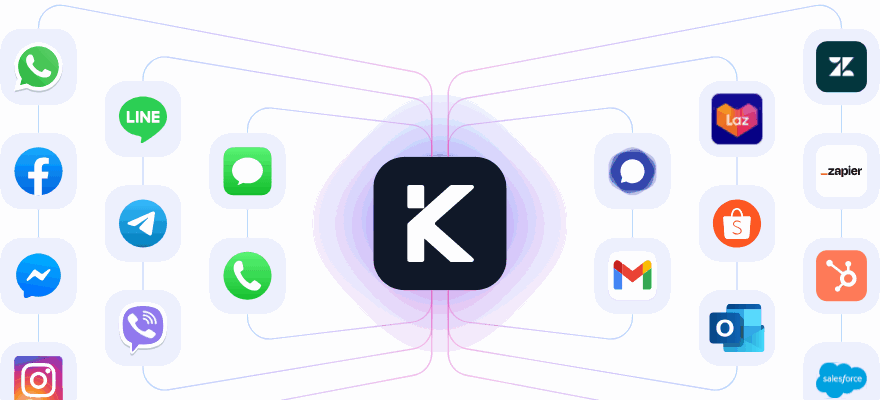
An AI agent that resolves, not just deflects
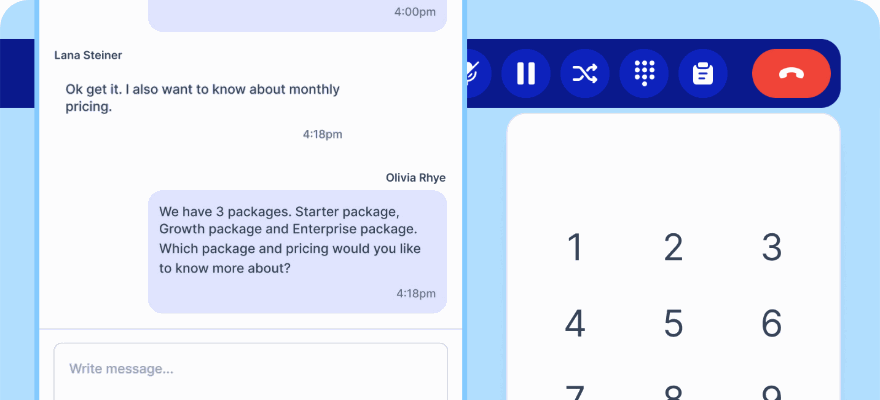
Most support bots are a search box with a personality. Kai reads your documentation, calls your systems to finish the job, whether that is an order lookup, a booking or a refund, and knows when to stop and fetch a human.
Why most support bots make things worse
A bot that cannot act can only stall. Customers learn to type "agent" immediately, and you have paid for a slower front door.
Trained on what you already have
Build a knowledge base from your own questions and answers, uploaded PDFs, or by crawling your website. Point it at a domain and it trains on every page under it.
It can actually do things
Tools and Actions connect Kai to any service over a webhook, so it can check an order, schedule an appointment or issue a refund. Zapier, Make, n8n and your own APIs all work.
Workflows decide when it runs
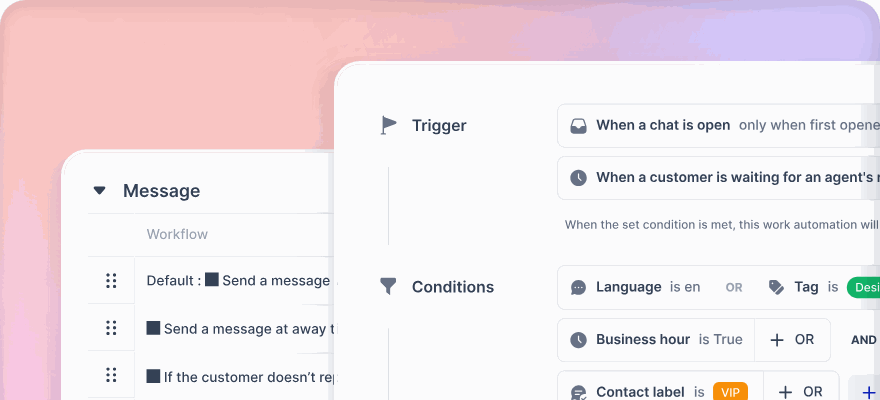
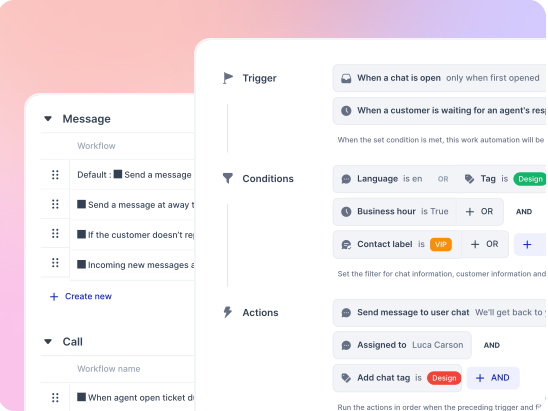
Rules read When a chat opens, When no one responds in time, or When an AI agent hands off, then assign Kai, a queue or a person. Conditions can be plain English, such as customer wants a refund.
Set up in an afternoon, improved every week
Describe the job, not the decision tree
Build the agent visually in Studio. Drag a Knowledge Base step for answers, a Transition step to route by intent, a Wait and Reply Checker for silent customers, and a Human Agent step for handover. Test it in the emulator before anyone sees it.
- Knowledge from written articles, PDF upload or a website crawl
- Emulator with tool logs, so you can watch it reason
- Publish by version, and correct a wrong answer with Train AI
Read and write, not just read
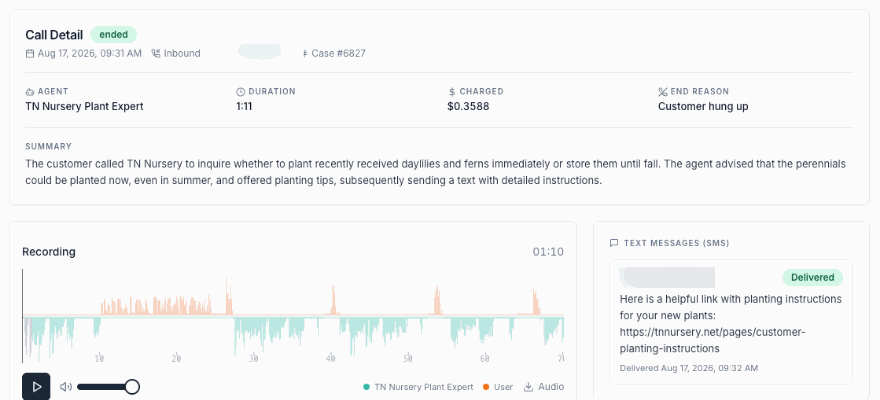
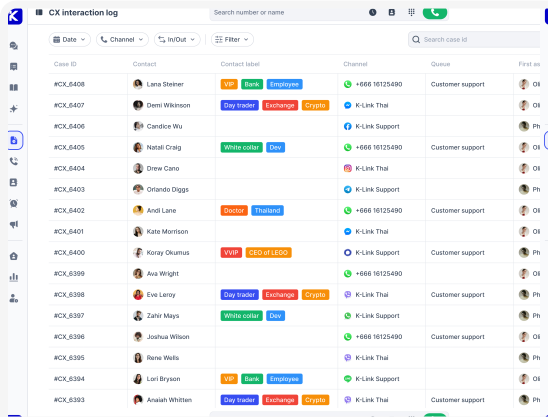
Checking an order, rescheduling a delivery, paying a bill. Most inbound volume is a lookup or an update, and Kai completes it rather than raising a case number. Sensitive actions sit behind an identity check, and every automated action is logged against the case with what changed and when.
- Live lookups and writes against your systems over webhooks
- Bookings written back to Google Calendar, Outlook or Calendly
- Identity verification before anything sensitive changes
- Full audit trail per transaction, for finance and compliance
The AI tab reports what it actually closed
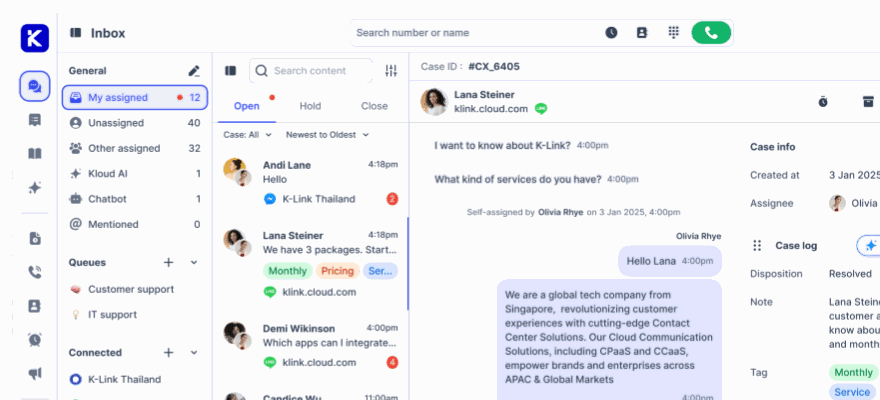
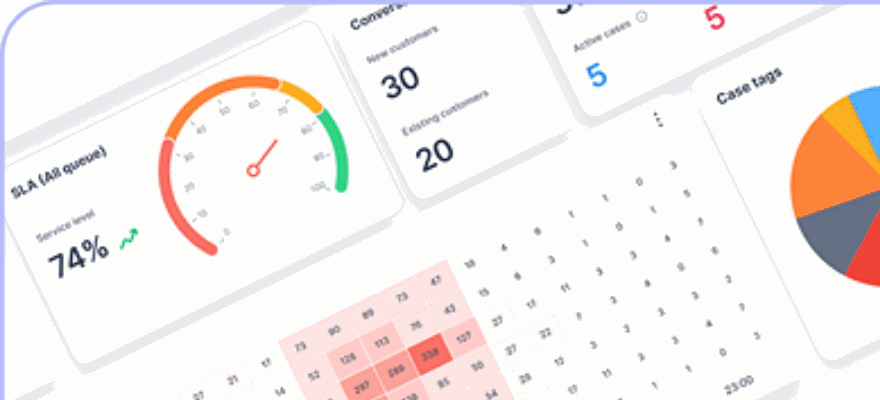
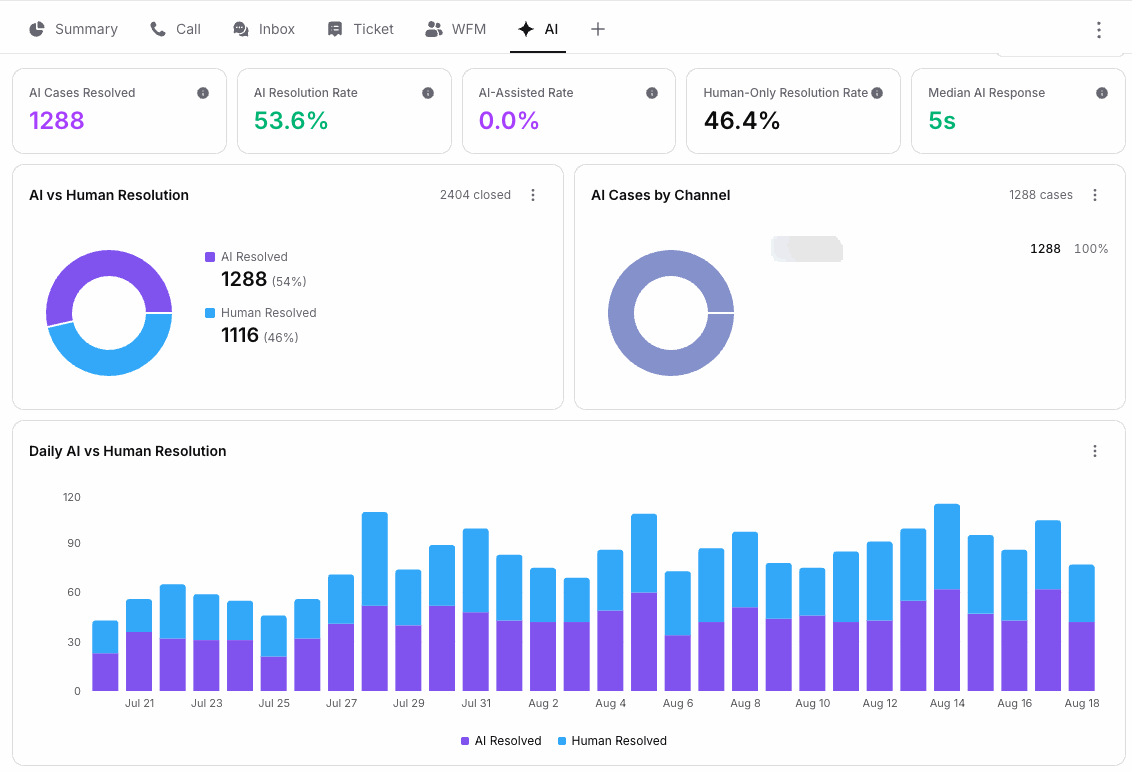
Cases resolved by the agent, the resolution rate, the share your team still handles alone, and how fast the agent answers, next to a split of every closed case and a breakdown by channel. It sits beside the Summary, Call, Inbox, Ticket and workforce tabs rather than in a separate tool.
- AI cases resolved, as a count and as a rate
- AI assisted rate, separate from fully automated
- Human only resolution rate for the same period
- Median AI response time
- Every closed case split between agent and team
- AI cases broken down by channel
Watch the rate move as you train it
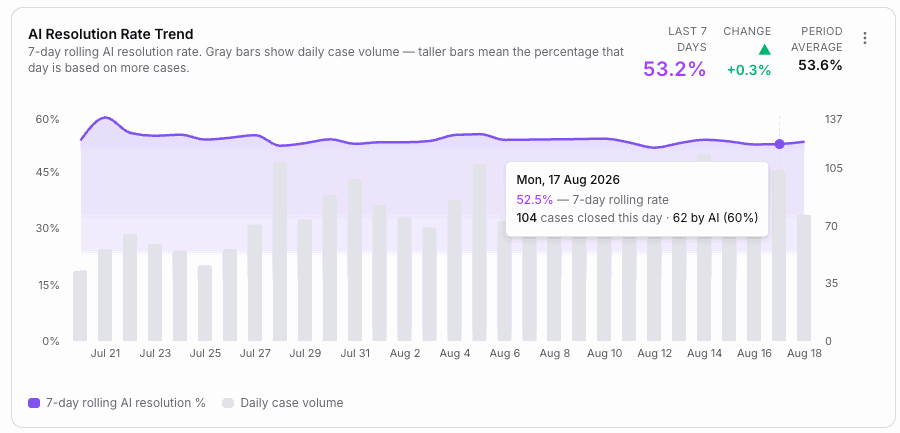
A seven day rolling resolution rate over daily case volume, so a good week on light volume cannot flatter the number. Hovering any day gives the cases closed that day and how many the agent took.
- Seven day rolling rate, not a single day spike
- Daily case volume behind the line, so the base is visible
- Change against the previous period and the period average
- Per day detail on hover
Agent and team on the same axis
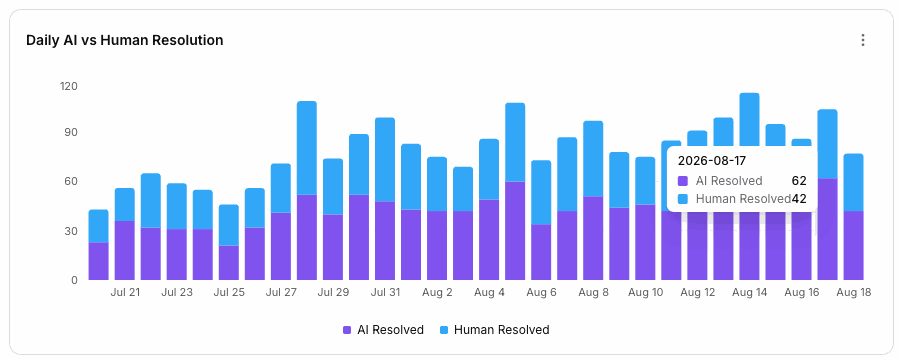
Every day stacked as resolved by the agent against resolved by a person. It is the chart that answers whether automation is taking work off the team or just adding a layer in front of them.
- Daily stack of agent against human resolutions
- Totals per day, so volume changes are obvious
- The same period as the rest of the dashboard
What you can actually build
Kai is assembled from named steps in a visual studio, then triggered by workflow rules. Both are worth understanding before you compare it to a chatbot.
Knowledge Base step
Answers from articles you write, PDFs you upload up to 45MB, or a crawl of your website.
Transition step
Routes the conversation by intent, so one agent handles refunds and another handles bookings.
Wait and Reply Checker
Pauses for the customer, then branches on whether they replied or went silent.
Human Agent step
Hands the conversation to a person, and a workflow decides which queue receives it.
Tools and web search
Call any API over a webhook, or let the agent search the web when your own content does not cover the question.
Model picker
Choose the AI model per agent from the studio toolbar rather than being locked to one vendor.
Emulator with tool logs
Chat with the agent before publishing and watch which tools it called and why.
Train AI corrections
Click Train AI on a wrong answer and the correction becomes knowledge, so it does not repeat.
Versioned publishing
Publish with a version name. The live agent only changes when you say so.
Inactivity timeout
Set 5 to 60 minutes before a silent conversation closes itself.
Plain English conditions
A workflow condition can read customer wants a refund instead of a keyword list.
Triggers that match reality
Run rules when a chat opens, when nobody responds in time, when a case sits on hold too long, or when the AI hands off.
Order and delivery status
Look up an order in your commerce or logistics system and answer in the customer language.
Appointment booking
Collect name, contact, service, date and duration, then create the event and send a confirmation.
Reschedule and cancel
Offer the real remaining availability rather than a form that emails your team.
Account and profile updates
Change an address or contact detail after identity is verified, not before.
Payment and refund flows
Trigger the transaction in your billing system with the audit trail finance expects.
Human fallback with state
If a task cannot complete, an agent picks it up with everything already collected.
AI resolution rate
The share of closed cases the agent handled end to end, reported as a rate and a count.
AI assisted rate
Counted separately from fully automated, so a draft a person sent is not booked as a resolution.
Median response time
How quickly the agent replies, measured rather than asserted.
Rolling trend
A seven day rolling rate over daily volume, so a quiet day cannot flatter the number.
Channel breakdown
Which channels the agent is actually closing cases on.
Build an agent this afternoon Point it at your website, test it in the emulator, publish when it earns it.
What Kai changes
Common questions
Will it make up answers?
Kai answers from the knowledge you connect, and a Human Agent step hands over when it should not decide alone. When it does get something wrong, Train AI turns that message into a correction so it does not repeat.
What languages does it handle?
Kai replies in the customer language, including Thai and other Asian languages, and tone is configurable per queue.
How is it priced?
Kai is included on every plan, including pay as you go, and action executions are covered by the resolution price rather than metered separately. You are billed per resolved conversation, not per seat or per AI licence.
Let Kai take the repetitive work
Point it at your documentation, connect one action, and watch it close real tickets end to end.
Cancel anytime.