
A help desk that answers the phone too
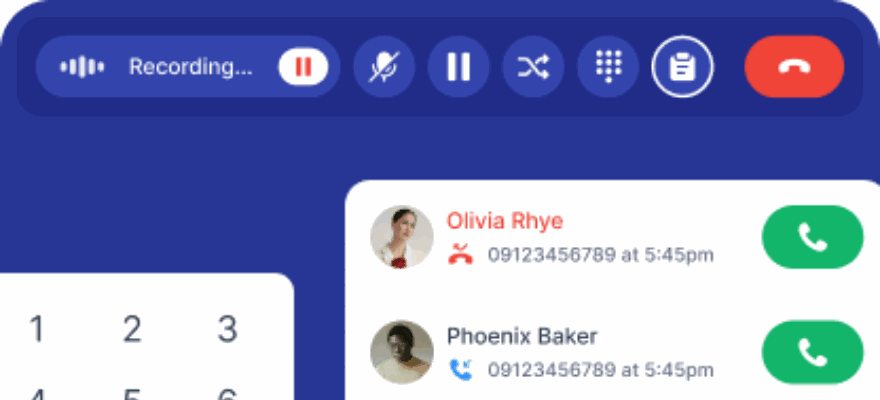
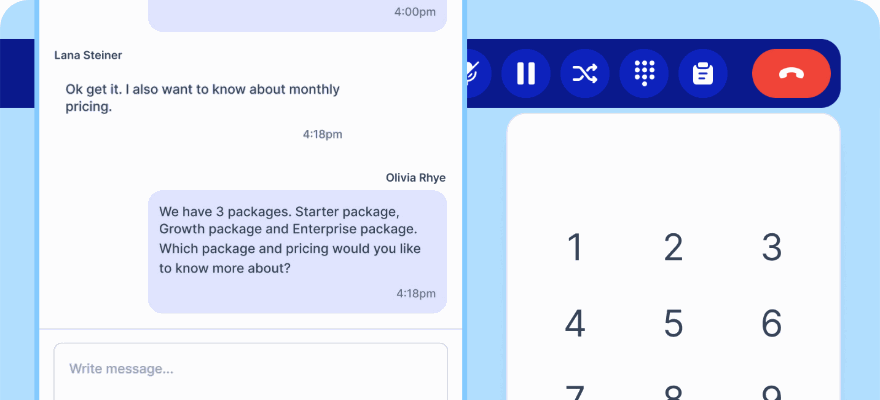
Most help desks treat voice as an integration. Here a call is a case like any other, with the same SLA, the same reporting and the same customer history behind it.
No credit card required.
Where a ticket-only help desk runs out
The moment a customer calls about the ticket they raised, the tool stops helping.
Tickets with real structure
Status, priority, assignee and custom fields, with comments that support formatting, tables, @mentions and attachments.
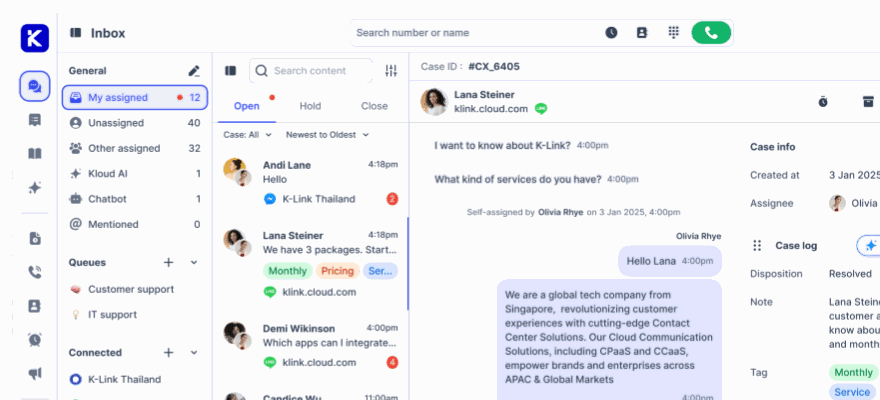
Conversations and tickets together
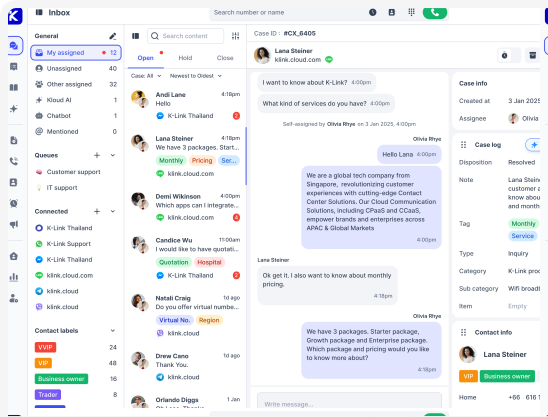
A chat can become a ticket that needs follow up, without copying anything between systems.
SLA you can defend
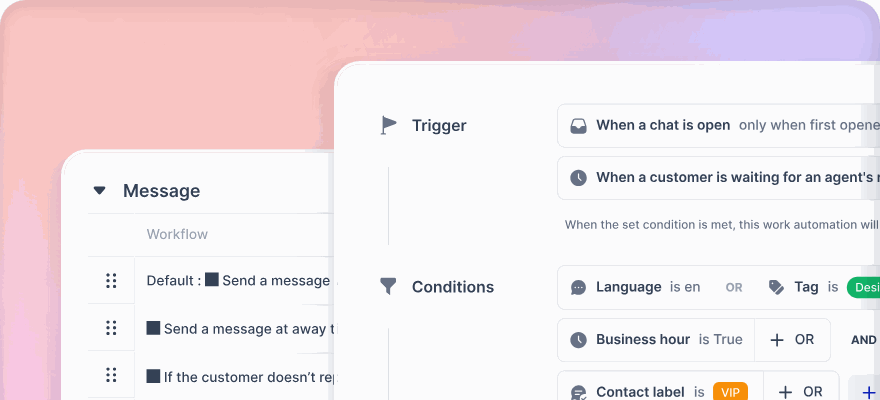
Targets on first response and resolution, tracked per case, business-hours aware so your evenings are not counted as failures.
For teams that live in a queue all day
List or kanban, whichever suits the team
Switch between a list and a board with Open, Pending, Resolved and Closed columns. Saved views can be private, shared with everyone, or with named people.
- Saved views scoped to you, everyone, or selected users
- Filter by ticket ID, contact, status, priority, assignee or queue
- Custom fields on tickets, contacts, companies and wrap-up
Every customer arrives with their history
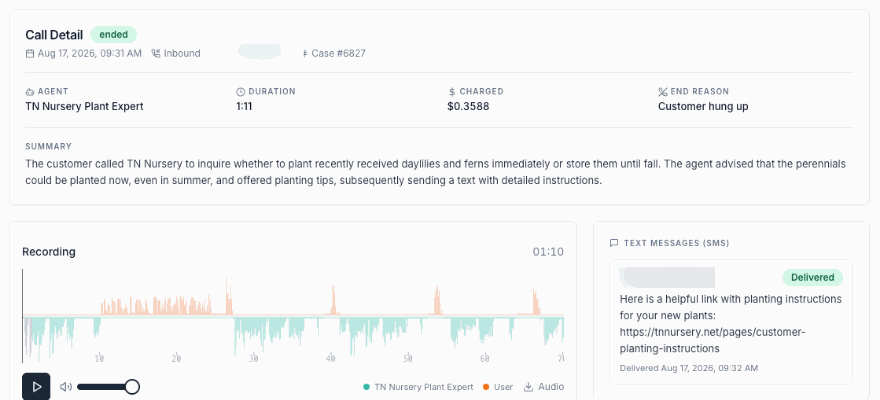
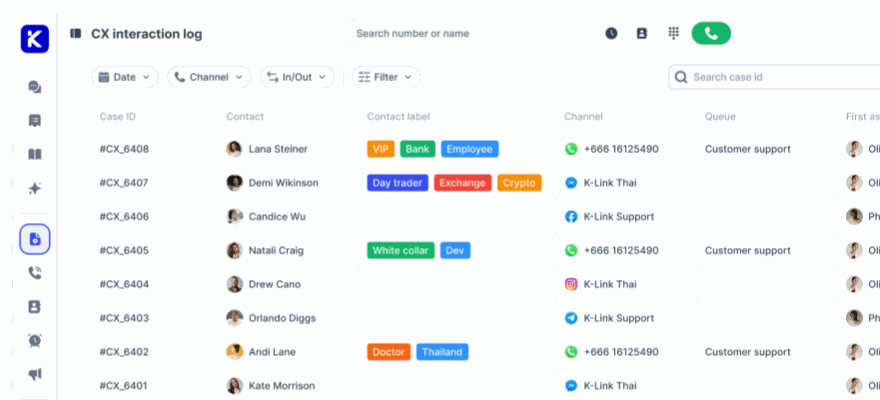
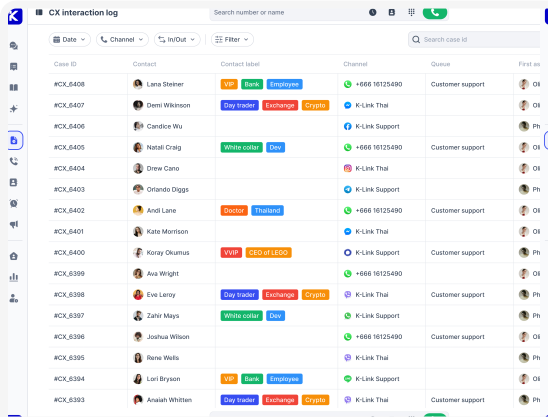
The activity timeline on a contact shows their cases, tickets and calls with playable recordings, grouped by date. Duplicates can be merged so the history stays in one place.
- Merge duplicate contacts, keeping tickets, calls and conversations
- CSV import up to 7,500 contacts at a time
- Company records alongside contacts
What the team gets
Kanban board
Open, Pending, Resolved and Closed columns, dragged like a board should be.
Priority and status
Set on creation and changed inline, with a confirmation when the assignee changes.
Rich comments
Formatting, tables, @mentions and file attachments on any ticket.
Custom fields
On tickets, contacts, companies and the wrap-up form, so you capture what your business needs.
Dispositions
A reason recorded at close, so you can report on why customers contact you at all.
Canned replies
Snippets for the answers your team types twenty times a day.
Inline translation
Read an incoming message in another language, or translate your reply before sending.
Zendesk as a channel
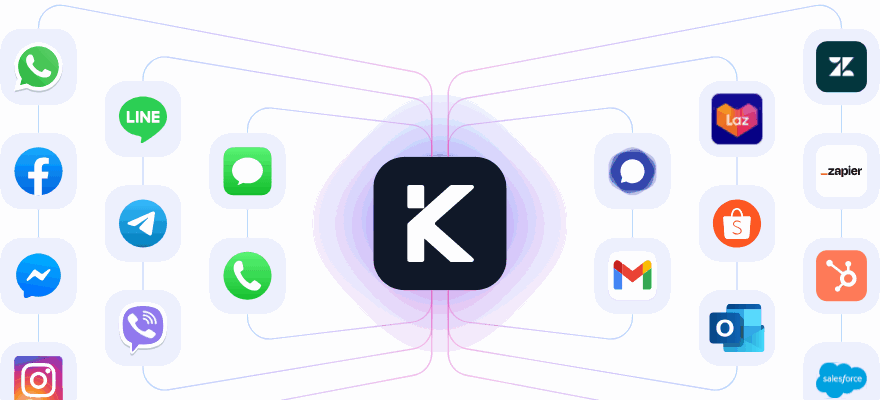
Connect Zendesk and its tickets appear in this inbox, so nothing has to migrate on day one.
Ticket dashboard
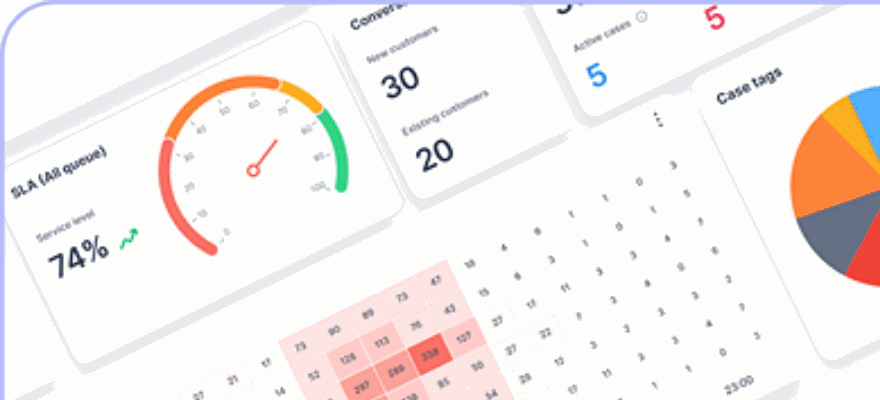
Volumes, statuses, due dates and tags in one view.
CSAT per conversation
Trigger a survey on the dispositions you choose, with your own scale and headline.
Auto close
Conversations with no customer reply close themselves and save as auto resolved.
Exports
Every report filtered by date range and exported when you need it elsewhere.
Try it on your real tickets Connect a channel, raise a case, and see the whole trail in one place.
Common questions
Can we keep Zendesk while we evaluate?
Yes. Zendesk connects as a channel, so its tickets appear in the klink.cloud inbox and Kai can answer them. Nothing has to be migrated to run a trial.
Do tickets and chats share the same SLA?
They can. SLA targets are set per queue on first response and resolution, and apply across voice and non-voice.
Can agents see conversations they are not assigned?
That is a queue visibility setting. Agents can be allowed to read for context while only being able to reply to their own.
One help desk for tickets, chats and calls
Start free and see what your queue looks like when voice is not a separate product.
No credit card required. Cancel anytime.