
Support that scales faster than your headcount
SaaS support has two shapes at once: thousands of self-serve users asking documented questions, and a handful of accounts whose emails your CEO reads. One platform has to serve both.
No credit card required.
The two support problems SaaS has
Deflect too hard and enterprise churns. Staff for everything and the margin goes.
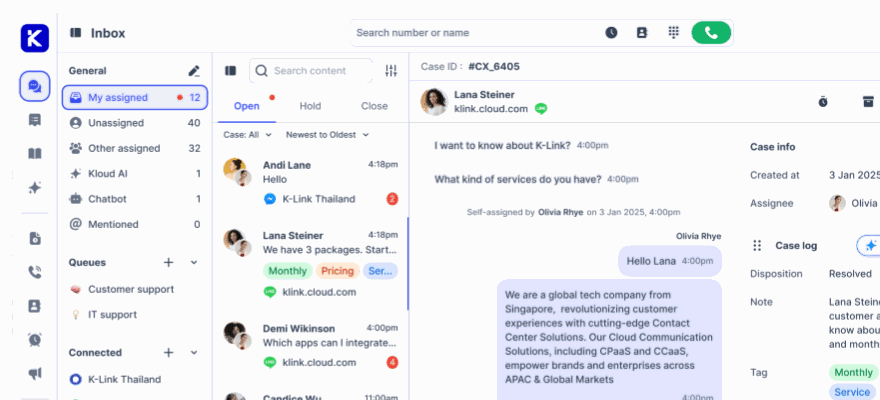
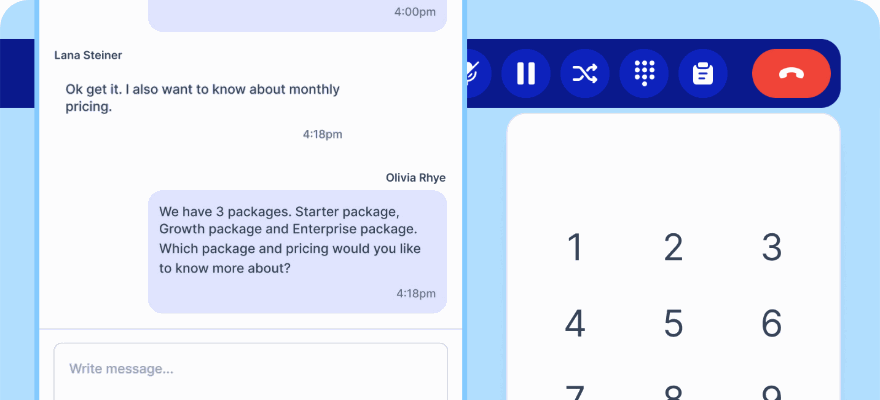
In-app chat where the question happens
Embed chat in your product, so a stuck user asks in context instead of hunting for a support email.
An AI agent trained on your docs
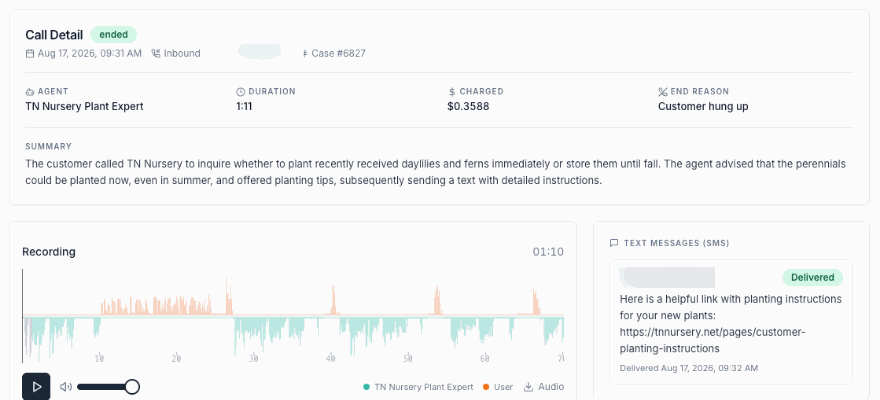
Point Kai at your documentation site and it answers from the same source your team would quote, including code and configuration questions.
Named accounts still get a person
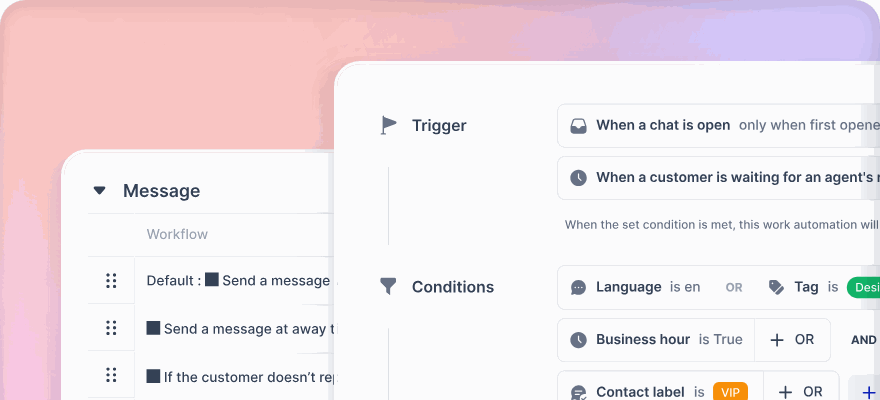
Route by customer tier so enterprise conversations skip the queue and reach the team that knows them.
For a team supporting a product, not a storefront
Documentation that answers back
Crawl your docs site and Kai answers from it, with corrections when it gets something wrong, so the knowledge base improves as a by-product of support.
- Crawl a whole documentation domain
- Train AI on any wrong answer
- Web search when your own content does not cover it
Your top accounts never wait
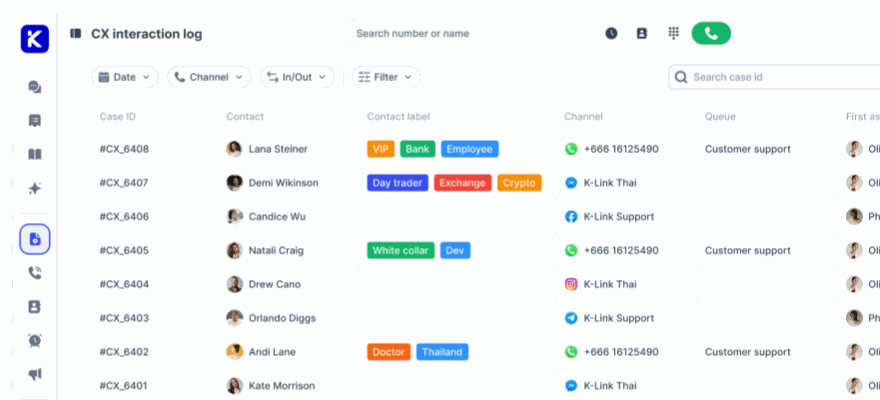
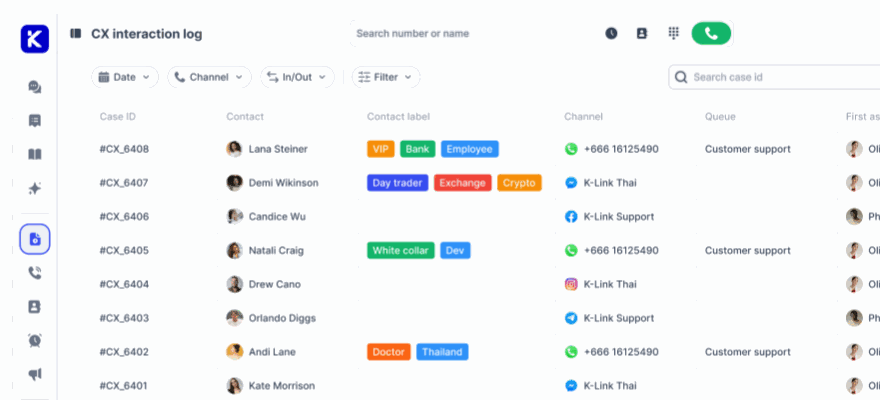
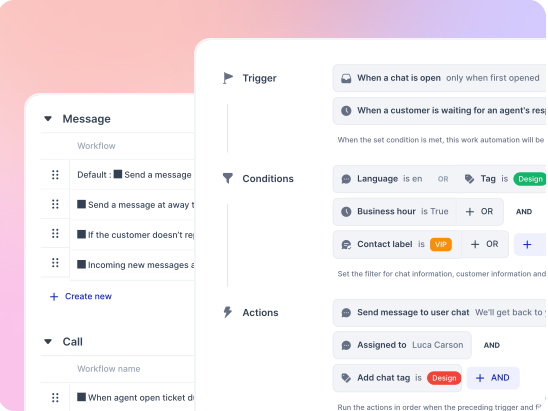
Tag accounts as VIP and route them straight to a named team, with the full history of every conversation, ticket and call attached.
- Routing by customer tier, language or keyword
- Contact and company records with custom fields
- SLA targets that differ by account
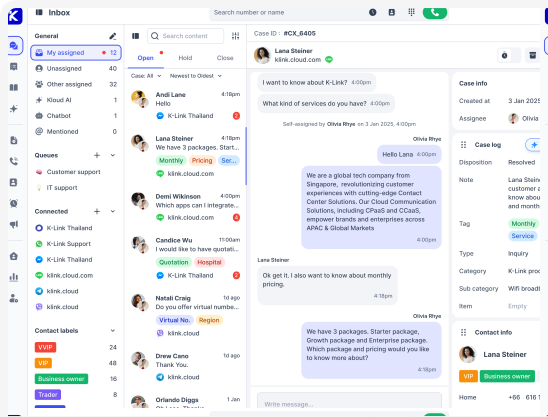
What the team works with
In-app chat widget
Embedded by URL, with header, no header or bubble layouts.
Chat SDK
Open, close and prefill the widget from your own code.
Docs crawling
Train the agent on an entire documentation domain.
Train AI corrections
Fix a wrong answer once and it becomes knowledge.
API and webhooks
Issue tokens per integration and push events into your systems.
VIP routing
Named accounts to a named team, automatically.
Company records
Group contacts under the account that pays you.
Custom fields
Plan, seat count, environment, or anything else you triage on.
Ticket kanban
Open, Pending, Resolved and Closed for engineering handoffs.
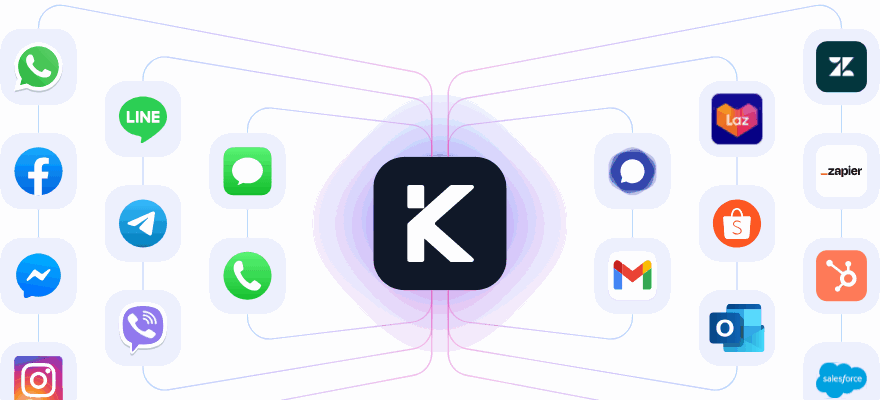
Zendesk as a channel
Keep your current help desk while you evaluate.
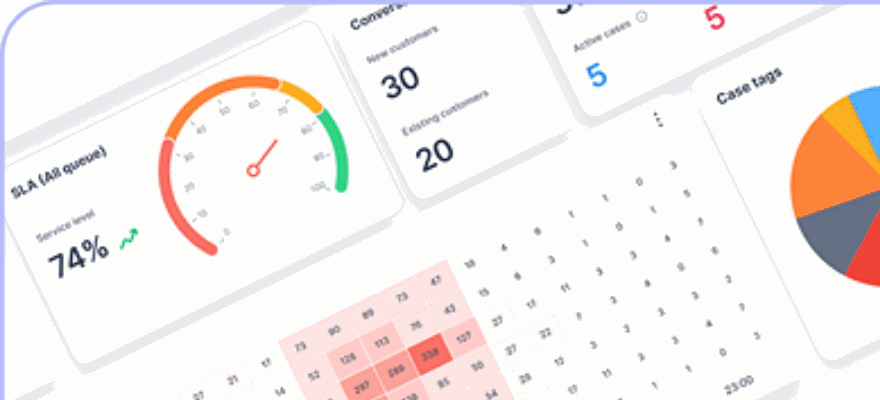
AI dashboard
Resolution rate and estimated time saved, next to human handled cases.
Slack notifications
Conversation alerts into the channel your team already watches.
Point it at your docs Connect a channel free, crawl your documentation, and see what it answers.
Common questions
How does the AI agent learn our product?
Point it at your documentation site and it crawls the whole domain, then answers from the same source your team would quote, including configuration and code questions. Correcting a wrong answer once turns that correction into knowledge for the next person who asks.
Can enterprise accounts skip the queue?
Yes. Tag an account as VIP and it routes straight to a named team with every past conversation, ticket and call attached. SLA targets differ by account, so a named enterprise customer and a free trial user are not measured on the same clock.
Can we keep our current help desk while we evaluate?
Yes. Zendesk connects as a channel, so those tickets arrive in the same inbox as chat, email and calls while you decide. Nothing has to be migrated on the first day.
Can we drive the chat widget from our own code?
Yes. The Chat SDK opens, closes and prefills the widget from your front end, and the widget embeds by URL with header, no header or bubble layouts. API tokens and webhooks are issued per integration and can be revoked individually.
Support both halves of your customer base
Start free, train Kai on your docs, and keep your enterprise accounts on a first name basis.
No credit card required. Cancel anytime.