
Every channel your customers use, routed the way your team works
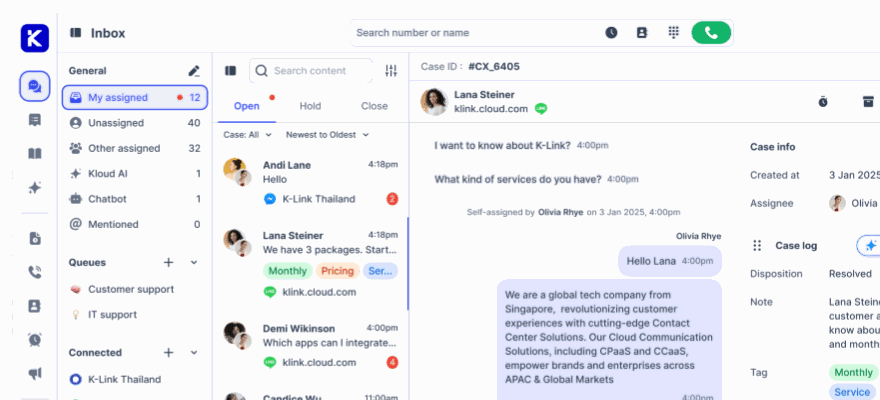
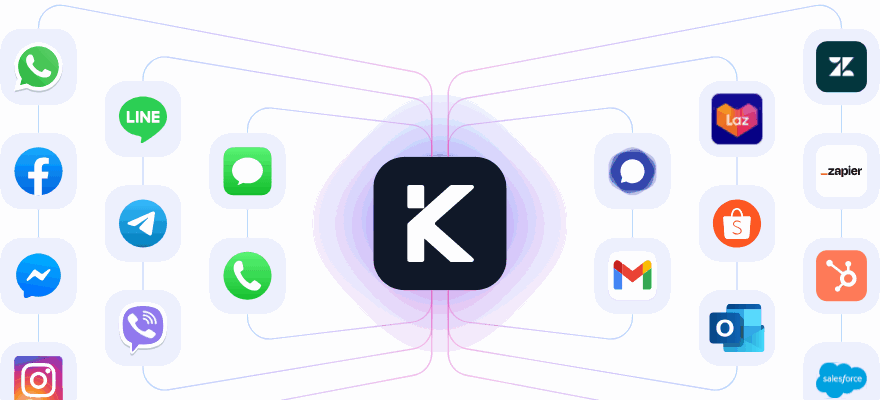
Connect as many channels as you sell on. Chat, WhatsApp, LINE, Messenger, Instagram, email, marketplaces and the phone all arrive in one place, then route into the queues you already work by: sales, support, VIP, by language, by whatever your org chart says.
No credit card required.
Why channel sprawl costs more than it looks
Every extra tool adds a login, a notification sound, and one more place a conversation can be forgotten.
Nothing falls between tools
Messenger, Instagram and Facebook feed comments, WhatsApp, Telegram, LINE, Viber, SMS, email, web chat, in-app chat, TikTok Shop and Lazada all land in the same queue on the same SLA clock.
The right agent, automatically
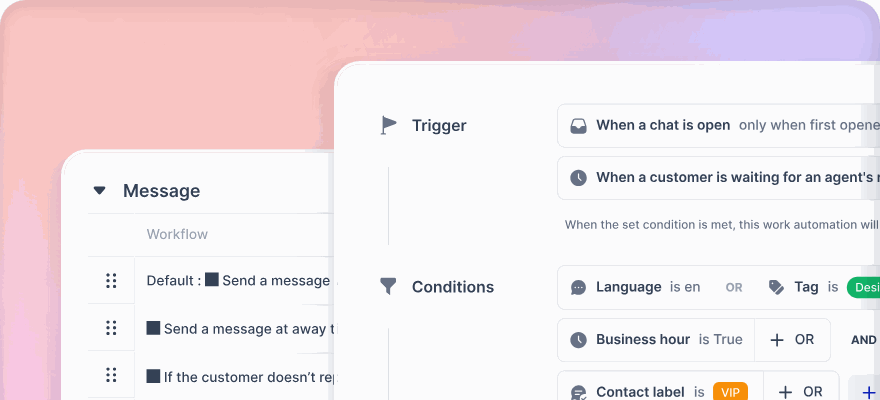
Route by language, customer tier, keyword or business hours, so a Thai VIP does not wait behind a routine English question.
Nobody answers twice
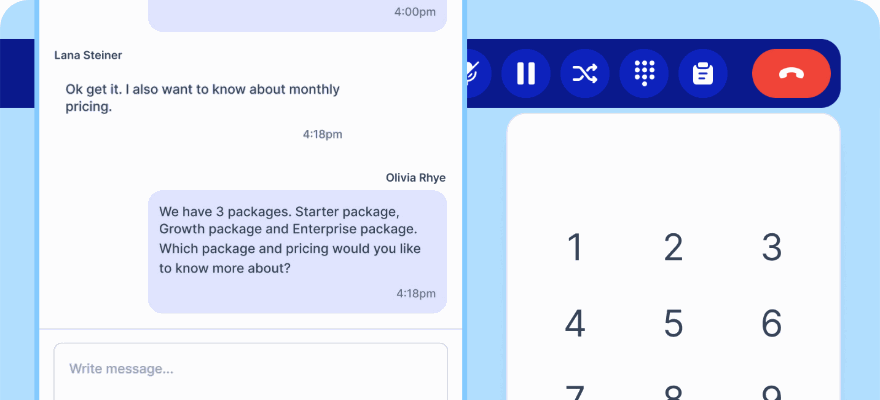
Assignment, typing indicators and internal notes are shared, so two agents never reply to the same message.
Built for teams handling more channels than headcount
The whole relationship, not the last message
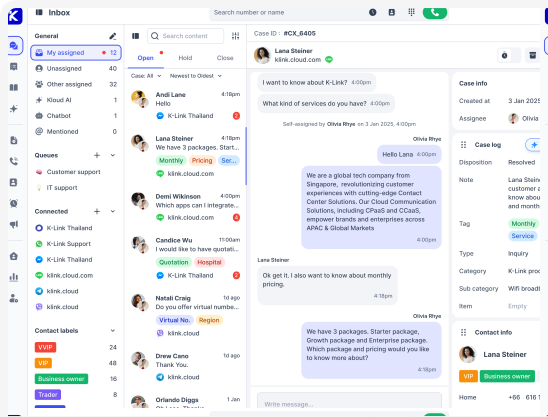
Every conversation carries the customer profile, past cases and order data from your CRM, so an agent opens with context instead of questions.
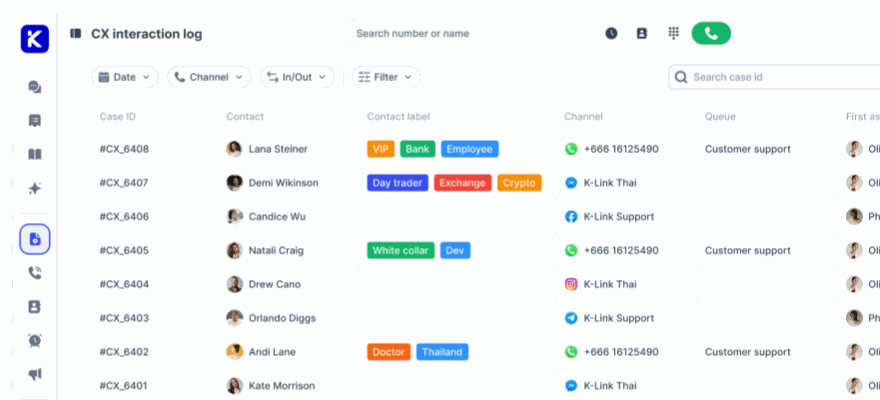
- One Case ID per conversation, however many channels it crosses
- Internal notes with @mentions that the customer never sees
- Canned replies, hold, transfer and inline translation
Rules that match how your team is organised
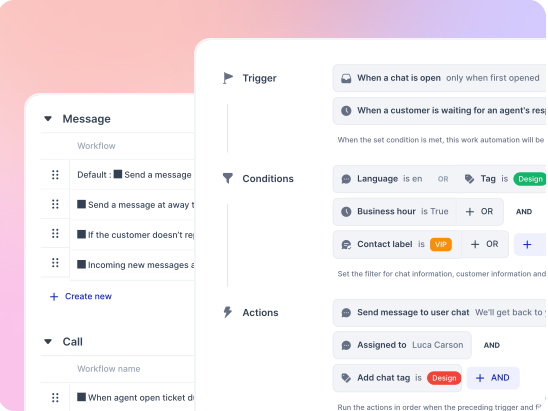
Send billing to billing and Bahasa to the Jakarta team. Rules run the moment a message arrives, before anyone triages it by hand.
- Queues by expertise, availability and language
- Multi level SLA on first response and resolution
- Global agent capacity so nobody is over assigned
What your agents get on day one
The inbox is where your team spends the whole shift. These are the things they ask for by the second week.
Tabs that match how people work
Mine, Mentioned, All opened, All closed, Hold, and Chatbot assigned, so an agent always knows what is theirs.
Custom saved views
Save a filter set such as Open, assigned to me, WhatsApp, Billing tag, and jump back to your working queue in one click.
Filter and search that finds it
Filter by date, contact, agent, disposition, queue, direction or channel. Search by contact, message text or Case ID.
Internal notes with @mentions
Ask a colleague inside the conversation. The customer never sees it, and the mention lands in their Mentioned tab.
Hold with a reason
Park a case waiting on a customer or another team. It leaves the active list and comes back under its hold label.
Wrap up that feeds reporting
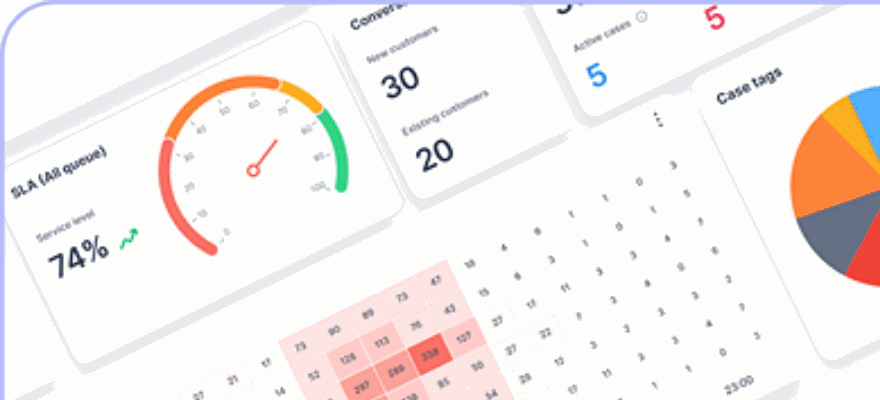
Closing a case asks for a disposition and any required fields, so you can report on why customers contact you at all.
Inline translation
Translate an incoming message to read it, or write your reply and translate it before sending.
Canned replies
Snippets for the answers your team types twenty times a day.
Bulk assignment
Select several conversations and assign them to an agent or a queue at once.
Messaging window handling
When WhatsApp or Messenger 24 hour windows close, the composer tells the agent and switches to approved templates.
CSAT after the case
Trigger a rating survey per channel, on the dispositions you choose, with your own headline and scale.
Reconnect without a ticket
If a channel login expires the inbox flags it, and relogin or contact sync fixes names and photos in place.
Try the inbox on a real channel Connect WhatsApp or web chat free and route your first conversation today.
Common questions
Do I need to move my customers to a new channel?
No. You connect the channels they already use. WhatsApp can be connected through the official Meta API, through 360dialog, or by scanning a QR code from an existing mobile number.
Can we bring a system you do not support?
Yes. The Custom Channel option on Enterprise connects any messaging system with two webhooks, one for messages coming in and one for replies going out. Zendesk and Slack connect out of the box.
Can two agents work the same queue?
Yes. New chats arrive in an Unassigned tab, and queue visibility rules control who can see and who can reply. Agents can read a colleague conversation for context without being able to answer it.
Put every channel in one queue
Connect your first channel in minutes and see what your team looks like without tab switching.
No credit card required. Cancel anytime.