
Support inside your app, not beside it
The moment a customer has to leave your app to get help, you lose the context they were in and most of them on the way. In-App Chat puts the conversation on the screen they are already looking at, on your website and inside your iOS and Android app, answered by Kai and picked up by your team when it matters.
No credit card required.
What support outside the app costs you
Every hop between your product and a help channel is a place people give up.
On every screen your product has
One widget for your website, your Shopify store and your mobile app. In the app it can be a full screen, a slide up sheet or a bubble, so it fits the screen it opens on.
It knows who it is talking to
Your server signs the logged in user, so the chat is certain of the identity instead of trusting whatever the browser claims. Support opens with the account already in front of it.
It reads what they send
Customers photograph the product, the receipt or the error rather than describing it. Kai looks at the image and answers from what it sees.
What the customer actually gets
Your brand, your buttons, your case number
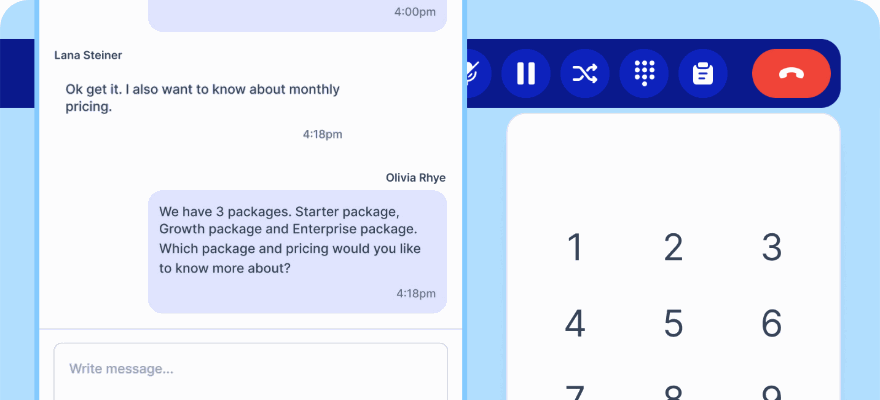
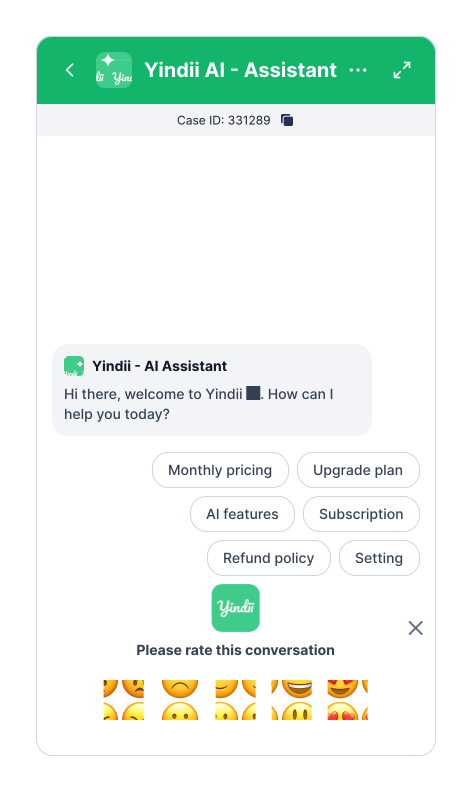
The chat carries your name and logo, opens with the questions people actually ask as tappable buttons, and shows the case ID so a customer can quote it later. When the conversation closes, it asks how it went.
- Full screen, slide up sheet or bubble, chosen per screen
- Quick reply buttons instead of an empty text box
- Case ID visible to the customer from the first message
Trained on your content, and it can look at pictures
Kai answers from your help articles, uploaded PDFs or a crawl of your site, and connects to your systems over webhooks to check an order or book a slot inside the conversation. Send it a photo and it works from that too, with your own instructions for what to look for.
- Answers from your own articles, PDFs or site crawl
- Image understanding for products, receipts and screenshots
- Handover to a person with the whole thread attached
Certain who is on the other end
Your server computes an HMAC-SHA256 of the user id with a secret only you and klink.cloud hold, and passes it with the user. The chat recomputes it and only accepts the identity when it matches, so nobody can open the widget and claim someone else's history.
- Sign any stable id: customer id, email or phone
- Turn on enforcement once your traffic is clean
- A verified account can never be taken over by an unverified claim
Everything the widget does
AI answers from your content
Articles you write, PDFs you upload, or a crawl of your website.
Image understanding
A photo of a product, receipt, screenshot or damage, analysed with instructions you write.
Identity verification
HMAC-SHA256 signed logins, with enforcement you switch on when ready.
CSAT after chat
Five levels, sent automatically when a conversation closes on the disposition you choose.
AI scored CSAT
A workflow that scores the conversation itself, for the customers who never answer a survey.
Quick reply buttons
The questions people actually ask, one tap from the greeting.
Prefilled first message
Open the chat with the order number and name already in the box.
Three mobile layouts
Full screen with a header, without one, or as a floating bubble.
Human handover
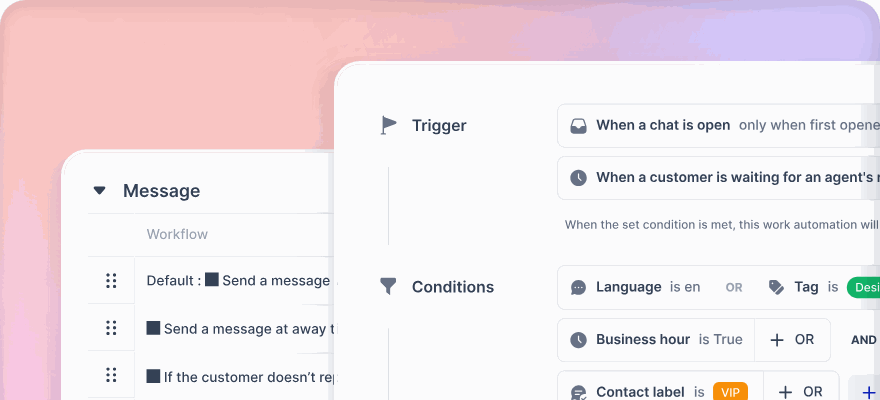
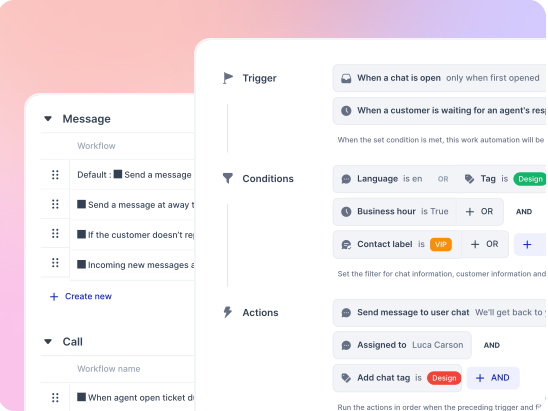
A Human Agent step in the flow, routed to a queue by workflow rules.
Chat SDK
Hide the launcher and open the chat from your own button, link or React component.
File attachments
Customers can send images and video up to 150MB.
Inline translation
Read and reply across languages without leaving the thread.
Canned replies
For the answers your agents repeat all day.
Inactivity timeout
Set 5 to 60 minutes before a silent chat closes itself.
Domain whitelist
The widget only loads on the domains you list.
Auto assign
New chats routed to an available agent automatically.
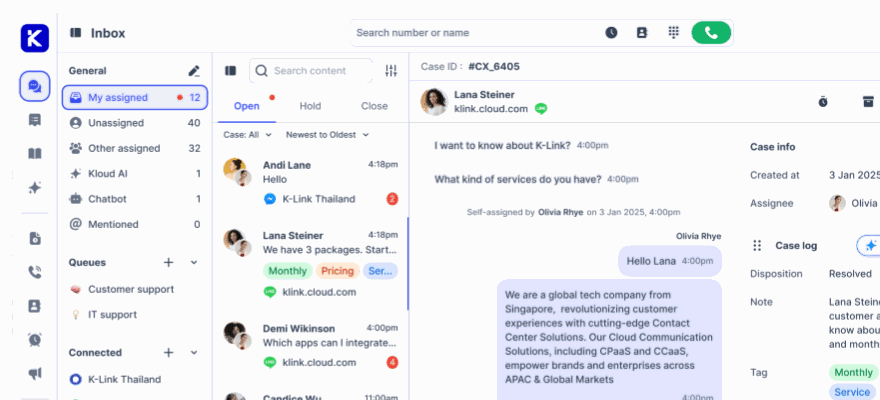
Same inbox as everything else
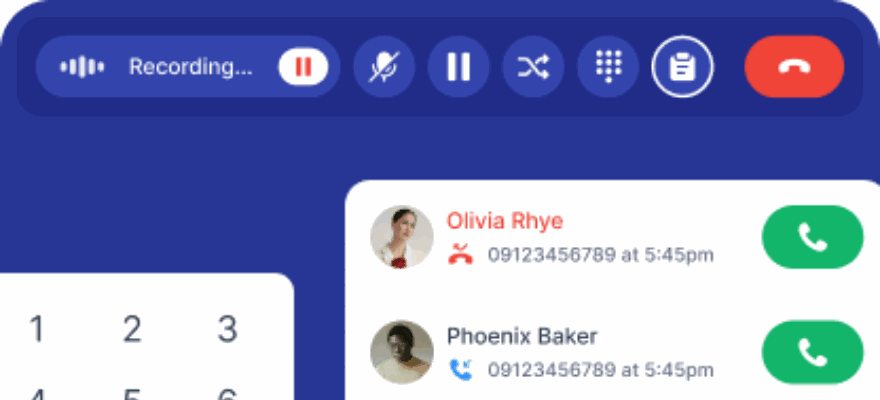
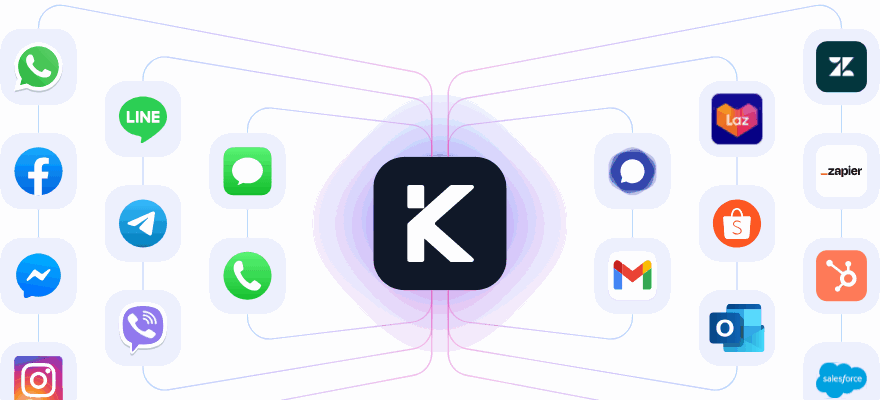
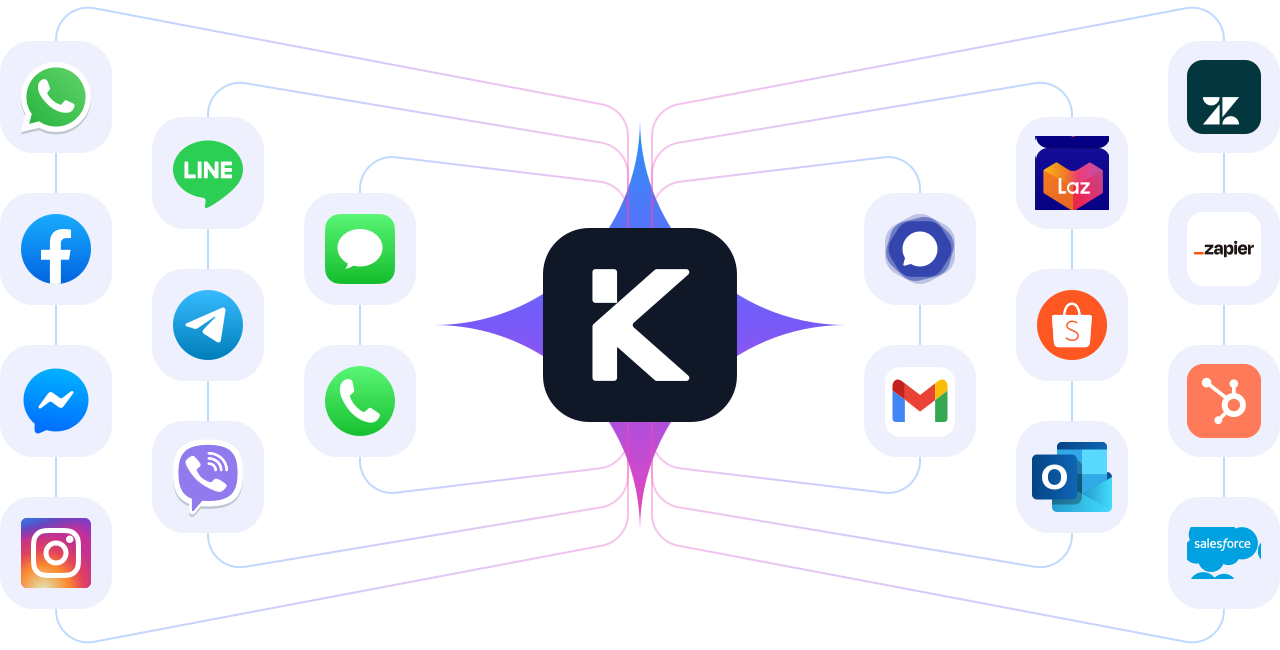
In-app chat sits beside WhatsApp, Messenger, LINE, email and calls.
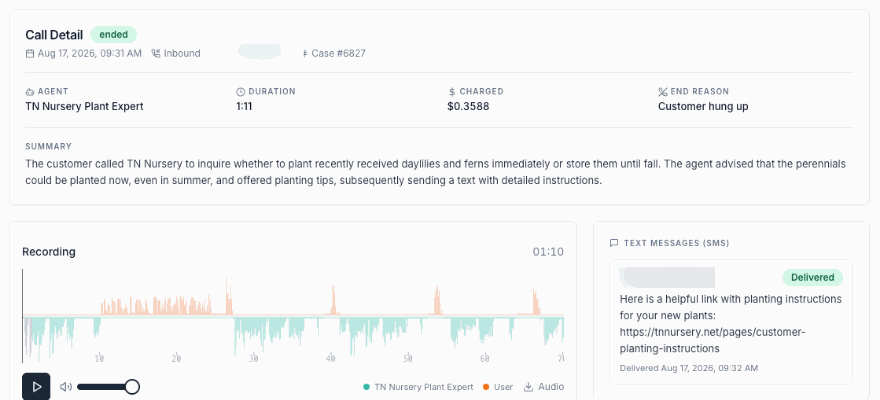
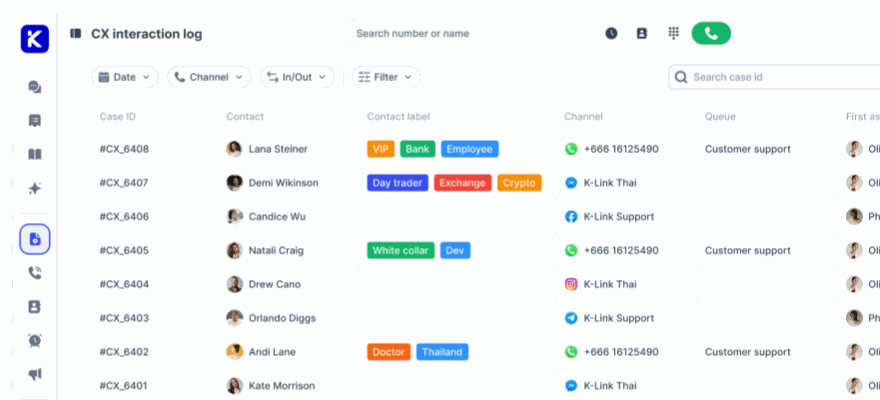
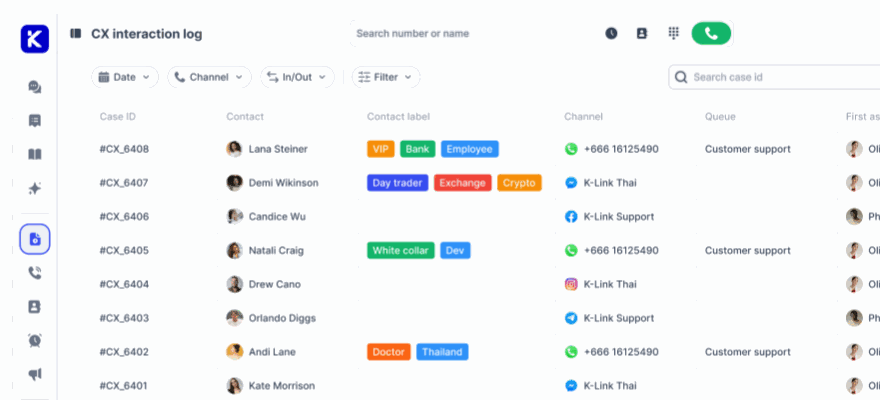
Everything in the CX log
Transcripts, ratings and dispositions in the same table as every other channel.
Put it in your app this week Paste one script into your site, or a WebView into your app, and connect a chat channel free.
Teams running In-App Chat today
Two very different products, both answering their customers on the screen they were already on.

Answering live sport fans in seconds at match day peaks
TrueVisions NOW put the Kai AI agent in front of live chat, so match day surges are answered instantly in Thai and English, and content questions become package recommendations instead of queue.
Read the case study
Supporting three markets and five channels from one desk
Yindii answers food heroes on in-app chat, LINE and WhatsApp across Singapore, Thailand and Hong Kong, resolving in about ten minutes so the pickup still happens.
Read the case studyKeep the conversation inside your product
Start free, train Kai on your own help content, and see what it answers before anyone opens a ticket.
No credit card required. Cancel anytime.