
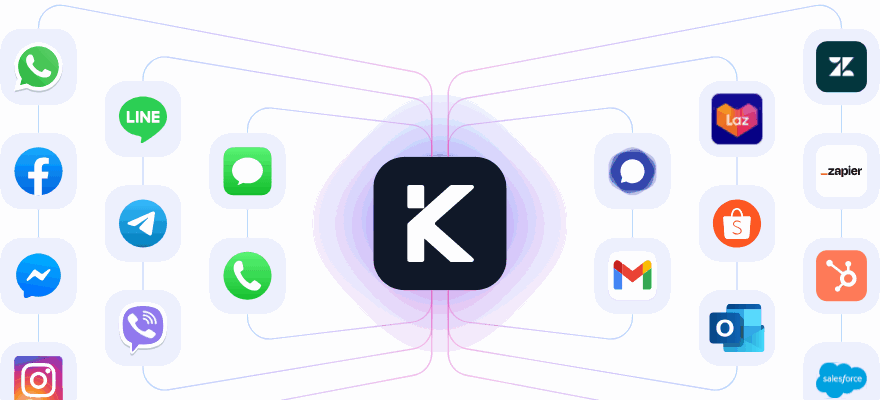
Every client, one platform
Running a different tool for each client is how BPOs lose margin. One platform, separate queues and separate reporting means a new client is a configuration, not a procurement cycle.
No credit card required.
What multi-client support costs you
Margin disappears into licences, training and reporting nobody can automate.
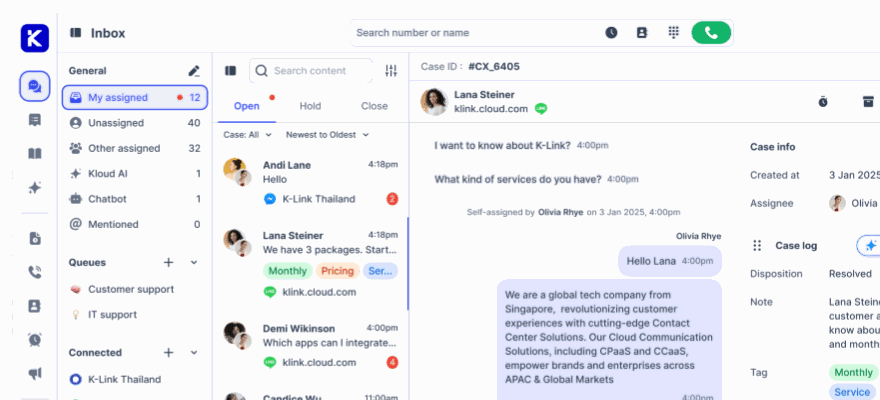
Separation without separate systems
Each client gets their own queues, SLAs, dispositions and reports, on one platform your team already knows.
Agents work across clients
Queue visibility and roles decide who sees what, so an agent can cover two accounts without seeing the third.
Reporting your client will accept
SLA attainment, abandon rate, CSAT and agent performance per client, exportable when the monthly review comes round.
The operational detail that decides the margin
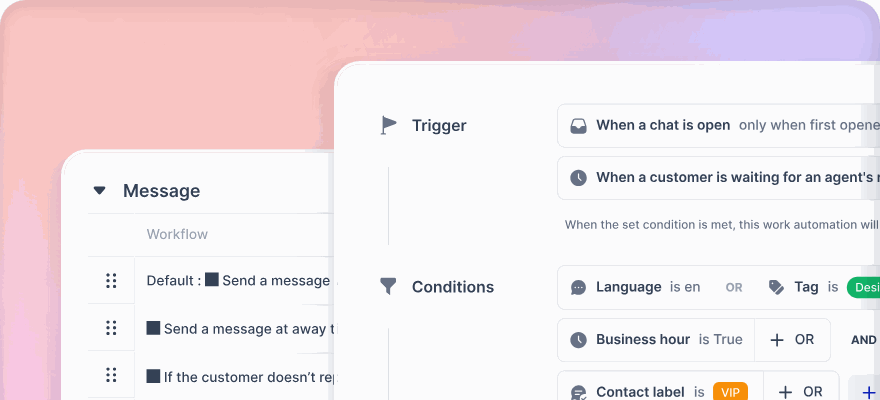
A new account is a configuration
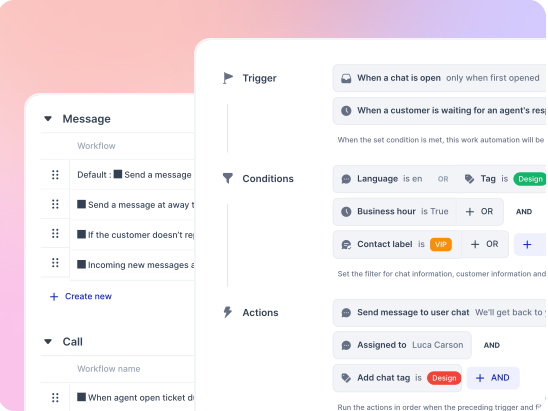
Create the queues, set the SLA targets, connect their channels and point routing rules at the right team. No new licence, no new tool for your agents to learn.
- Queues per client with their own agents and managers
- Multi level SLA per queue
- Custom fields and dispositions per account
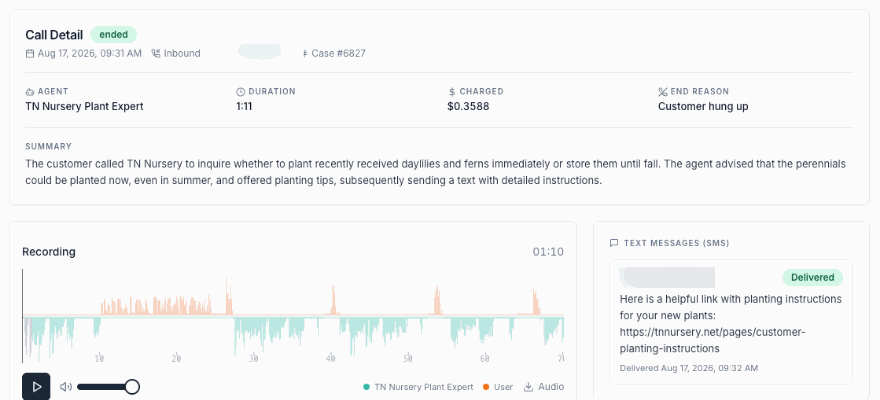
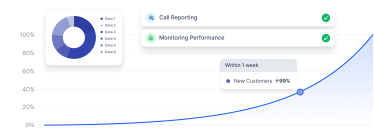
Numbers you can hand over
Queue performance, abandoned calls, agent statistics and CSAT, all filterable by date and exportable, so the monthly report stops being someone spending a day in spreadsheets.
- Queue performance with wait, talk and answer rate
- Abandoned call report per queue
- Exports for every report
What running several accounts needs
Per client queues
Their own agents, managers, routing and service level target.
Roles and permissions
Access controlled across analytics, contacts, tickets, inbox, CX logs, reports and settings.
Queue visibility
Read for context, reply only where assigned, or full access, per role.
Global agent capacity
Cap total open conversations per agent across every client queue at once.
Auto assign
Round robin, fewest assignments or random, per queue.
Per client dispositions
Each account can close cases with its own outcome list.
Custom fields
Capture what each client needs on tickets, contacts and wrap-up.
Workforce dashboard
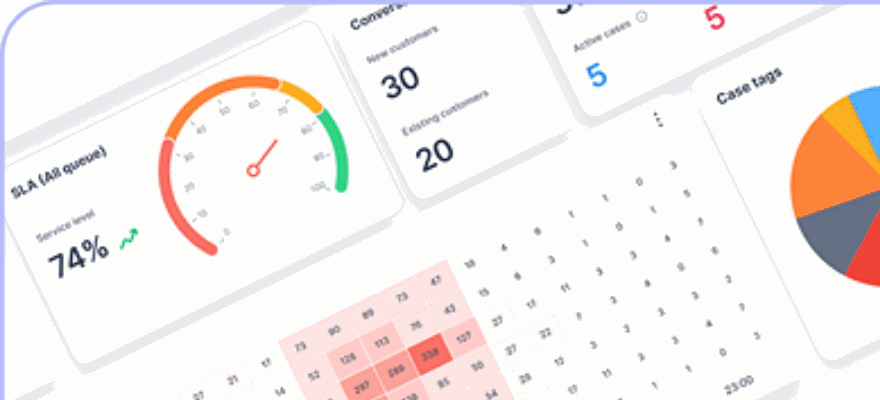
Agents online, utilisation, cases per agent hour, handle and idle time.
CX log
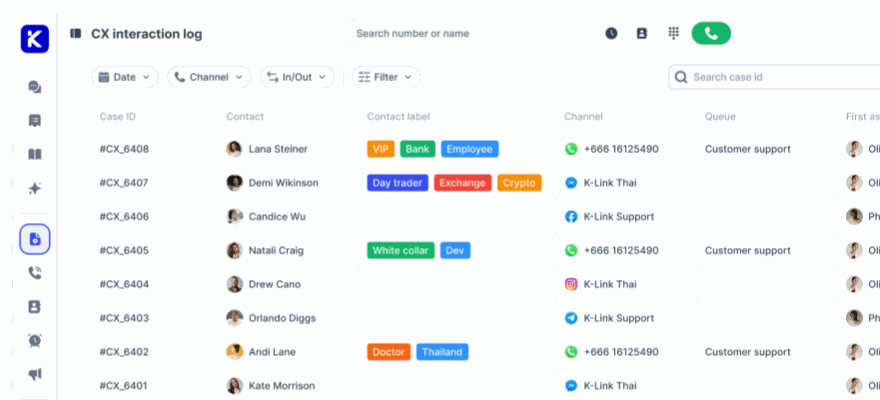
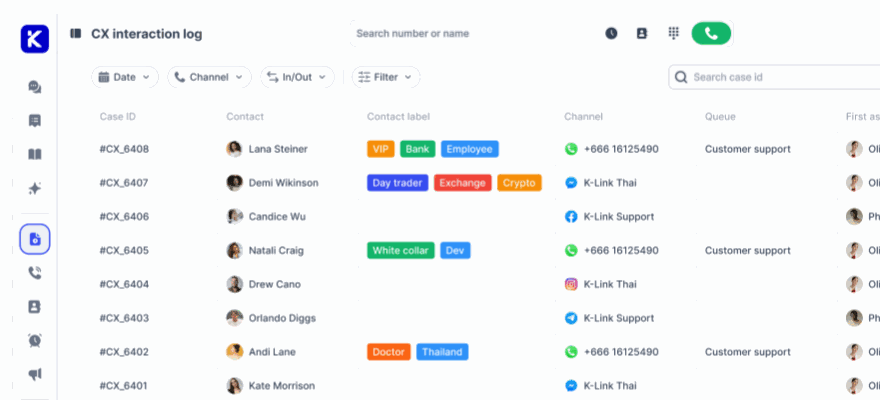
Every closed case with channel, assignee, disposition, timings and CSAT.
Business hours per queue
So an account covered nine to six is not measured overnight.
Custom channel
Connect a client system with two webhooks when it is not a standard channel.
Private cloud
On-premise or private deployment where a client contract requires it.
Model it on one account first Set up a single client queue free and see the reporting you would hand over.
Common questions
Can each client have their own SLA and reports?
Yes. Queues carry their own SLA targets, business hours, dispositions and custom fields, and every report can be filtered and exported per queue.
Can we stop agents seeing other clients?
Yes. Queue visibility and roles control who can see and who can reply, so an agent covering two accounts never sees a third.
Do you support on-premise for client contracts?
Private cloud and on-premise deployment are available on Enterprise, along with ISO 27001 certification and SSO.
Stop buying a tool per client
One platform, separate queues, and reporting your clients will sign off.
No credit card required. Cancel anytime.