
WhatsApp, run by a team instead of a phone
Most businesses start on WhatsApp with one handset and one person who knows the password. That works until it does not: no history, no reporting, and nothing left behind when they leave.
No credit card required.
Where a personal WhatsApp stops working
The channel your customers prefer ends up being the one you can see least.
Official Business API access
Connect through Meta directly or 360dialog, with your business verified rather than a personal account borrowed for work.
A team, not a handset
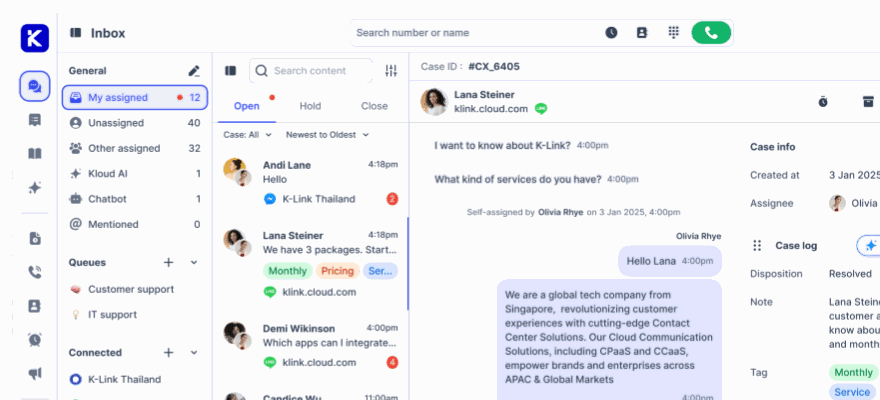
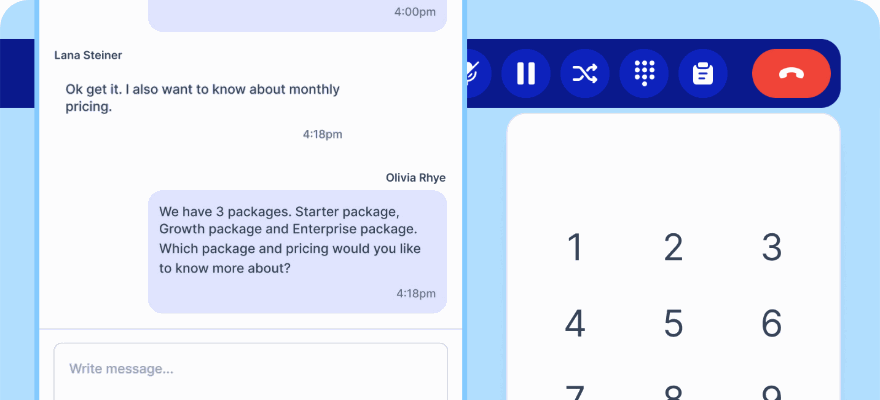
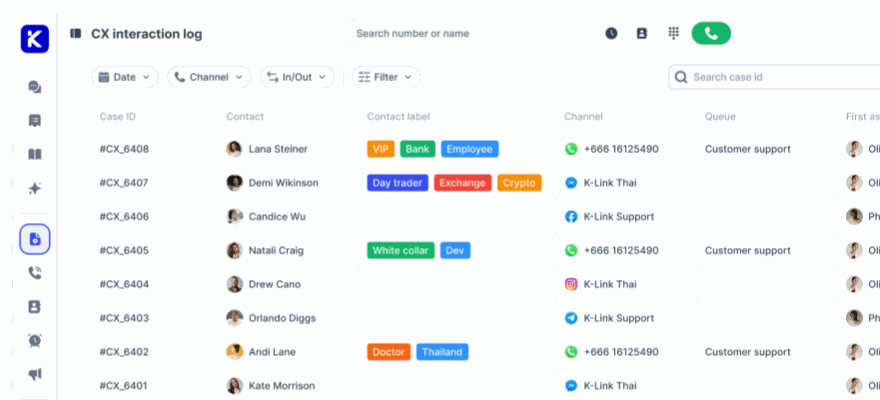
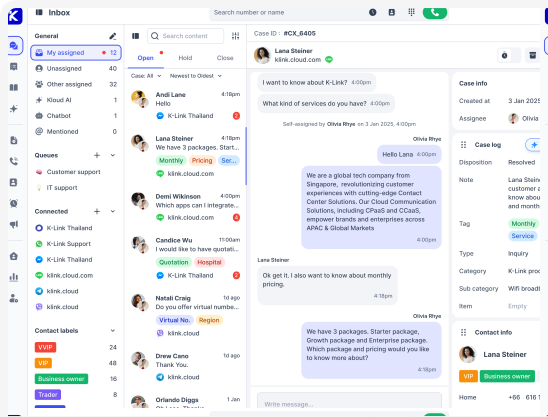
Conversations arrive in a shared inbox with assignment, internal notes, queues and SLA, so nothing depends on one person having their phone.
Kai answers first
The AI agent handles the repetitive questions on WhatsApp exactly as it does elsewhere, and hands over with the full thread attached.
Connected in an afternoon
Four ways in, whichever suits you
Official Meta API is the recommended route. There is also 360dialog, or a mobile connection by QR code or verification code if you want to start before completing business verification.
- WhatsApp API through Meta, recommended
- 360dialog as an alternative hub
- Mobile QR or verification code to start quickly
The rules WhatsApp imposes, handled
Outside the 24 hour window you can only send approved templates. The composer knows this, tells the agent, and switches to templates rather than failing silently.
- Message templates for the closed session window
- Green tick verification once Meta approves
- Migrate an existing number to the Business API
What you get on the channel
Official Business API
Through Meta, with your business verified.
360dialog
An alternative route to the same API.
Mobile QR connection
Scan from WhatsApp linked devices to start immediately.
Green tick
Official Business Account status shows your name instead of a number.
Message templates
Reach customers after the 24 hour window closes.
Number migration
Move an existing WhatsApp number onto the Business API.
Shared team inbox
Assignment, transfer, internal notes and @mentions.
Kai on WhatsApp
The same AI agent, trained on the same knowledge.
Queues and SLA
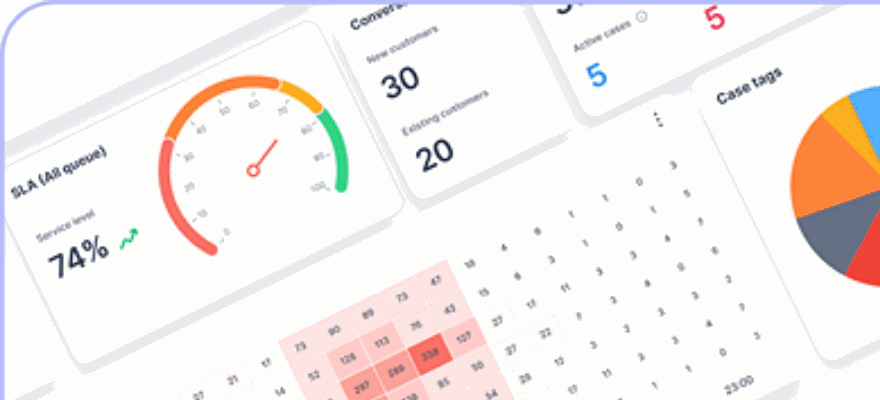
WhatsApp measured on the same clock as every other channel.
Attachments
Images, documents and video handled in the thread.
Inline translation
Read and reply across languages.
CSAT surveys
Triggered after resolution on the dispositions you pick.
Connect WhatsApp today Start free and link a number through Meta, 360dialog or a QR code.
Common questions
Can we keep our current WhatsApp number?
Yes, but the number must be freed from the WhatsApp app first, which deletes its existing account and history on that handset. After that it can be registered on the Business API.
What is the 24 hour window?
WhatsApp only allows free-form replies within 24 hours of the customer messaging you. Outside it, you send an approved template. The composer switches automatically rather than failing.
How do we get the green tick?
It comes with Official Business Account status, which Meta grants after review. Your business name then shows in chat headers instead of a phone number.
Move WhatsApp off a personal phone
Start free, connect a number, and give the channel your customers prefer a real team behind it.
No credit card required. Cancel anytime.