
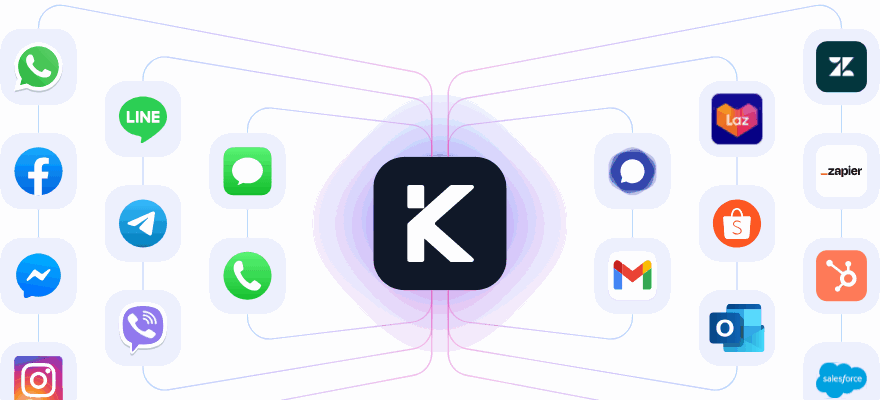
One contact center, not four systems
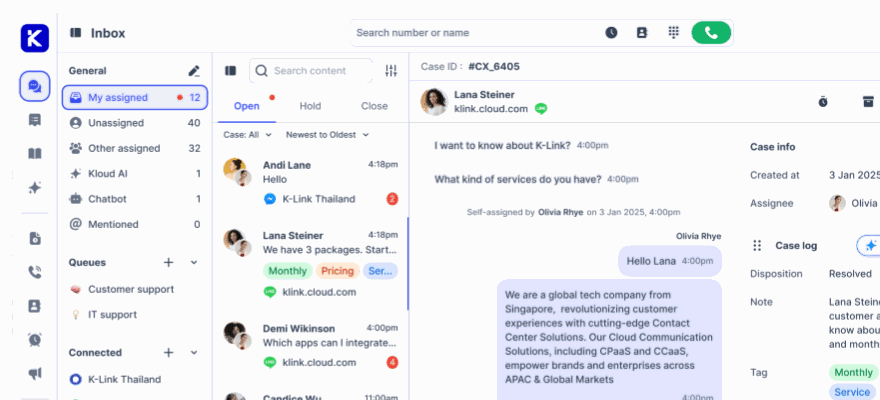
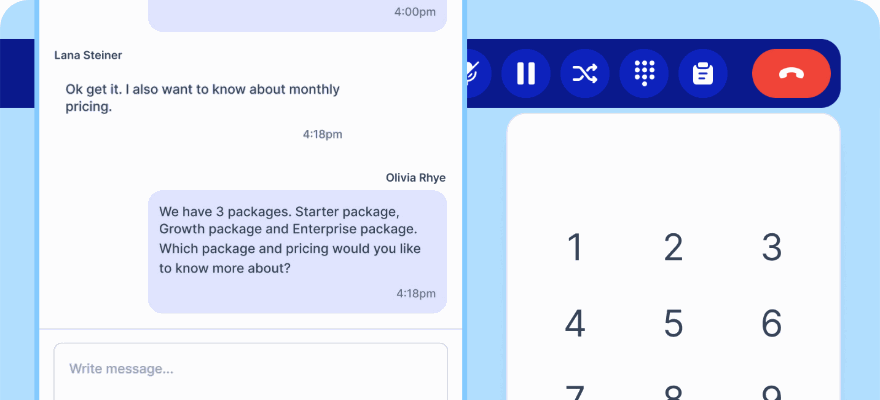
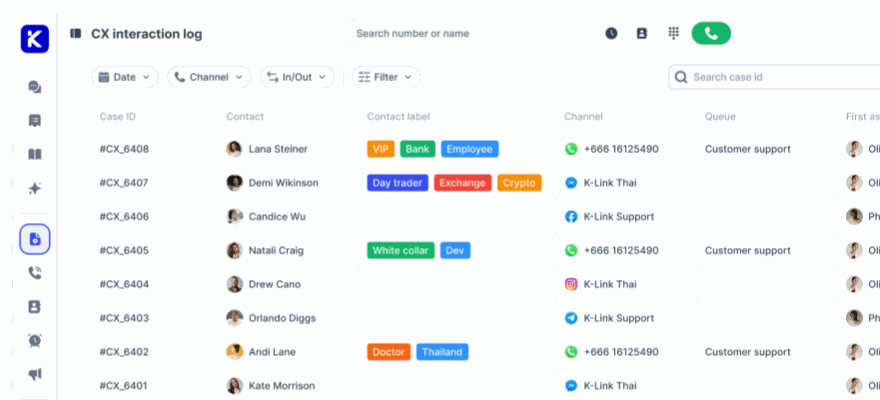
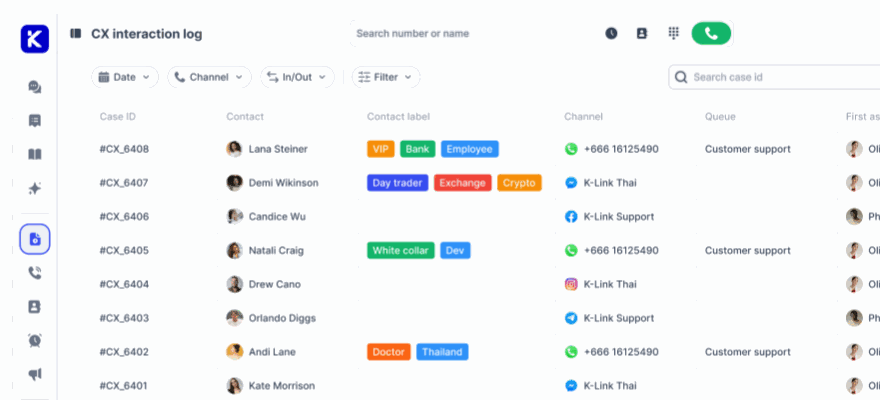
Most in-house teams end up with a PBX, a chat tool, a ticket system and a spreadsheet holding it together. klink.cloud runs all of it, so a call and a WhatsApp message from the same customer sit in the same case.
No credit card required.
Why in-house teams outgrow their stack
Each tool was the right call at the time. Together they stop you seeing your own operation.
Voice and chat on one clock
Inbound queues, outbound calling and every messaging channel share the same SLA timer, the same queue rules and the same reports.
Supervisors can actually supervise
A live board of who is Available, Away or on Do Not Disturb, with queue wait times and abandon rate updating as it happens.
One number per question
When voice and chat run on separate systems, no two reports agree. Here they are the same rows in the same database.
Built for a team that answers all day
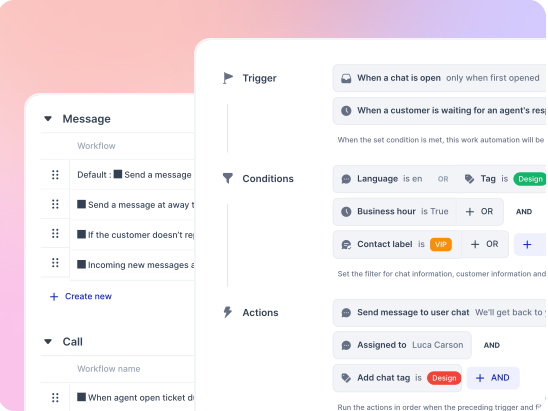
The right agent without a supervisor in the middle
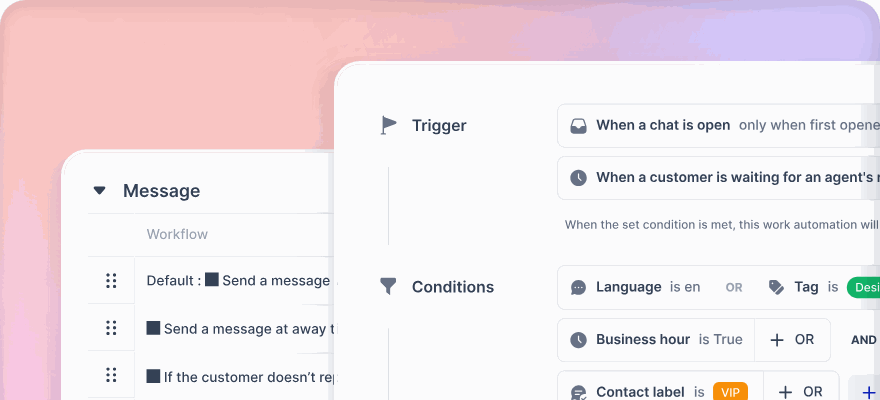
Queues route by expertise, availability and language. Auto-assign hands work out round robin, to the least busy agent, or at random, and global capacity stops anyone being buried.
- Round robin, fewest assignments or random
- Max cases per agent, or a global capacity per person
- Queue visibility rules so agents see context without replying
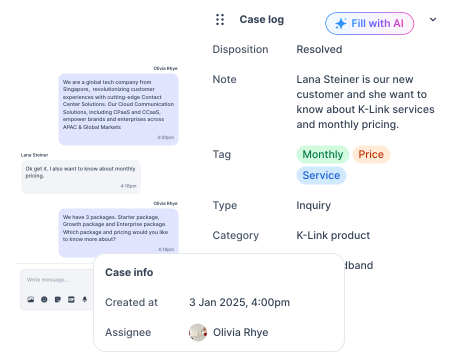
Every call and chat is reviewable
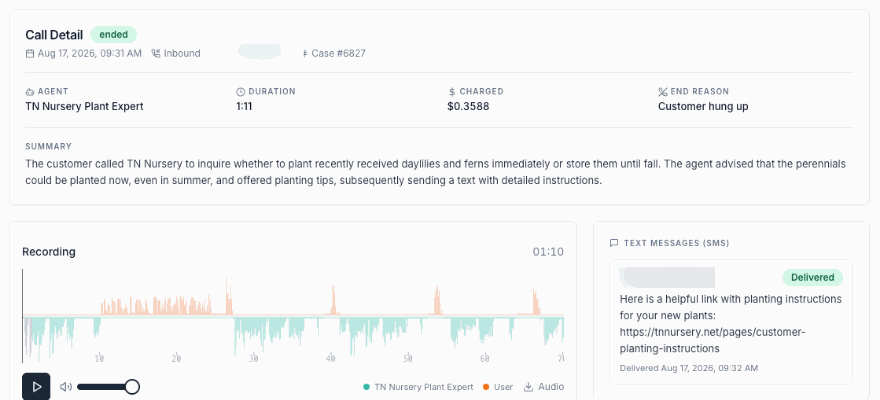
Recordings, transcripts, dispositions and CSAT attach to the case, so a supervisor reviewing last Tuesday sees exactly what the customer saw.
- Recording with inline playback and batch download
- Wrap-up dispositions that feed the reporting
- CSAT surveys triggered by disposition
What running it day to day looks like
Inbound call queue groups
Route calls to different agent groups by business need, each with its own service level target.
Queue callback
Offer a callback instead of hold music, and stop paying for people to wait.
Abandoned call report
Exactly which callers reached a queue and never got an agent, with abandon rate per queue.
Agent status log
A history of status changes with reasons and timestamps, so breaks and availability are auditable.
Multi level SLA
Separate targets for first response and resolution, tracked per case as met or missed.
Business hours
Reporting that knows when you are closed, so nights and weekends stop counting against your team.
Custom views
Save a filter set such as open, assigned to me, WhatsApp, billing, and return to it in one click.
Internal notes
Ask a colleague inside the conversation with an @mention the customer never sees.
Hold with a reason
Park a case waiting on someone else and find it again under its hold label.
Roles and permissions
Control access across analytics, contacts, tickets, inbox, CX logs, reports and settings.
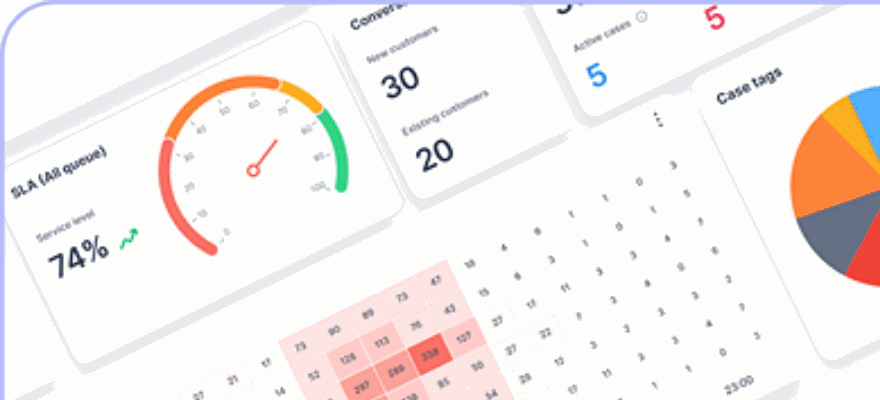
Six dashboards
Summary, call, inbox, ticket, workforce management and AI, plus custom dashboards you build.
Bring your own carrier
Keep your numbers, PBX or SIP trunk. Billed on concurrent calls from $50 a month for ten.
See it on your queues Connect one channel free and route a real conversation through it today.
What changes in the first month
Common questions
Does contact center software include the phone system?
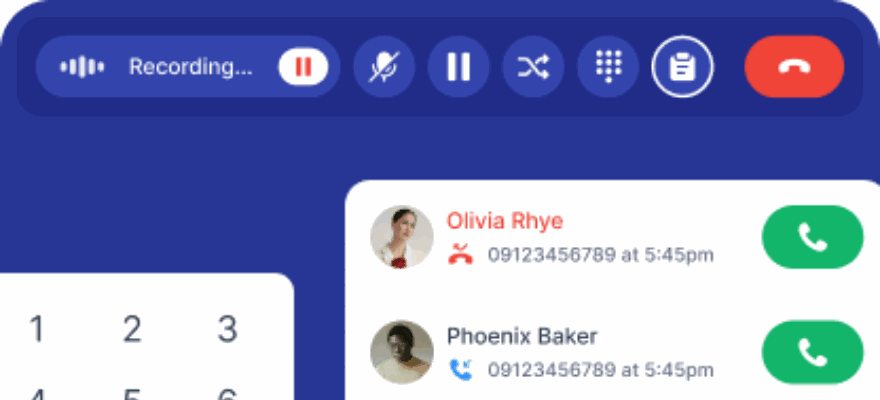
On klink.cloud it does. Inbound queue groups, outbound calling, recording, transcription and full call detail records are part of the platform rather than an add on. Bring your own carrier connects your existing numbers, PBX or SIP trunk, billed on concurrent calls from $50 a month for ten.
Do you charge per agent?
No. Users are unlimited on every plan and billing is per resolved conversation, so supervisors, back office staff and a temporary campaign team all get accounts without changing the bill. That is usually what decides it for operations above a hundred seats.
Can voice and chat share one service level?
Yes, and that is the point of running them together. Calls and messages share the same queue rules, the same SLA timer and the same reports, so a customer who phoned on Monday and messaged on Wednesday is one case with one first response time rather than two numbers that disagree.
What can a supervisor see in real time?
A live board of who is Available, Away or on Do Not Disturb, queue wait times as they happen, and abandon rate per queue. The agent status log records every change with a reason and a timestamp, so availability is a record rather than an argument.
How do we stop overloading our best agents?
Auto assign distributes work round robin, to the agent with the fewest assignments, or at random, with a maximum per agent and one global capacity across every queue a person belongs to. Fewest assignments is the setting that stops speed being punished with more work.
Put your whole contact center in one place
Keep your numbers, keep your carrier, and stop reconciling reports that never match.
No credit card required. Cancel anytime.