How to Automate WhatsApp Customer Support on Shopify with Kai AI Agent
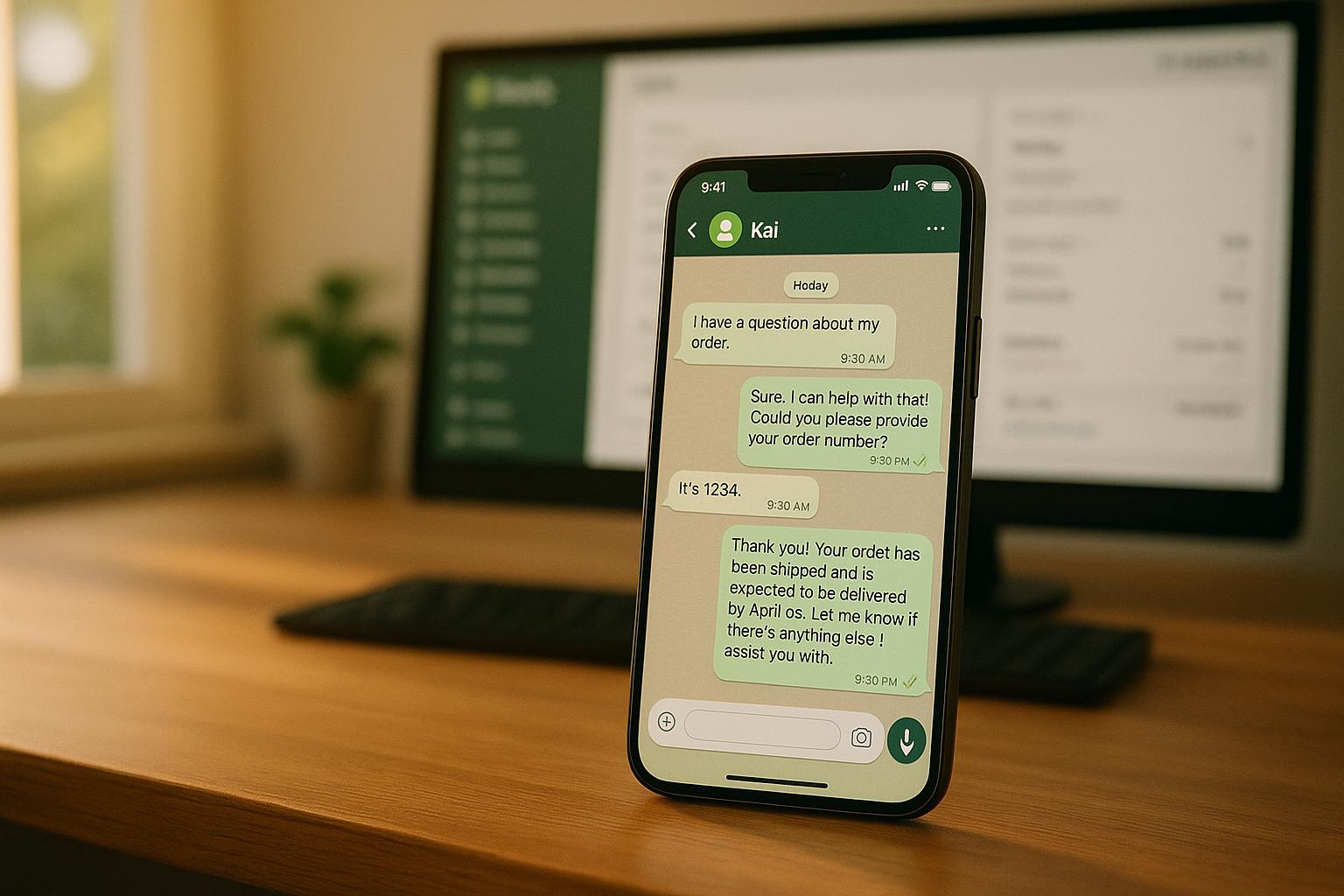
Want to simplify customer support on your Shopify store? Automating WhatsApp with Kai AI Agent can help you provide fast, 24/7 service while cutting costs.
Here’s the big picture:
- WhatsApp is a top platform for customer communication, with 2 billion users and a 98% message open rate.
- Kai AI Agent connects WhatsApp to your Shopify store, handling up to 80% of routine inquiries automatically.
- Benefits include faster response times, improved customer satisfaction, and reduced support costs (down to $0.10–$0.25 per chat).
With tools like order tracking, FAQ handling, and product recommendations, you can streamline support, boost efficiency, and even drive sales. Plus, it’s easy to scale for growing businesses.
Ready to get started? You’ll need:
- A WhatsApp Business API account
- Admin access to your Shopify store
- A Kai AI Agent platform account
Follow compliance rules (like GDPR) and set up workflows to automate common tasks. Test thoroughly, monitor performance, and let AI handle the heavy lifting while your team focuses on complex issues.
How to set up WhatsApp automation flows on Shopify - Abandoned cart recovery
What You Need Before Setting Up WhatsApp Automation on Shopify
Before diving into integration, make sure you have the right tools, accounts, and compliance measures in place. Here's a breakdown of what you'll need to get started.
Required Tools and Accounts
To set up your WhatsApp automation system, you'll need three main components:
- WhatsApp Business API Account: This is essential for automated messaging. Unlike the standard WhatsApp Business app, the API version lets you integrate with other platforms and send automated messages. To get started, you'll need a verified business on Facebook and a phone number that can receive calls from the U.S. Be sure to format your phone number correctly - no spaces or "+" signs - to avoid verification issues.
- Shopify Store with Admin Access: Admin access is crucial for installing apps and configuring settings. Your store should already have products listed and payment processing set up. With these in place, the Kai AI Agent can provide the automated, omnichannel support your customers need.
- Kai AI Agent Platform Account: This platform acts as the control center for your automation. Here, you can build workflows, design conversation flows, and monitor performance. It connects your Shopify and WhatsApp data to deliver intelligent and context-aware responses.
Additionally, you'll need a Meta Developer Account to complete the technical setup. You'll use this account to create a Business App and link it to a WhatsApp Business Account, granting you access to the WhatsApp Business API for managing messaging capabilities.
Compliance and Security Requirements
Once your accounts are ready, it's crucial to follow compliance and security guidelines to protect both your business and your customers.
- Customer Consent and Privacy Laws: Before sending WhatsApp messages, you must get explicit opt-in from customers. Clearly explain how their data will be used, stored, and how they can opt out. Regulations like GDPR and CCPA require transparency in data collection and usage.
- WhatsApp Business Policies: WhatsApp restricts proactive communications to approved message templates. These templates, which are necessary for notifications like order updates and payment confirmations, must be pre-approved by WhatsApp. Promotional messages are prohibited without explicit customer consent, and all communications must adhere to WhatsApp's guidelines.
- Data Security Measures: Protecting sensitive data is non-negotiable. Enable two-step verification on your WhatsApp Business account, use strong passwords, and keep all systems updated. API vulnerabilities are a growing concern; for example, in January 2024, an API bug exposed 650,000 sensitive messages, emphasizing the need for robust security protocols.
- Ongoing Compliance Monitoring: Regularly review your API activity for anomalies such as unexpected logins or unusual message patterns. Keep detailed records of user consent and interactions, and establish clear policies for data retention.
| Compliance Area | Key Requirements |
|---|---|
| Privacy Compliance | Obtain explicit consent; comply with GDPR, CCPA, and other regulations |
| Platform Policies | Use approved message templates; avoid unauthorized promotional content |
| Security Measures | Implement strong encryption and access controls; conduct regular security audits |
| Transparent Practices | Clearly communicate data usage; provide easy opt-out options in all messages |
| Documentation | Maintain consent records and interaction logs; track data access and changes |
How to Connect WhatsApp, Shopify, and Kai AI Agent
Once you’ve set up your accounts and ensured compliance, it’s time to connect WhatsApp, Shopify, and Kai AI Agent. These integrations can shift your customer support approach from reactive to proactive.
Setting Up WhatsApp Business API with Kai AI Agent
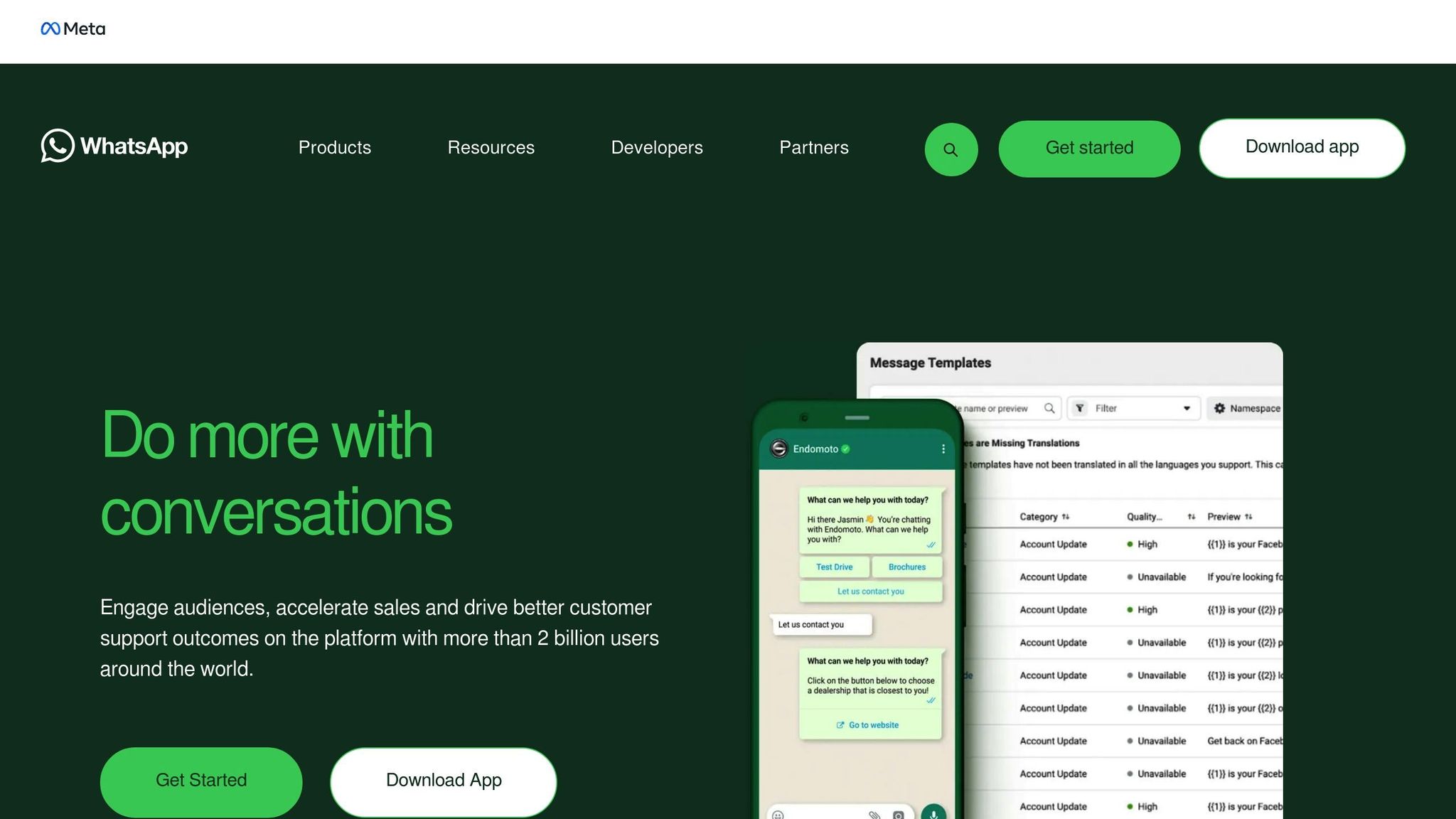
Start by creating a new AI Agent on the Kai AI Agent dashboard. Navigate to the Agent section, select Edit, and click Deploy. From there, choose Configure next to the WhatsApp option to begin the integration process. A popup will prompt you to log in with your Facebook account credentials.
After logging in, confirm your WhatsApp Business Account details and grant the required permissions. These permissions include sending and receiving messages, using message templates, and enabling webhook notifications for real-time updates.
Next, configure your webhook settings. Kai AI Agent will provide a webhook URL, which you’ll need to add to your WhatsApp Business API configuration. This setup ensures that updates about customer messages and status changes are delivered instantly.
To test the connection, send a message from your personal WhatsApp account to your business number. If everything is set up correctly, the message should appear on your Kai AI Agent dashboard within seconds. Once this is working, you can move on to integrating your Shopify store data for a more personalized customer experience.
Connecting Shopify Data to Kai AI Agent
Integrating Shopify with Kai AI Agent enables real-time access to your store’s data, including orders, products, and customer history. This allows your AI agent to offer tailored responses and automation.
In the Kai AI Agent platform, go to the Integrations section and select Add Shopify Integration. Enter your store credentials and click Test Connection to confirm everything is functioning properly. The initial data sync takes only a few minutes, giving your AI agent access to your product catalog, customer details, and order history. This integration ensures accurate and personalized support for your customers.
Creating Workflows and Automations
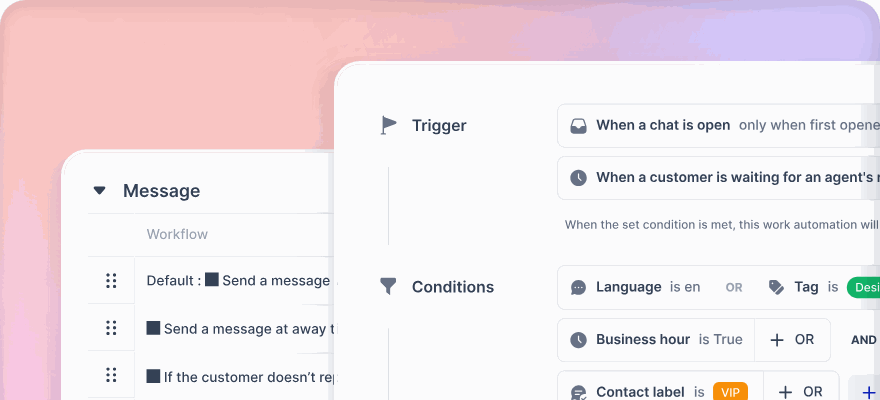
Automated workflows can streamline customer interactions, handling common queries without human intervention. Start with high-demand scenarios to see immediate results.
For example, you can create an order tracking workflow. Set a trigger for phrases like “where is my order” or “track my package.” The AI agent can then automatically retrieve the customer’s most recent order using their phone number, check the shipping status, and provide a detailed update, including tracking numbers and delivery dates.
Another option is FAQ automation. Build a knowledge base within Kai AI Agent to address common questions about shipping, returns, or product details. The AI can instantly match customer queries with the most relevant answers.
Abandoned cart recovery workflows are another powerful tool. Set triggers for when customers leave items in their cart for a set period. The AI can send a personalized WhatsApp message highlighting the abandoned items, any current promotions, and a direct link to complete the purchase.
Product recommendation workflows can also boost engagement. Using Shopify data, the AI can suggest products based on browsing history or past purchases. For instance, if a customer inquires about an out-of-stock item, the AI can recommend alternatives or complementary products.
Finally, define clear rules for when human agents should step in. For complex issues like refunds or complaints, the AI should automatically transfer the conversation to your support team, ensuring the full context is preserved.
Testing and Improving the Integration
Once your workflows are set up, test each one thoroughly. Use multiple phone numbers to simulate customer interactions and ensure the AI provides accurate and timely responses.
Pay attention to the quality of responses during testing. If any information is outdated or incorrect, update your knowledge base and re-sync your Shopify data. Check that product images load quickly, links work properly, and messages display well on various screen sizes.
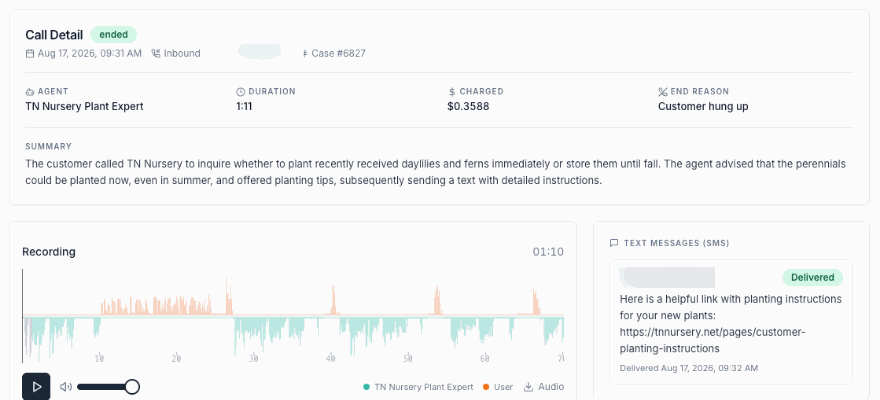
From day one, track metrics like response times, resolution rates, and customer satisfaction. Regularly review conversation logs and customer feedback to identify areas for improvement. Testing your workflows as if you were a customer can also reveal valuable insights for refining your automation.
sbb-itb-204ca50
Common Ways to Use WhatsApp Automation with Kai AI Agent
With your integration up and running, it's time to explore how WhatsApp automation can elevate your Shopify store's customer interactions. These practical applications not only enhance efficiency but also contribute to a smoother customer experience.
Answering Common Customer Questions Automatically
Repetitive inquiries can bog down your support team, but with Kai AI Agent, those questions are handled instantly. Whether it's about shipping, returns, product details, or store hours, the AI pulls answers directly from your knowledge base.
For example, when a customer asks, "What's your return policy?" or "Do you ship internationally?", the AI retrieves and delivers the correct response in seconds.
"With billions of users around the world and a 98% message open rate, WhatsApp is one of the most powerful tools for communicating and engaging with customers" – Optimove
The AI can also fetch real-time data from your Shopify catalog to answer product-specific questions. If someone asks about sizing, materials, or availability, the system delivers accurate details instantly - cutting out unnecessary back-and-forth.
Beyond basic inquiries, Kai AI Agent can assist with common issues like password resets or account problems. This reduces support tickets and helps your team focus on more complex tasks, all while ensuring customers get quick, reliable answers.
Next, let's look at how automation can simplify order updates.
Sending Order Updates and Status Messages
Keeping customers informed about their orders is essential, and WhatsApp makes this process incredibly effective. With an impressive 98% open rate, automated messages reach customers faster and more reliably than traditional email notifications.
You can set up automated triggers for every stage of the order journey - confirmation, payment, dispatch, shipping, and delivery. Each message includes tracking details and personalized updates, ensuring customers are always in the loop.
This approach resonates with shoppers. Over half of online customers prefer receiving order updates through messaging apps like WhatsApp. Brands using this automation report resolving 70% of customer inquiries without needing live support.
Automation doesn't stop at delivery. Follow-up messages can request feedback or reviews, showing customers you value their experience while generating testimonials for future buyers. For returns or exchanges, automated updates provide transparency about pickup schedules, refunds, and replacements, reducing stress and unnecessary inquiries.
Beyond keeping customers informed, you can use WhatsApp to drive additional sales with personalized recommendations.
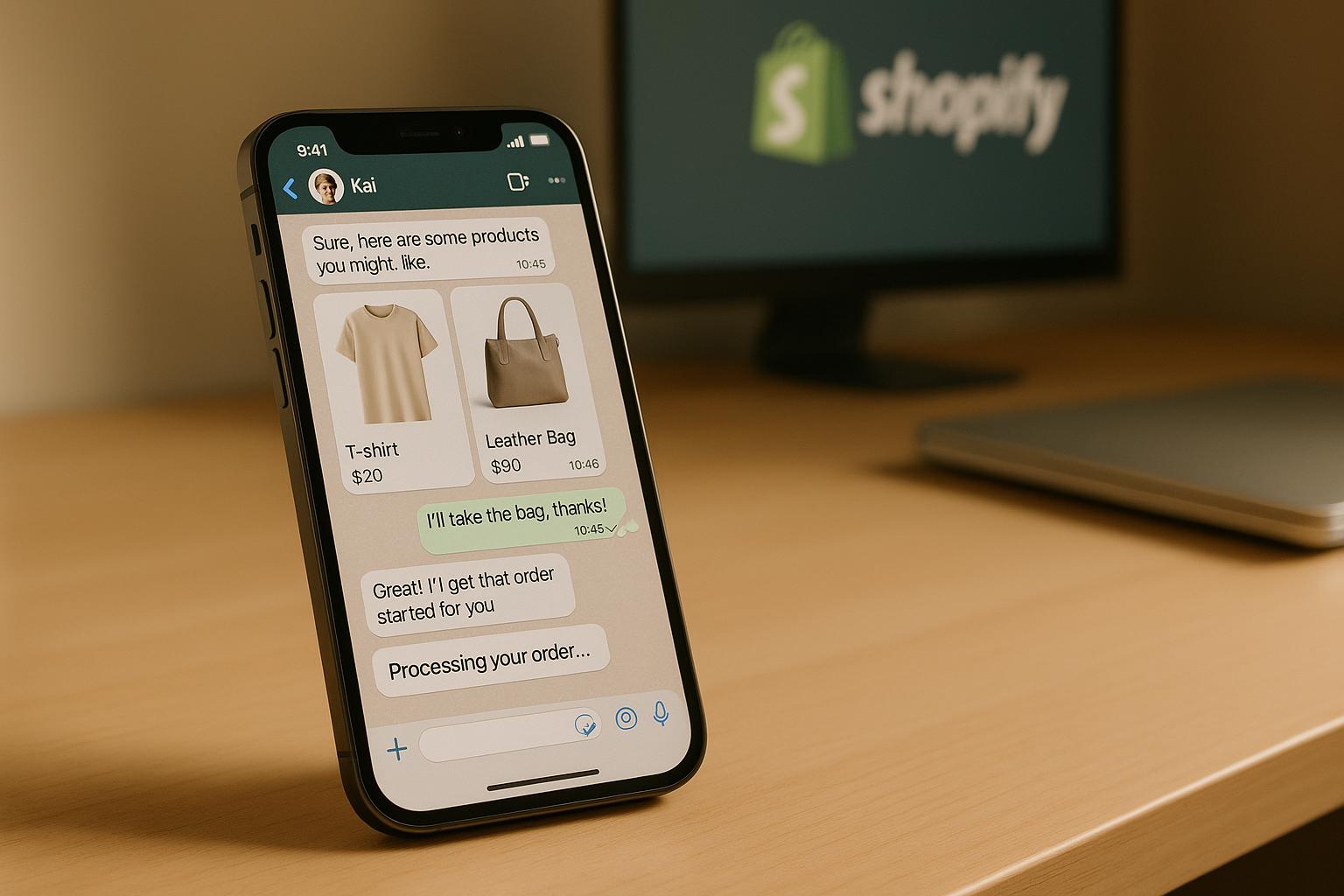
Sending Product Recommendations and Upsell Messages
WhatsApp's conversational nature is perfect for personalized product suggestions. By analyzing customer data, purchase history, and browsing behavior, Kai AI Agent can recommend products tailored to individual preferences.
The difference lies in the interaction. Instead of just displaying a list, the AI engages customers with questions to better understand their needs. For example, if an item is out of stock, the agent might ask about alternatives the customer would consider before suggesting options.
By syncing with your Shopify store, the AI identifies opportunities like abandoned cart items or complementary products. For instance, it might say, "Since you bought our wireless headphones last month, you might like our new carrying case, now 20% off."
The results speak for themselves. WhatsApp promotions often see click-through rates of 45–60%, and 66% of customers have made purchases after chatting with brands on WhatsApp. Personalized recommendations can also boost conversion rates by 10–15% compared to generic marketing.
Timing is everything. Kai AI Agent can send recommendations at strategic moments - after delivery, during seasonal sales, or when customers browse specific categories. Its conversational style also allows for dynamic comparisons, highlighting benefits or offering time-sensitive discounts to encourage purchases.
For situations that require more than automated suggestions, the AI seamlessly transitions to human support.
Transferring Complex Issues to Human Agents
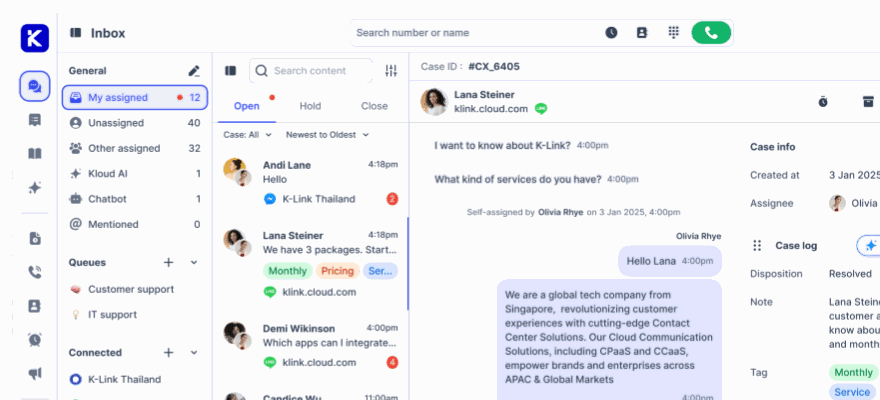
While automation excels at handling routine tasks, some situations demand a human touch. Kai AI Agent identifies these moments and escalates conversations to live agents, ensuring a smooth transition.
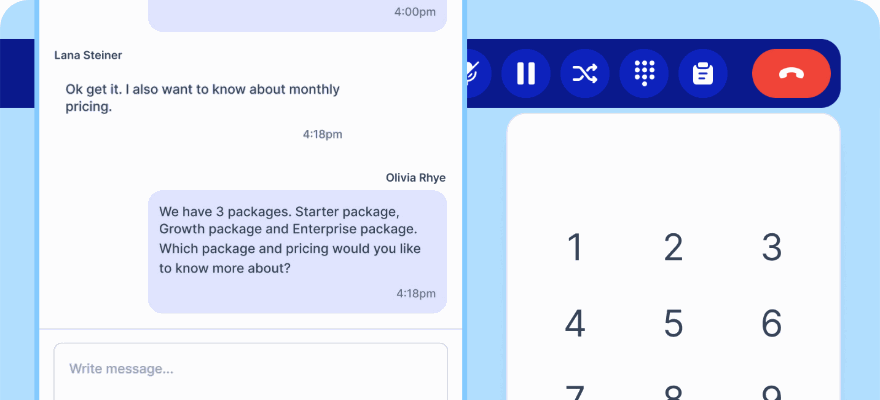
Escalation triggers include phrases like "I want to speak to a manager" or complex issues such as refund requests or technical problems. When flagged, the AI transfers the full chat history, customer details, and relevant order information to human agents. This way, customers don't have to repeat themselves, and agents can focus on resolving the issue quickly.
The system also uses smart routing to direct inquiries to the right team - whether it's billing, technical support, or returns. This reduces wait times and improves resolution rates.
Even for complex cases, the AI remains helpful. It gathers essential details, like order numbers and problem descriptions, before handing off to a human. This ensures agents are prepared to dive straight into solving the issue.
Once resolved, the AI can re-engage customers with satisfaction surveys, product suggestions, or tips to prevent future issues. This hybrid approach balances efficiency with personalized care, enhancing the overall support experience for your Shopify store.
Benefits of AI-Powered WhatsApp Automation with Kai AI Agent
AI-powered WhatsApp automation is transforming how Shopify merchants handle customer interactions. It enhances efficiency, reduces costs, and supports business growth - all while improving the overall customer experience.
Better Customer Experience
Kai AI Agent offers instant, 24/7 support, responding to queries in under 10 seconds. Compare that to the 15–20 minutes it typically takes for human agents, and it’s clear why customer satisfaction sees a 25% boost.
What really sets AI apart is its ability to personalize interactions at scale. By tapping into customer data from your Shopify store, it can craft responses based on purchase history, browsing habits, and preferences. For instance, Frávega enabled customers to complete purchases entirely through WhatsApp. Beyond speed and convenience, AI ensures accuracy and consistency in responses, helping to build trust and clarity in every interaction.
With WhatsApp’s impressive 98% open rate, critical updates like order confirmations or shipping alerts are seen almost instantly. This not only keeps customers happy but also significantly reduces operational costs.
Improved Efficiency and Cost Savings
The financial advantages of AI-driven WhatsApp automation are hard to ignore. Traditional customer support costs range from $2 to $5 per chat, while AI-powered chats cost just $0.10 to $0.25. For businesses managing thousands of interactions monthly, the savings quickly add up.
AI agents can handle over 1,000 chats daily, far outpacing the 50–60 chats a human agent can manage. This means lower support costs - dropping from up to $5 per chat to as little as $0.10. Even with a flat monthly fee under $5,000, businesses often see a 200% ROI by year three, compared to the $3,800 monthly cost of a single human agent.
Take Skullcandy, for example. This global audio brand integrated its Shopify store with WhatsApp to automate tasks like order confirmations, shipping updates, and cart reminders. The result? A 35% increase in cart recovery and happier customers thanks to instant responses.
AI bots also take on about 80% of routine queries, allowing human agents to focus on complex issues. Over time, as the AI learns and refines its responses, overall efficiency only gets better. This makes scaling operations smooth and cost-effective.
Easy Scaling for Growing Businesses
One of the standout benefits of AI-powered WhatsApp automation is its ability to scale effortlessly. As your Shopify store grows - whether it’s more customers, higher order volumes, or seasonal spikes - the AI system can handle the extra load without requiring a larger support team. This ensures timely, effective customer support during busy periods like product launches or holiday sales.
Scaling also becomes simpler when expanding into global markets. AI provides consistent support across time zones, eliminating the need for local teams. With performance monitoring in place, businesses can reduce response times by up to 40%, creating a feedback loop that continuously improves service quality. Plus, modern customers are on board - 62% say they prefer messaging with chatbots over waiting for a human agent.
AI-powered WhatsApp automation aligns perfectly with Shopify’s omnichannel approach, making it a game-changer for businesses looking to grow without compromising on customer satisfaction.
Conclusion: Getting Started with Automated WhatsApp Support
Implementing automated WhatsApp support for your Shopify store with Kai AI Agent isn’t just about embracing technology - it’s about setting your business on a path toward lasting growth. The process is straightforward: apply for the WhatsApp Business API, link it to your store, and complete the setup in no time.
This integration taps into WhatsApp's massive user base of 2 billion active users, meeting the rising demand for quick, round-the-clock customer support. Businesses that adopt AI-powered WhatsApp chatbots early are already reaping the rewards, gaining a significant edge in customer engagement. As we progress into 2025, these tools are becoming essential for combining automation with AI to deliver better customer experiences.
The stats back this up: companies using AI agents have reported a 30% drop in customer support expenses, while AI-driven product recommendations noticeably increase average order values. On top of that, personalized interactions make a big difference - 60% of customers are more likely to return after receiving tailored experiences. These outcomes align with the efficiencies discussed earlier.
To succeed, choose AI tools that grow with your business, prioritize ethical data practices, and train your team to handle escalations effectively.
FAQs
How does the Kai AI Agent comply with privacy laws like GDPR when automating WhatsApp customer support for Shopify stores?
The Kai AI Agent prioritizes privacy and security by adhering to strict data protection standards, including compliance with GDPR. It employs enterprise-grade security measures to safeguard customer data, offering businesses complete control over their information and ensuring transparency.
The platform also incorporates industry best practices, such as ISO 27001 certification and advanced data encryption. This approach ensures your Shopify store's WhatsApp support automation not only meets legal requirements but also upholds customer confidence.
What are the key benefits of using Kai AI Agent to automate WhatsApp customer support for your Shopify store?
Automating WhatsApp customer support with the Kai AI Agent brings a host of benefits for Shopify merchants. It allows for real-time, personalized interactions, fostering stronger connections with customers and enhancing their overall satisfaction. By automating tasks like responses, follow-ups, and order updates, it speeds up resolutions and ensures a smoother shopping experience.
This tool also plays a key role in increasing sales, helping reduce cart abandonment with timely reminders and exclusive promotional offers. On top of that, it simplifies support processes, saving valuable time and resources, so your team can focus on more strategic priorities. In short, it’s a smart way to boost customer engagement and drive revenue for your Shopify store.
How can businesses ensure a smooth handoff from AI to human agents for complex customer inquiries?
To make the transition from AI to human agents as smooth as possible, businesses should set up clear escalation processes and inform customers when they’re being handed off to a live agent. This level of transparency helps build trust and improves the overall customer experience.
Leveraging AI tools like sentiment analysis can be a game-changer. These tools can detect when a conversation gets too complex or emotionally charged, signaling the need for a human agent to step in. On top of that, keeping a complete conversation history ensures agents have all the context they need to provide personalized and effective support.
By integrating these approaches, businesses can streamline the shift between AI and human support, making interactions more seamless while boosting both customer satisfaction and operational performance.