Shopify AI Agent: The New Way to Automate Your Entire Store Support
The Shopify AI Agent is a tool designed to make customer support for Shopify stores faster and easier. It answers common customer questions, manages workflows, and integrates directly with your store’s data to provide accurate, real-time responses. Whether it’s order tracking, returns, or product availability, the AI handles routine tasks, freeing up your team to focus on more complex issues. It works across multiple channels like live chat, email, and social media, ensuring consistent support 24/7. By reducing manual effort and improving response times, this AI-powered solution helps businesses save time, cut costs, and improve customer satisfaction.
Key features include:
- Real-time responses: Answers questions instantly using your store’s data.
- Multi-channel support: Works across chat, email, SMS, and social media.
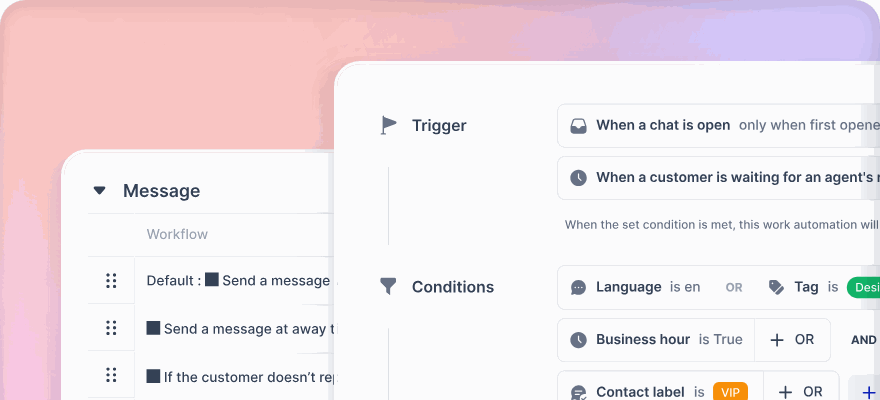
- Workflow automation: Tags, organizes, and escalates tickets as needed.
- Language support: Handles over 100 languages for global accessibility.
- Custom actions: Processes refunds, updates orders, and more.
With tools like klink.cloud, you can unify communication across platforms, track performance metrics, and customize automation rules to fit your needs. The Shopify AI Agent is a practical way to improve support efficiency and meet rising customer expectations.
How to Automate Shopify Customer Service with AI (No Coding!)

Core Features of the Shopify AI Agent
The Shopify AI Agent offers a range of tools designed to transform customer support for online stores. By automating responses and streamlining workflows, it reduces the manual effort needed while keeping customers happy with quick and precise answers.
Handling Customer Questions Automatically
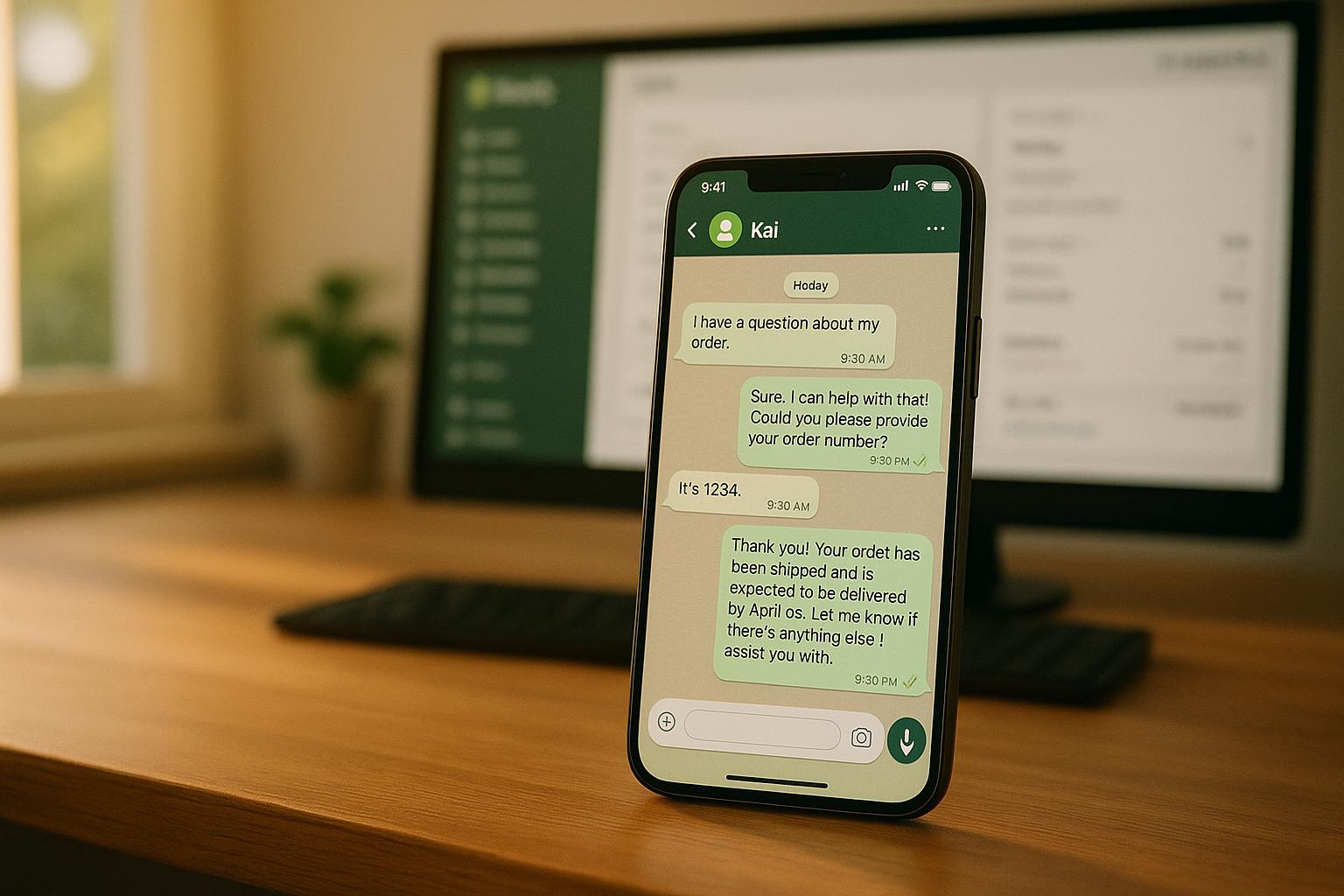
The AI agent addresses common customer inquiries instantly, pulling answers directly from your store's data. Questions about order tracking, return policies, size charts, or shipping details are resolved on the spot, saving time for both customers and your team.
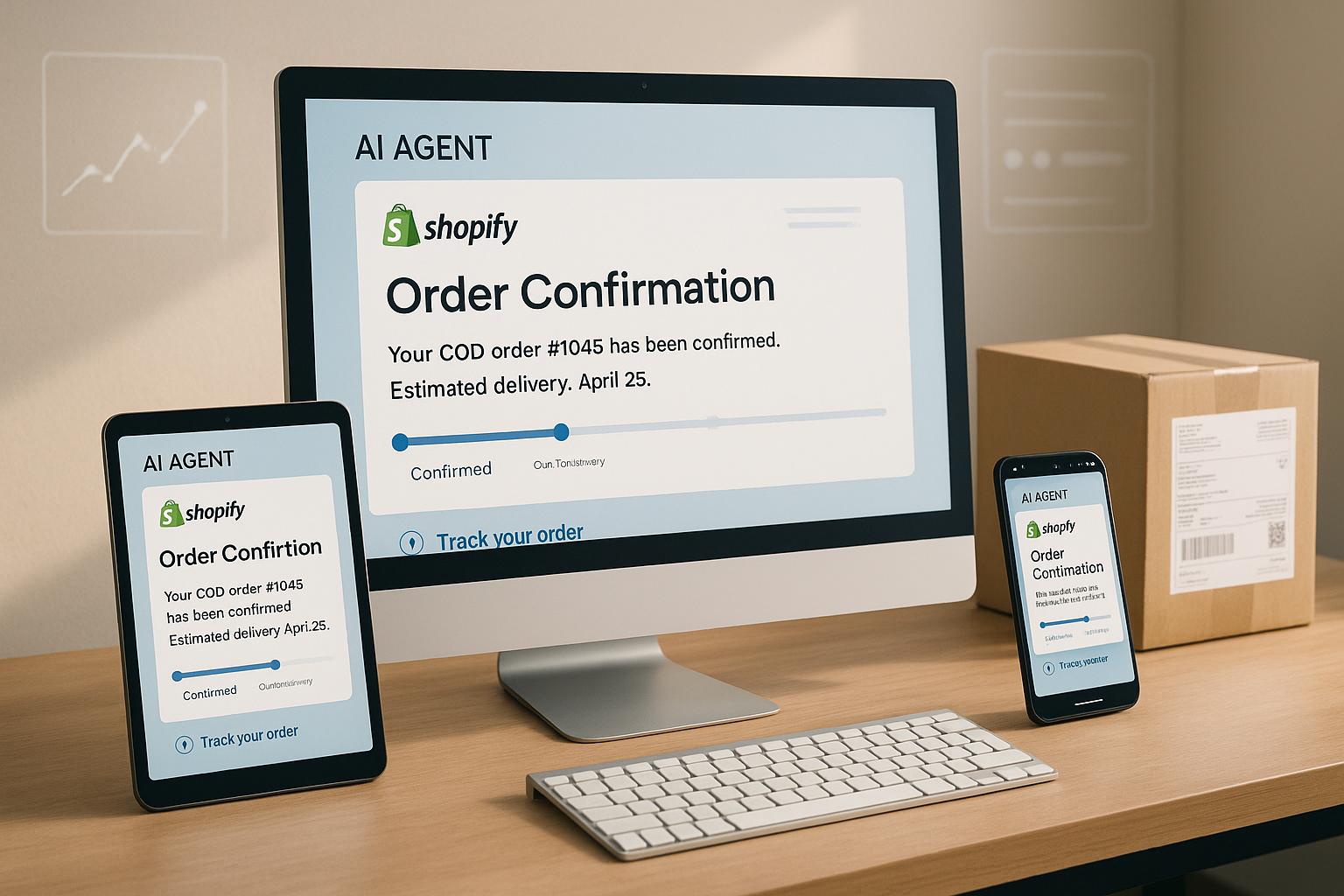
For example, if a customer asks about their order status, the agent retrieves tracking numbers and delivery estimates in real-time. Similarly, if someone wants to check product availability in a specific size or color, the agent scans your inventory and provides an accurate answer immediately.
The system also handles more nuanced queries. It can explain return windows, guide customers through exchanges, or calculate shipping costs based on their location. Stores using AI tools like this often report a 30% to 50% reduction in support ticket volume, allowing your team to focus on more complex issues.
Additionally, the agent supports over 100 languages. Whether a customer reaches out in Spanish, French, or Japanese, they receive the same high-quality service in their preferred language - without the need for multilingual staff.
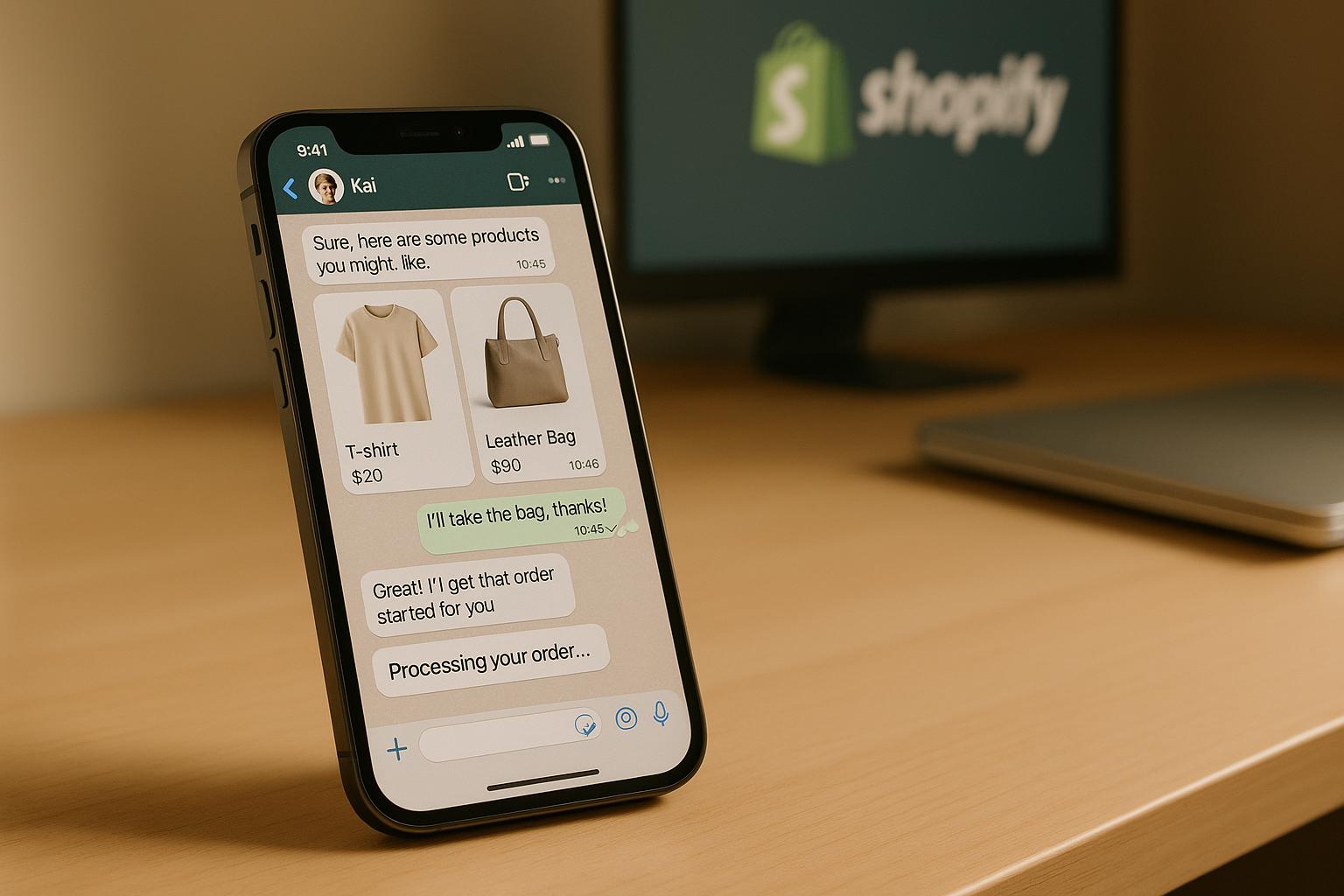
Beyond just responding to questions, the AI can engage proactively. For instance, if a customer lingers on a product page, the agent might suggest related products or answer potential questions about specifications. This proactive approach helps reduce cart abandonment and encourages more conversions.
These automated interactions not only improve response times but also make your support processes more efficient.
Managing Workflows and Support Tickets
Behind the scenes, the AI agent organizes and routes conversations to optimize your support operations. It automatically tags tickets, categorizes issues, and directs them to the right team members.
Urgent matters, like failed deliveries or payment issues, are prioritized, while lower-priority questions - such as general product inquiries - are queued appropriately. This ensures that critical issues get prompt attention.
When the AI encounters a question it can't resolve, it escalates the issue to a human agent. The handoff includes the full chat history and all relevant details, so the agent has complete context from the start. Customers don’t need to repeat themselves, which enhances their experience.
You can also customize escalation rules. For example, the system might transfer a conversation after multiple failed resolution attempts, when it detects keywords like "urgent" or "complaint", or when it senses frustration in the customer’s tone. By handling routine inquiries, the AI saves agents nearly five minutes per ticket, resulting in significant time savings each month.
Another helpful feature is its ability to summarize conversations. Instead of combing through entire chat logs, your team can quickly review summaries, speeding up quality checks and helping identify recurring customer issues.
This level of efficiency is made possible through the agent’s deep connection to your store’s data.
Using Shopify Store Data
What sets the Shopify AI Agent apart is its seamless integration with your store's data. It accesses your full product catalog, order history, customer profiles, and store policies to deliver tailored, context-aware responses.
When a customer asks about return eligibility, for example, the agent checks the purchase date against your return policy, considers the product category (some items may not be returnable), and provides an accurate answer based on the customer’s actual order.
The agent isn’t just about answering questions - it can take action, too. It can process refunds, cancel orders, update shipping addresses, or even generate discount codes on the spot. This means customers get their issues resolved immediately, without needing to wait for manual intervention.
For instance, if a customer notices they’ve entered the wrong shipping address, the agent checks the order status. If it hasn’t shipped yet, the address is updated; if it has, the agent explains the situation and offers alternatives.
The AI continuously learns from its interactions, improving its accuracy and ability to follow your business rules over time. As it handles more conversations, it gets better at understanding customer needs. According to Boston Consulting Group, AI technologies can boost customer service team productivity by 30% to 50% or more when scaled effectively.
This data-driven approach ensures the agent’s responses are always accurate and aligned with your current inventory, pricing, and policies. Any updates to your store’s information are automatically reflected in the agent’s future interactions, keeping everything up-to-date.
Building Omnichannel Support with klink.cloud
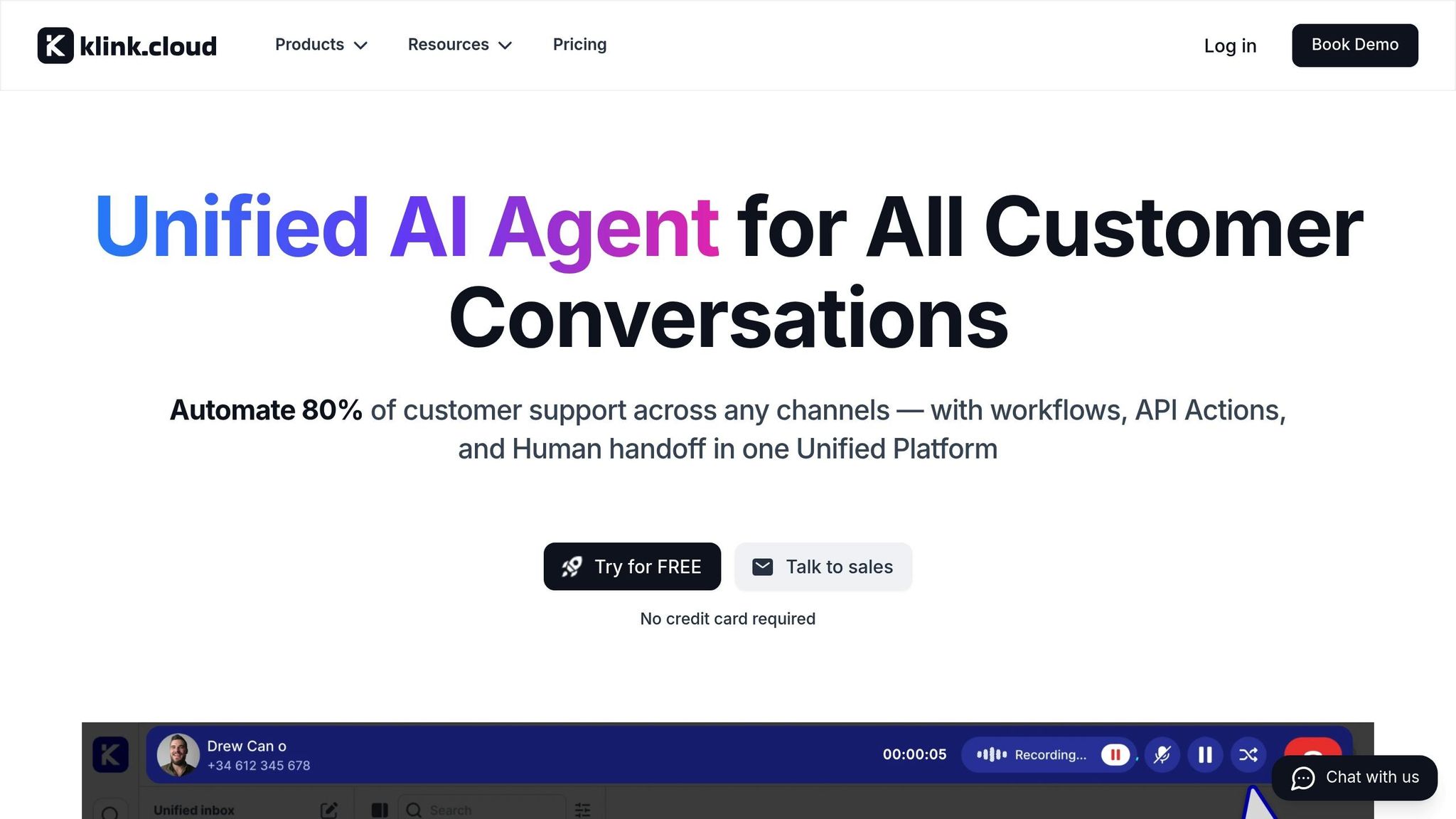
Today's shoppers interact with brands through a mix of channels - Instagram, email, SMS, and more. This scattered communication can leave both customers and support teams frustrated. That’s where klink.cloud steps in, bringing all these channels together in one workspace. With the Shopify AI Agent at its core, klink.cloud ensures consistent service no matter how or where customers reach out. This unified setup creates a smoother, cross-channel experience for everyone involved.
Managing Customer Conversations Across All Channels
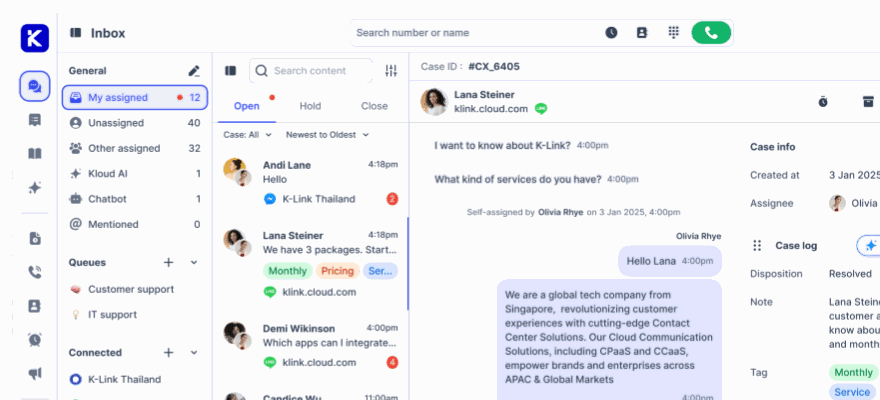
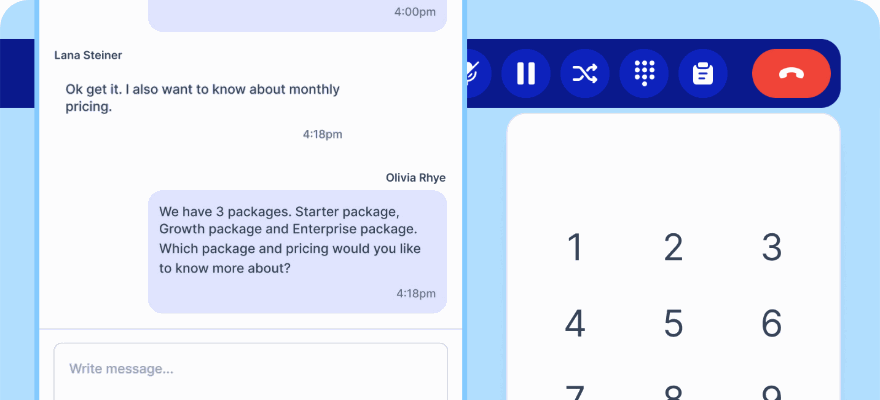
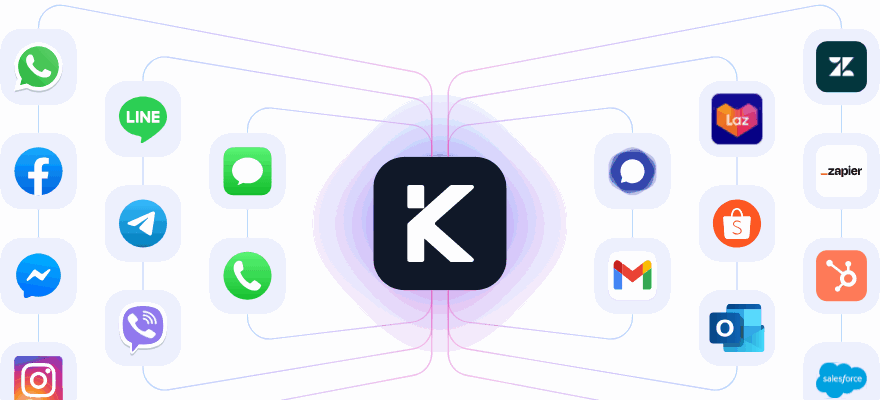
klink.cloud integrates all your customer communication channels - live chat on your website, email, SMS, WhatsApp, Facebook Messenger, Instagram DMs, and even phone calls - into one centralized platform. Instead of juggling multiple apps and fragmented conversation histories, everything flows into a single, streamlined inbox.
The AI agent works effortlessly across these channels to deliver tailored support:
- Live Chat: Instantly answers product queries and checks inventory in real time.
- Email: Provides structured replies for order updates, return requests, and policy questions, with human agents reviewing drafts for quick approvals.
- SMS: Handles concise updates like tracking details and delivery times, while also sending proactive shipping notifications.
- Social Media: Responds to pre-purchase questions through Instagram and Facebook DMs and comments about product availability.
What makes this system even more effective is its unified conversation history. For example, if a customer starts a chat on your website and later follows up via email, the AI agent has access to the complete timeline. This eliminates the need for customers to repeat themselves and ensures your team always has the full context.
"klink.cloud has made a huge difference for our contact center! Our agents can easily manage conversations across different channels, helping us respond faster and keep our clients happy. We've seen big improvements in both productivity and customer satisfaction since we started using it." - James Carter, Operations Manager, MPG BPO
This unified approach is especially beneficial for US-based ecommerce brands. Channels like website chat and email remain critical for pre-purchase inquiries and order issues, while SMS is ideal for timely shipping updates. Social media platforms such as Instagram and Facebook offer a direct way to engage with customers and provide quick responses.
Controlling Everything from the klink.cloud Dashboard
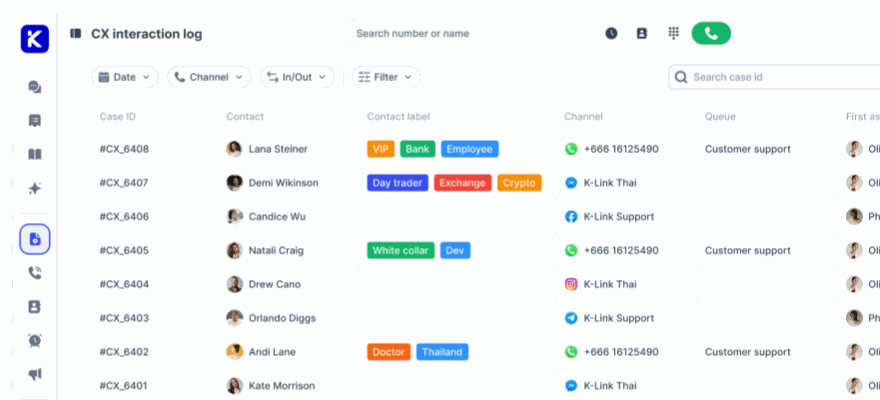
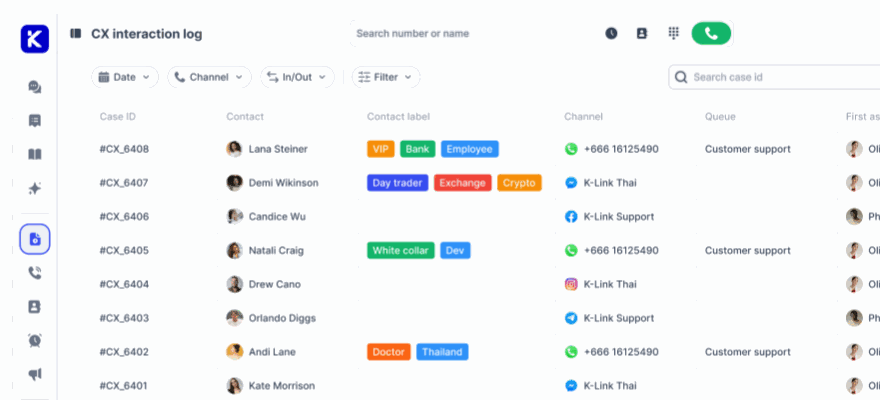
Beyond bringing conversations together, klink.cloud makes managing them a breeze. Its dashboard organizes all customer interactions into a single inbox, complete with real-time indicators showing which messages need attention, which are resolved, and which were handled by the AI agent. You can filter conversations by channel, priority, or status, making it easy to manage incoming messages effectively.
Each interaction is enriched with Shopify data, giving agents instant access to details like order history, shipping status, and previous communications.
Store owners also have the flexibility to configure automation rules. For instance, the AI agent can handle straightforward queries about shipping policies, return eligibility, and order tracking around the clock. Meanwhile, messages containing keywords like "damaged", "fraud", or "chargeback" can be flagged for immediate escalation to senior team members. This reduces manual work and ensures critical issues get the attention they deserve.
The platform also allows for assigning conversations to specific agents based on criteria like customer type, order value, or VIP status. This ensures that high-priority customers or complex cases are handled by your most experienced team members.
"Since adopting klink.cloud, we've seen a massive improvement in our response times. Our customers are happier, and our agents are more efficient than ever." - Sarah Lee, Head of Contact Center, Horizon Solutions
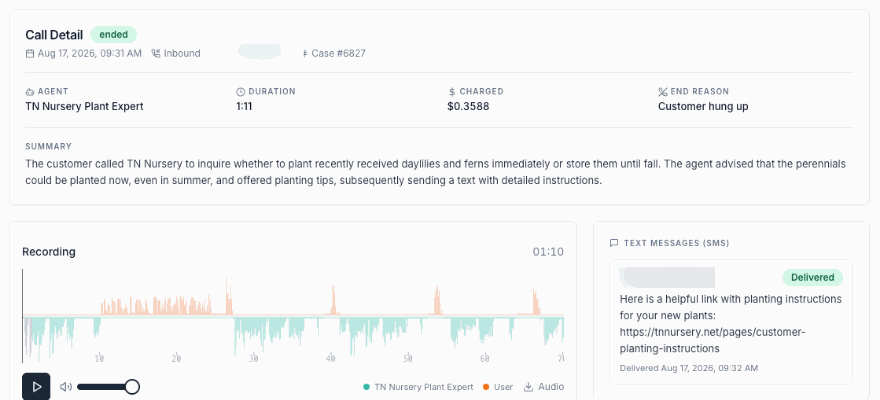
klink.cloud also includes case management features that consolidate every interaction under a single customer profile. Metrics like first response time, resolution time, and customer sentiment are readily available, while tags and custom fields help organize conversations by topic. This makes it easier to identify recurring issues and address them proactively.
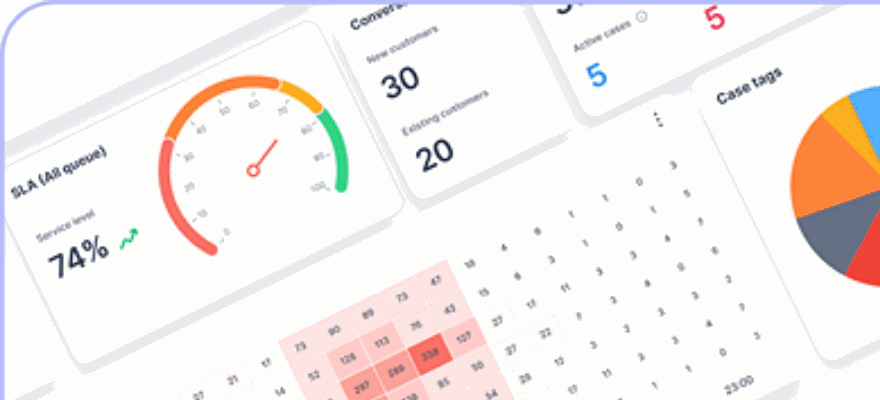
The platform’s real-time analytics provide valuable insights into your team’s performance across all channels. You can track response times, see how many conversations the AI resolves, and review customer satisfaction scores. This data helps refine your support strategy over time.
"We moved from Zendesk, and it's the best decision we've made. The migration was smooth, and the Unified Inbox is so much easier to use than Zendesk tickets." - Samantha Lee, Head of Customer Support
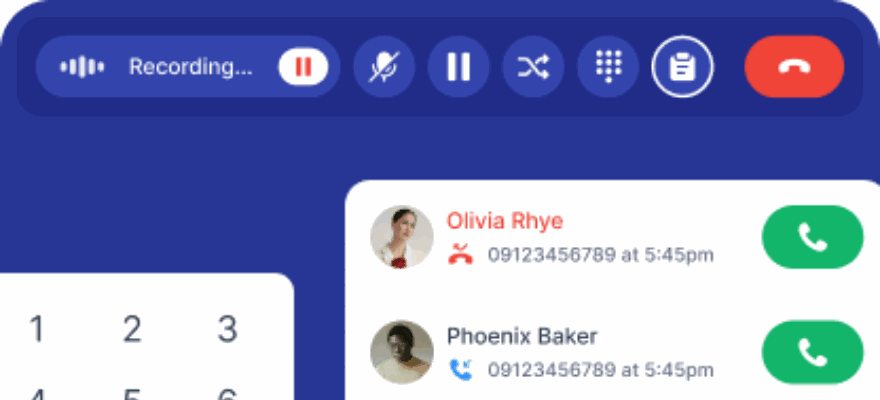
Additional features include phone call recording, custom wrap-up forms, and SLA tracking. You can even set business hours and configure the AI to handle after-hours inquiries differently, ensuring that US customers always receive consistent support, no matter the time of day.
sbb-itb-204ca50
Setting Up the Shopify AI Agent
Getting your Shopify AI Agent up and running requires a bit of preparation, but it’s worth the effort to ensure smooth automation. A solid setup lays the groundwork for improving your customer support operations.
What You Need Before Getting Started
Before connecting your AI agent to your Shopify store, make sure you’ve got everything you need. Here’s a quick rundown of the essentials:
- Administrative Access to Shopify: You’ll need admin permissions in your Shopify account. This access is crucial for integrating third-party tools and adjusting necessary settings.
- Active klink.cloud Subscription: Choose a klink.cloud plan that fits your business needs. For most stores, the Growth plan ($69/user/month) is a good starting point. It includes workflow automations and unlimited call recordings, making it ideal for stores looking to implement AI automation. If your store has more complex requirements, the Enterprise plan offers advanced integrations and dedicated support.
- Customer Support Information: The AI agent’s performance depends on the quality of the data you provide. Gather key resources like FAQs, product descriptions, shipping and return policies, and past customer interactions. This information helps the agent deliver accurate and helpful responses.
- Knowledge Sources: Link at least one knowledge source to your AI agent. This can include your Help Center, public pages from your Shopify store, or documents uploaded directly to klink.cloud. These sources allow the platform to answer customer queries effectively.
- Access to Other Tools: If you use additional systems like a CRM, inventory management software, or helpdesk tools, make sure you have the necessary credentials. On the Enterprise plan, klink.cloud integrates with platforms like Salesforce and HubSpot, pulling in customer data to enhance your AI agent’s capabilities. If HubSpot is part of your setup, ensure your HubSpot-Shopify integration is active.
Once you’ve gathered these prerequisites, you can move forward with implementing the AI agent in a structured, step-by-step way to get the most out of its features.
Tracking Results and Performance
Keeping tabs on your Shopify AI Agent's performance is essential to understand its impact on both your operations and customer interactions. By monitoring key metrics, you can identify areas where the AI agent excels and where it might need some fine-tuning. Here’s a closer look at the metrics that matter most.
Important Metrics to Track
-
Ticket Resolution Time
This metric shows how quickly the AI agent resolves customer inquiries. By automating responses, resolution times often drop significantly compared to manual handling. Regularly comparing this metric to your pre-automation benchmarks helps gauge progress over time. -
First Response Time
This measures the speed of the AI’s initial reply. Quick, near-instant responses - whether via email, chat, or social media - are linked to better customer satisfaction. Keeping an eye on response times for each channel ensures the AI meets customer expectations. -
Customer Satisfaction Scores (CSAT)
CSAT surveys provide direct feedback from customers about their experiences with the AI agent. If scores are low, it’s a clear sign the AI needs adjustments to better meet customer needs. -
Reduction in Manual Work Hours
Compare the hours your team spent on support tasks before and after introducing the AI. The time saved can be redirected to more complex, high-value activities, helping your team work smarter. -
AI Resolution Rate
This percentage reflects how many inquiries the AI resolves without human intervention. A lower-than-expected resolution rate might mean the AI requires additional training or updated data to improve its performance. -
Escalation Rate
This tracks how often the AI needs to pass inquiries to a human agent. A high escalation rate indicates areas where the AI struggles and could benefit from further refinement.
Calculating ROI for Your Shopify Store
Understanding the return on investment (ROI) from your AI agent is crucial for justifying its costs and planning future improvements. Start by calculating the total cost of ownership, which includes klink.cloud fees, integration costs, and the time spent on setup and maintenance.
Next, compare the support hours and labor costs before and after automation to see how much time and money you’ve saved. Finally, evaluate the revenue impact by analyzing changes in conversion rates and repeat purchase rates after implementing the AI. These insights will give you a clear picture of the AI agent’s value to your business.
Conclusion
The Shopify AI Agent is reshaping the way ecommerce businesses handle customer support. By automating repetitive tasks and streamlining workflows, it tackles some of the biggest challenges store owners face - like limited time, rising customer expectations, and the pressure to scale efficiently without inflating costs.
The advantages are clear: greater efficiency, happier customers, and a lighter workload for your team. Tasks like tracking orders, managing returns, and answering product questions are handled automatically, saving time and resources. With faster, 24/7 responses, customer satisfaction improves, while reduced manual effort helps cut costs and prevent staff burnout.
What sets this solution apart is its seamless data integration through the klink.cloud dashboard. This isn’t just another tool to manage - it’s a connected ecosystem. It pulls data directly from your Shopify store, unifies communication across email, chat, social media, and phone, and delivers real-time performance insights to keep you in control.
For businesses still managing support manually or relying on outdated systems, the gap is growing. Customers now expect quick, accurate, and reliable service. Falling short on this front can mean losing out to competitors who are meeting these expectations. AI-powered support is no longer a luxury - it’s becoming the norm.
The good news? You don’t need to overhaul your entire operation to get started. A phased rollout, as previously outlined, lets you integrate AI step by step. Use the metrics you track to refine the system, ensuring it delivers value where it matters most.
The time to act is now. Every delay means slower responses, missed opportunities, and wasted resources. The tools are ready, the integration is straightforward, and the benefits are measurable. Start today, and position your Shopify store for long-term success.
FAQs
How does the Shopify AI Agent provide accurate responses in multiple languages and on various platforms?
The Shopify AI Agent leverages sophisticated language detection technology to engage with customers in their preferred language. It identifies this preference through various methods, such as analyzing IP addresses, checking browser settings, or allowing users to select their language directly.
By doing so, it enables smooth communication across multiple languages and platforms, empowering store owners to provide consistent and tailored support to their customers.
How do I get started with setting up the Shopify AI Agent for my store?
To get your Shopify AI Agent up and running, begin by choosing the platform that aligns with your store's requirements. Then, provide the AI with key details about your business - this includes product information, store policies, and FAQs. Once that's done, link the AI Agent to your Shopify store and sync it with your helpdesk system. This setup allows for smooth automation and effective customer support.
How can I evaluate the Shopify AI Agent's impact on my store's customer support and satisfaction?
To measure how well the Shopify AI Agent is performing, focus on a few key metrics: automation rate, first contact resolution (FCR) for AI-managed inquiries, and customer satisfaction (CSAT) scores tied to AI interactions.
These numbers give you a clear picture of how efficiently the AI is addressing customer issues, cutting down response times, and enhancing the overall experience. By regularly analyzing this data, you can pinpoint opportunities for improvement and make sure your support system aligns with what your customers need.