Close More Sales via WhatsApp with Kai AI Agent for Shopify Merchants
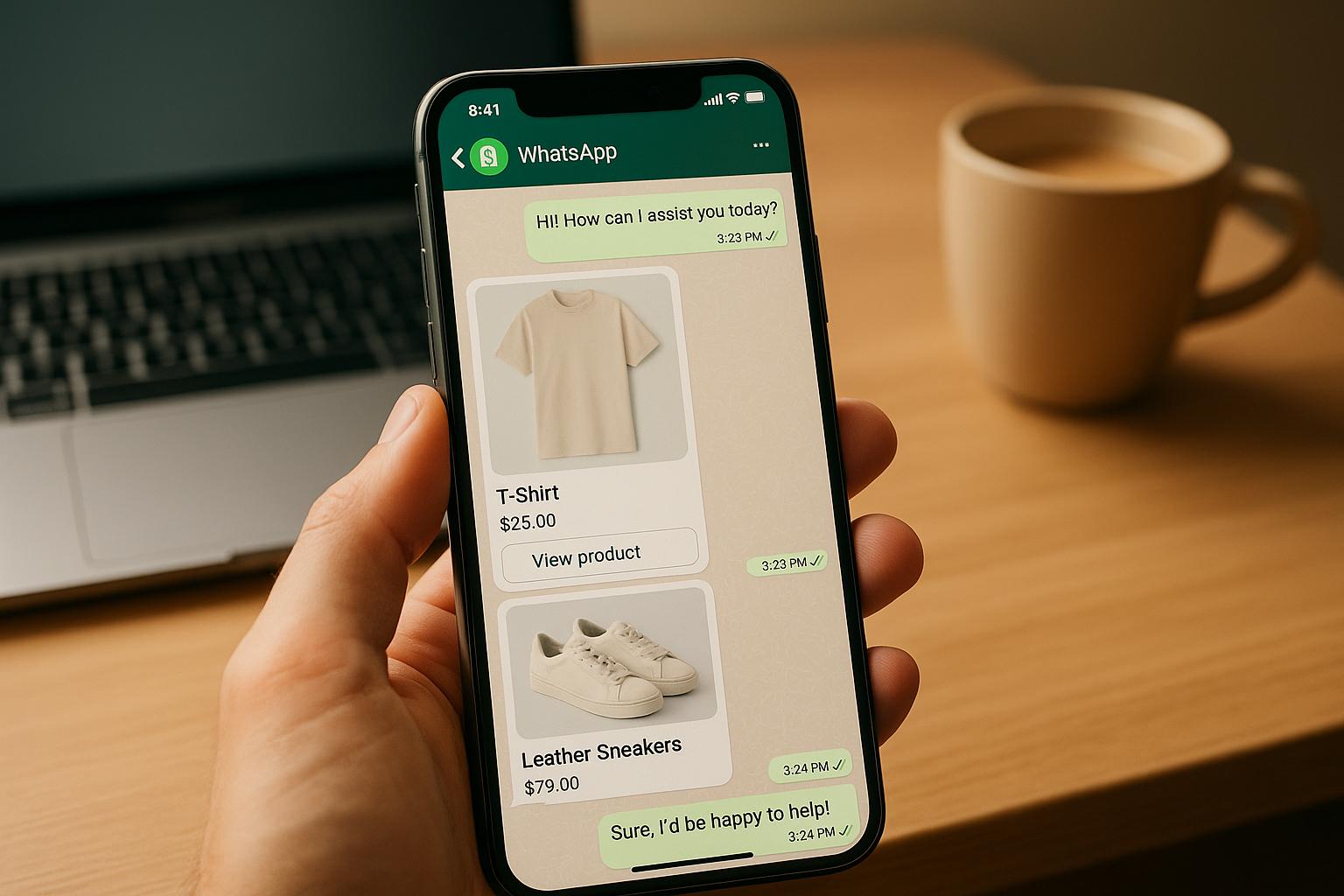
Want to boost sales and streamline customer service for your Shopify store? Kai AI Agent integrates with WhatsApp to handle customer queries, recommend products, and even process orders - all automatically. With billions of WhatsApp users, your customers are already on the platform, expecting fast, personalized responses. Kai AI helps you meet those expectations while increasing conversions.
Here’s what you’ll learn:
- How Kai AI automates WhatsApp conversations for Shopify merchants.
- Setting up WhatsApp Business API and preparing your store for integration.
- Automating workflows to answer FAQs, recover abandoned carts, and suggest products.
- Crafting personalized customer journeys to drive sales.
- Tracking performance metrics like response times, conversions, and revenue.
What is Kai AI Agent for Shopify and WhatsApp
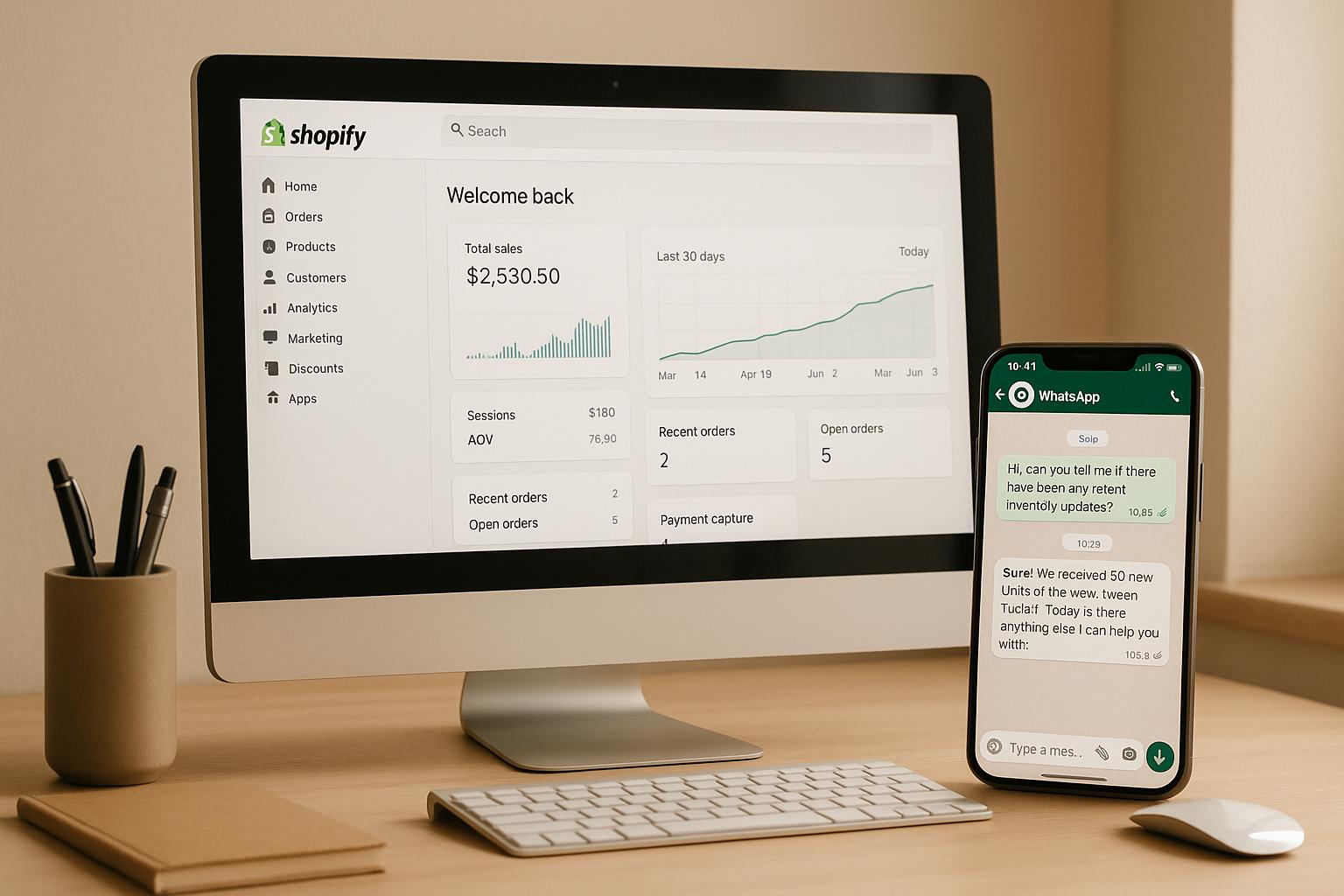
Kai AI Agent is a smart automation tool designed for Shopify merchants, helping them manage customer conversations on WhatsApp in real time. It pulls essential data like product details, inventory, and order updates directly from your Shopify store, allowing it to provide instant and accurate responses to customer questions about product specs, shipping fees, or order tracking.
What sets Kai AI apart is its ability to tailor interactions based on customer behavior. For instance, if a shopper browses specific products but doesn’t make a purchase, Kai AI can send a follow-up WhatsApp message with a personalized offer to encourage a sale.
By syncing Shopify data with WhatsApp, Kai AI ensures customers always get up-to-date information on product availability and pricing. This creates a seamless shopping experience that keeps customers engaged and boosts sales opportunities.
Why Use WhatsApp for Your Shopify Store
With Kai AI's real-time features, WhatsApp becomes a powerful platform for direct and personalized customer engagement.
WhatsApp is a go-to communication tool for millions of U.S. consumers who value quick and easy support without the hassle of phone calls or slow email responses. Its mobile-first design aligns perfectly with modern shoppers’ expectations for fast and convenient service.
For Shopify merchants, WhatsApp provides a direct connection to customers at the moment they’re ready to make a purchase. Quick answers to common questions about sizing, shipping, or return policies can eliminate barriers to buying, reducing cart abandonment in the process.
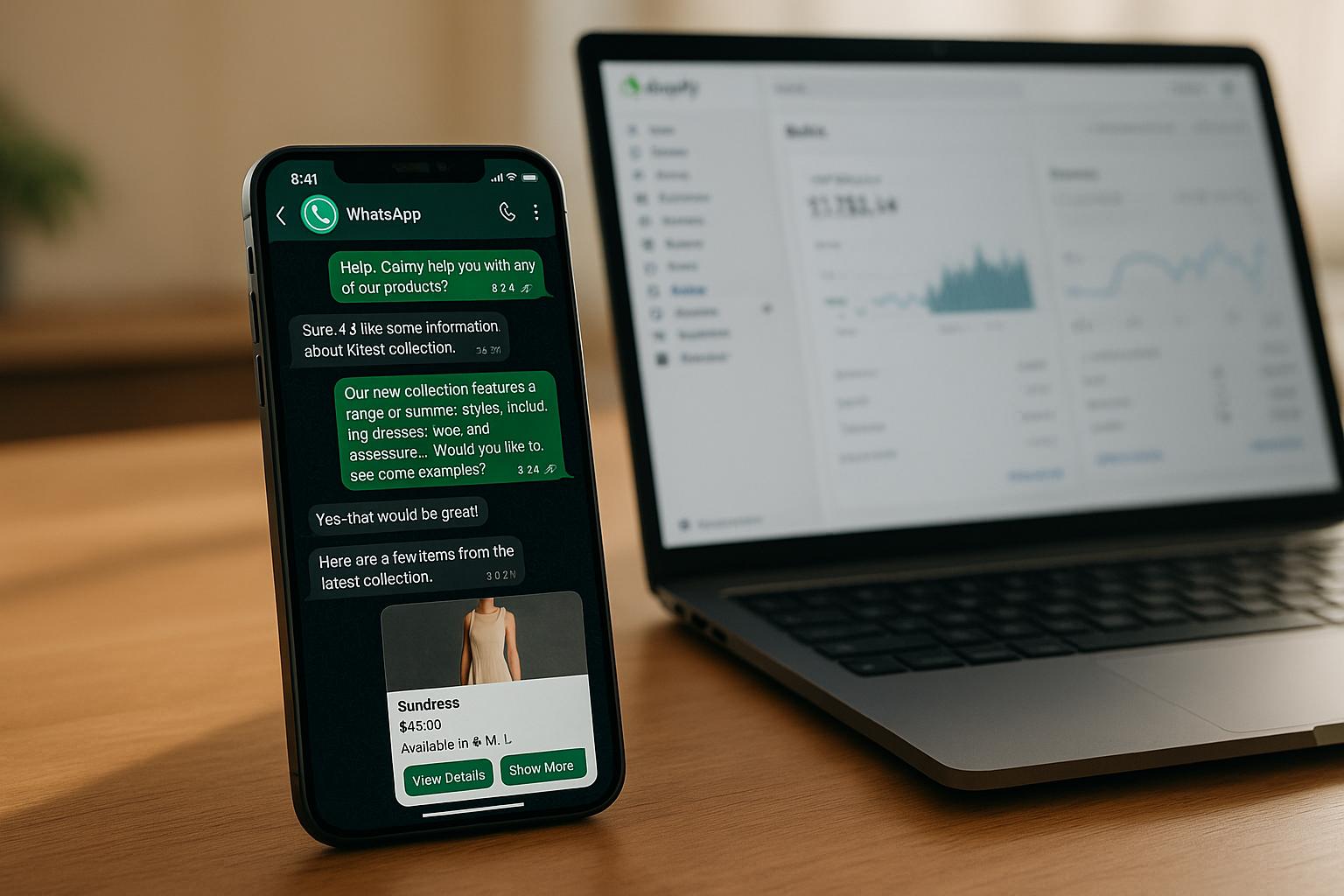
Additionally, WhatsApp supports rich media like product images, videos, and catalogs, allowing customers to browse your offerings in a more interactive and engaging way. As consumers increasingly expect businesses to communicate on platforms they already use, WhatsApp combines accessibility with a personal touch that traditional methods, like automated emails, often lack.
Main Features of Kai AI Agent
Kai AI Agent goes beyond just providing instant replies - it’s designed to enhance sales and streamline customer interactions with advanced features.
The tool comes equipped with automated workflows that handle repetitive questions without requiring manual input. These workflows can be customized to fit your store’s needs, whether it’s answering sizing queries for clothing, explaining technical specs for electronics, or sharing care instructions for home products. Over time, Kai AI learns from every interaction, continuously refining its responses for better accuracy.
One standout feature is its real-time product recommendation system. Based on customer interactions, Kai AI can suggest complementary products, weaving these recommendations naturally into the conversation.
It also checks inventory levels before confirming product availability, applies discount codes during checkout, and even processes payments directly through WhatsApp. By simplifying the steps between customer interest and purchase, Kai AI helps turn conversations into completed sales effortlessly.
Another key feature is its ability to transfer conversations to a live agent when needed. If a customer has a complex issue or expresses dissatisfaction, Kai AI can seamlessly hand off the chat - along with the full conversation history - so the customer doesn’t have to repeat themselves. This ensures a smooth transition and maintains a positive customer experience.
Preparing Your Shopify Store and WhatsApp for Kai AI
Before connecting Kai AI Agent to your Shopify store, it's crucial to have both your WhatsApp Business account and store information thoroughly prepared.
Setting Up a WhatsApp Business Account
Preparing your WhatsApp Business account for Kai AI integration involves more than just downloading the app. A verified WhatsApp Business account, linked to Meta Business Manager, is essential to unlock advanced automation features.
Start by logging into Facebook Business Manager. Verify your business details with Meta and add a dedicated business phone number. Once you've done this, submit the number for approval and apply for WhatsApp Business API access through a Business Solution Provider (BSP) like 360 Dialog, Twilio, or Gupshup.
Use a dedicated business number. The phone number you select must not be tied to a personal WhatsApp account. If you’re currently using the number for personal WhatsApp, you’ll need to get a new one specifically for business purposes. This ensures smooth integration and avoids communication conflicts.
After applying for API access, upload your business number and the required documentation via your chosen BSP. Once approved, your phone number will be activated for API use, enabling the automation features necessary for Kai AI. Keep in mind, this process may take a few days, so plan ahead.
When you're ready to connect Kai AI, grant the necessary permissions through Meta Business Manager. Log in using the credentials associated with your WhatsApp Business Account and approve all requested permissions. This step allows Kai AI to manage customer interactions, access conversation data, and send messages on your behalf.
With your WhatsApp Business account verified and API access granted, the next step is to prepare your Shopify store data for seamless integration.
Organizing Your Store Information
Once your WhatsApp setup is complete, it’s time to get your Shopify store data in order. The accuracy and organization of this information are key to helping Kai AI provide precise, real-time responses.
- Product catalog: Make sure every product includes detailed descriptions, pricing in USD, and relevant specifications. Add information customers frequently ask about, like size charts, technical details, materials, care instructions, and assembly guidelines.
- Shipping policies: Clearly outline shipping rates, delivery times, free shipping thresholds, and options for expedited shipping, along with their associated costs.
- Return and exchange policies: Provide clear details about your return window, condition requirements, who covers return shipping, and refund processing timelines. Don’t forget to note any exceptions, such as for final sale items.
- FAQ document: Compile answers to common questions about topics like sizing, product care, order tracking, payment methods, gift wrapping, international shipping, and bulk discounts. This ensures Kai AI can deliver instant, consistent answers to these inquiries.
- Pricing information: Include product costs, applicable taxes, fees, and surcharges. Maintain a list of promotions, discount codes, minimum order requirements, and volume discounts.
To keep this information easily manageable, organize it in a central document or spreadsheet that can be updated regularly. Store policies evolve, products are discontinued, and new items are added all the time. Many merchants find it helpful to review and refresh their store data monthly to prevent outdated details from causing confusion for customers.
Investing time in organizing your store information pays off with faster response times, fewer escalations to human agents, and an overall smoother customer experience. When Kai AI has access to accurate and thorough data, it can confidently handle a broader range of inquiries, freeing you up to focus on growing your business instead of fielding repetitive questions.
Connecting Kai AI Agent with Shopify and WhatsApp
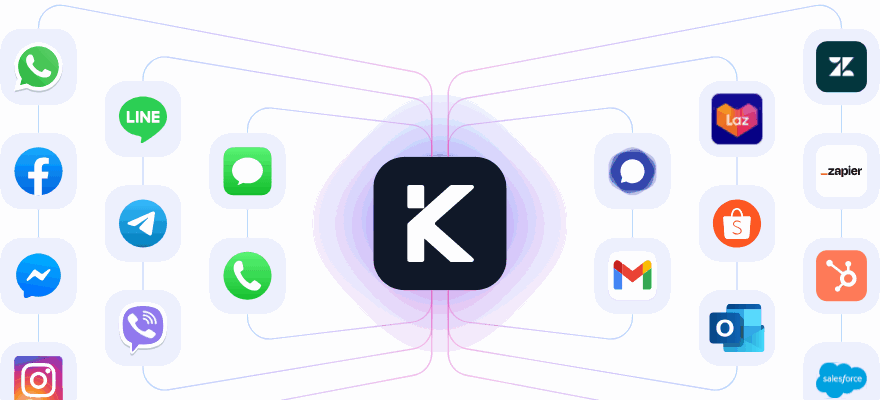
By linking Kai AI with your Shopify store and WhatsApp Business account, you can seamlessly integrate product details, customer data, and orders to enable automated, personalized sales conversations.
Step-by-Step Integration Instructions
The integration process brings together your Shopify store and WhatsApp Business account, allowing Kai AI to sync data in real time and automate customer interactions.
Start by connecting your Shopify store. Log in to your Kai AI dashboard and head to the integrations section. Select Shopify from the available platforms and click "Connect Store." You'll need to review and grant permissions for products, orders, customers, and inventory. This access allows Kai AI to pull in your product catalog, customer profiles, and order history for tailored interactions.
Once the connection is authorized, Kai AI will begin syncing your store data. During this process, it imports product details, pricing, inventory levels, customer information, and order history. A progress indicator may appear, showing the sync status for each data category.
Next, link your WhatsApp Business account. Go back to the Kai AI dashboard and select WhatsApp from the integrations menu. Log in using your Meta Business Manager credentials - the same account used for your WhatsApp Business API setup. Grant permissions for sending messages, accessing conversations, and managing customers. Verify your business phone number by entering the number you registered with the WhatsApp Business API. Kai AI will send a confirmation code to confirm the number is active and properly configured.
Set your data sync preferences. In the Kai AI dashboard, navigate to the sync settings. Choose how often you want product information, inventory levels, and order statuses to update. Many merchants prefer real-time syncing for orders and inventory, while scheduling product catalog updates less frequently. This ensures customers always get up-to-date information about product availability and order status.
To ensure everything is working, send a test message to your WhatsApp Business number. For example, ask about a specific product or check an order status. Kai AI should respond with accurate details pulled directly from your Shopify store. If the response seems outdated, review your sync settings and confirm that all permissions are correctly configured.
Once the integrations are live, you can focus on setting up automated workflows to streamline customer interactions.
Setting Up Automation Workflows
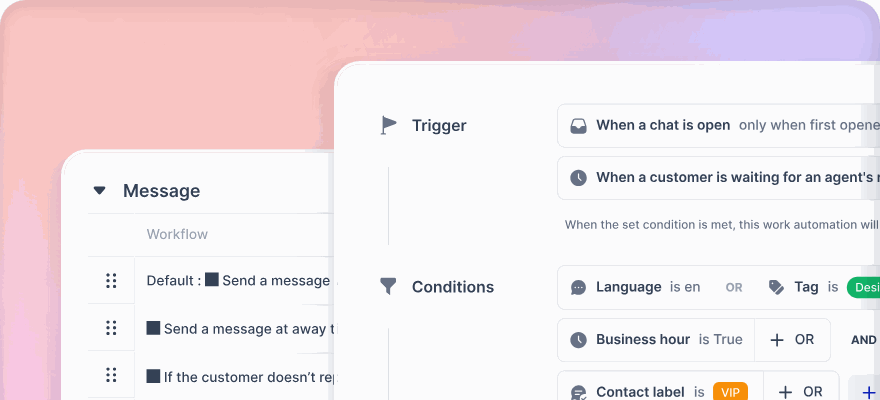
With your data synced, it's time to configure Kai AI's workflows to function like a live support team. Kai AI uses an Agentic Workflow, where specialized AI agents handle different customer inquiries, ensuring smooth and accurate support based on your store data.
Start by setting up a Manager Agent as the first point of contact. This agent greets customers, identifies their needs (like order tracking, product recommendations, or general questions), and routes them to the appropriate Specialized Agent without trying to resolve the issue itself.
Next, create Specialized Agents for specific tasks. For instance:
- One agent can handle real-time order tracking using Shopify's API.
- Another can suggest products based on customer preferences.
- A third can address FAQs using your knowledge base.
Clearly defining each agent's role ensures accuracy and avoids overlapping responsibilities.
Use Transition Nodes to return control to the Manager Agent once a Specialized Agent completes its task. For example, after helping a customer track an order, the conversation can seamlessly move to a new request, like asking about product availability.
Set up escalation rules for human intervention. Triggers can include customer dissatisfaction, frustration keywords, or requests for personal assistance. Define the escalation process, including which team members handle these cases and when human support is available.
Finally, test the entire workflow by simulating customer journeys - from order inquiries to product questions and FAQs. Make sure the Manager Agent routes requests correctly, Specialized Agents perform their tasks accurately, and control transitions smoothly back to the Manager Agent.
This structured, modular approach ensures your WhatsApp interactions remain accurate, efficient, and capable of managing complex conversations with ease.
sbb-itb-204ca50
Creating WhatsApp Customer Journeys to Increase Sales
Once your automation workflows are set up, the next step is to craft customer journeys that guide shoppers seamlessly from curiosity to purchase. By combining Shopify data with WhatsApp messaging, you can send timely, relevant messages that feel personal and engaging. These journeys take your workflows to the next level, helping to boost both interaction and sales.
Personalizing Messages for Each Customer
Generic messages don’t cut it anymore. Customers want to feel like the messages they receive are tailored specifically for them. That’s where Kai AI steps in, using Shopify data - like purchase history, browsing habits, and cart contents - to create messages that resonate.
- Use purchase history for smart recommendations. Kai AI taps into previous purchases to suggest items that naturally complement what customers have already bought. This isn’t just guesswork - it’s based on real buying patterns.
-
Re-engage potential buyers based on browsing behavior. If a shopper has been eyeing a particular category but hasn’t made a purchase, a follow-up message can reignite interest. For instance, if someone browsed winter jackets, they might get a message like:
"Hi Sarah! We noticed you were checking out our winter collection. Our best-selling parka is back in stock in your size (Medium), and we're offering 15% off through Friday."
- Localize messages for customer preferences. Shoppers in Texas might need different suggestions than those in Maine, especially for seasonal items. Highlight shipping times, weather-specific products, or even upcoming holidays to make messages feel relevant.
- Adjust tone and timing for different customer groups. First-time visitors might need more guidance, while loyal customers prefer quick updates or exclusive deals. For instance, VIP customers who’ve spent over $500 could receive early access to new collections, while budget-conscious shoppers might hear about clearance sales.
The goal is to make every message feel like part of an ongoing conversation, not a cold sales pitch. When your messages reflect genuine interest in the customer’s needs, they’re far more likely to respond - and buy.
Recovering Abandoned Carts with Automated Messages
Cart abandonment is a common hurdle for U.S. e-commerce businesses, but a well-timed WhatsApp message can turn things around. Kai AI helps automate this process while keeping the tone friendly and personal.
-
Send a reminder within an hour. Address distracted shoppers with a helpful nudge:
"Hey Michael! Looks like you left something in your cart - 3 items totaling $127.50. Need help completing your order? We're here to assist."
-
Follow up after 24 hours with added value. If the customer hasn’t returned, offer an incentive or address common concerns. For example:
"Still thinking about those wireless earbuds? They're one of our top-rated products with 4.8 stars. Plus, I can offer you free 2-day shipping if you complete your order today."
-
Create urgency with a final reminder after 48–72 hours. Highlight stock levels or cart expiration to encourage action:
"Last chance! Your cart with the blue running shoes (size 10) expires tonight. They're down to just 3 pairs left in stock. Want me to hold them for you?"
- Address specific reasons for abandonment. If someone left after viewing the shipping policy, follow up by emphasizing easy returns. If they abandoned during payment, reassure them about secure checkout options like Apple Pay or PayPal.
By timing these messages thoughtfully, you can recover lost sales without overwhelming your customers.
Engaging Customers After Purchase
The purchase isn’t the end of the journey - it’s the start of building loyalty. Post-purchase WhatsApp messages can keep your brand top-of-mind and encourage repeat business.
-
Provide real-time order updates. Customers appreciate proactive updates about their orders. Kai AI uses Shopify data to send timely notifications, like:
"Great news! Your order #10847 shipped today via USPS and should arrive by Thursday, December 12th. Track it here: [link]."
-
Ask for feedback. A few days after delivery, check in with a simple message:
"How are you enjoying your new coffee maker? We'd love to hear your thoughts!"
-
Suggest complementary products. Once customers have had time to use their purchase, offer helpful add-ons. For example:
"Now that you've tried out your new DSLR, you might want to check out our lens cleaning kit - it’s a favorite among photographers."
-
Reward loyal customers. Exclusive discounts or early access to new products can make repeat buyers feel appreciated:
"Thanks for being a valued customer! Here’s 20% off your next order - valid through December 31st."
-
Reconnect with dormant customers. Reach out to those who haven’t shopped in a while with personalized suggestions or special offers:
"Hey Jessica! It’s been a while since we’ve seen you. We just added some new arrivals in the home décor section you browsed last time. Want to take a look?"
Tracking Performance with Kai AI on WhatsApp
Keeping tabs on performance is crucial to understanding whether WhatsApp is driving sales for your business. Just like setting up your customer journeys, monitoring the right metrics ensures you're making the most out of your efforts. Without proper tracking, it’s easy to overlook which messages resonate, where automations need adjustments, or how much revenue WhatsApp is actually generating.
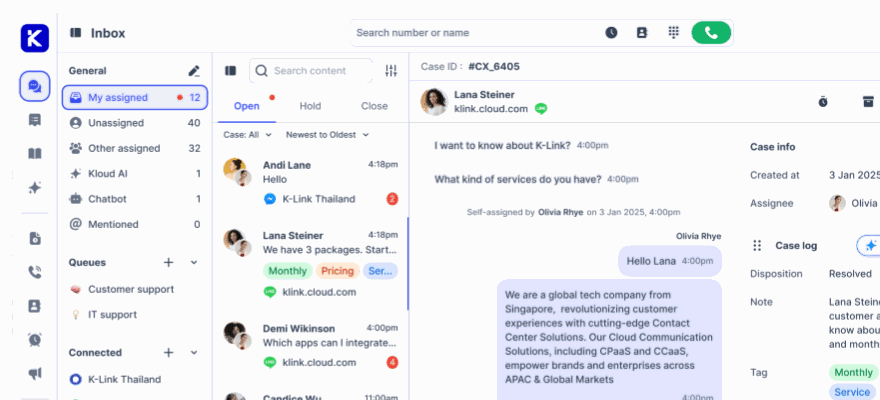
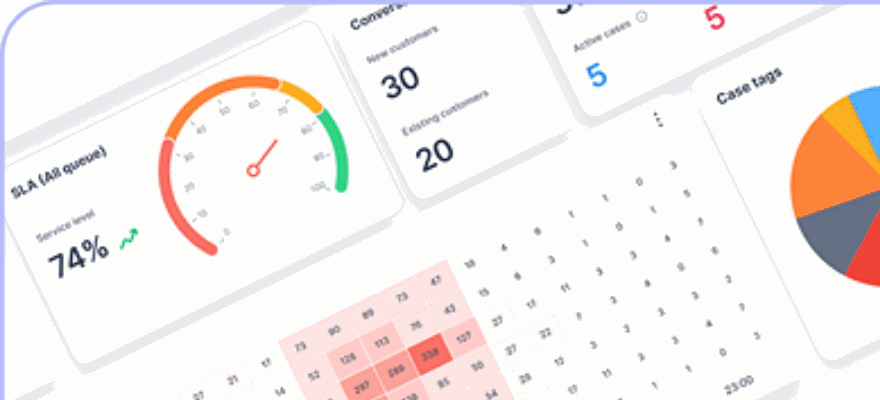
The klink.cloud dashboard simplifies this process by consolidating performance data from Kai AI and Shopify. It showcases how customer interactions translate into orders and revenue, giving you a clear view of how engagement turns into tangible results.
Key Metrics
Instead of focusing on every single interaction, prioritize the metrics that directly influence your revenue. Here are the key performance indicators to monitor on your klink.cloud dashboard:
- Response Times: Keep an eye on Kai AI's first response time, which should ideally be just a few seconds. If response times start creeping up, it might indicate overly complex automation flows or the need for more training data.
- Chat-to-Order Conversion Rate: This metric shows how effectively WhatsApp conversations lead to sales. For example, if 75 out of 500 conversations result in an order, your conversion rate is 15%. It’s a clear measure of how well your WhatsApp interactions are converting.
- Revenue Attributed to WhatsApp: Track the total revenue generated from WhatsApp interactions. Use tools like UTM parameters, exclusive discount codes, and specific Shopify order tags to accurately measure this. Your dashboard can then automatically group and report on these figures.
- Average Order Value (AOV): Calculate this by dividing the revenue attributed to WhatsApp by the number of orders it generates. Comparing this number to your overall store AOV can reveal how WhatsApp influences customer spending behavior.
- Bot Versus Human Handoffs: This metric shows how many conversations Kai AI handles independently versus those escalated to human agents. Kai AI typically manages up to 80% of repetitive inquiries, such as order status checks or FAQs. A high handoff rate might signal the need for better AI training or more detailed FAQ content.
- Customer Satisfaction Scores: Gathering feedback from customer interactions helps you assess the quality of the WhatsApp experience. Identifying issues early can prevent them from affecting your sales.
The dashboard also allows you to filter these metrics by standard U.S. timeframes - weekly, monthly, or custom periods - and segment them by workflow, campaign, or customer group. This way, you can pinpoint which strategies are driving the most sales and satisfaction.
Using Data to Improve Results
Once you’ve gathered key metrics, the next step is using that data to refine your approach. Here’s how you can turn insights into better performance:
- Regularly Review Your Data: Check your metrics weekly to catch sudden changes, like spikes in response times or dips in conversions. Monthly reviews can guide broader strategic decisions. Looking at data over 7-day, 30-day, and 90-day windows provides a balanced view of both short-term and long-term trends.
- Fine-Tune Automation Rules: If too many conversations are being escalated to human agents, it might be time to update your FAQs or product details. Focus on improving automation workflows that show higher conversion rates, and consider revising those that generate conversations without driving sales.
- Optimize Abandoned Cart Recovery: Experiment with A/B testing to find the best timing and incentives for abandoned cart messages. For example, test whether offering a discount or free shipping recovers more carts, and tweak the timing of your follow-ups to maximize recovered revenue and AOV.
- Simplify Customer Journeys: If your data shows lower resolution rates or slower response times, streamline the process. Reduce unnecessary steps, add quick-reply buttons, and ensure Kai AI has direct access to live inventory, order statuses, and store policies.
- Segment for Personalization: Use customer behavior data to create segments, such as high spenders, repeat buyers, or those who didn’t make a purchase. Tailor WhatsApp campaigns for each group to maximize impact. Tracking performance by segment helps you allocate resources where they’ll make the most difference.
- Combine Metrics with Conversation Samples: Numbers only tell part of the story. Digging into conversation samples can reveal the reasons behind trends. For instance, if your chat-to-order conversion rate drops, reviewing interactions might uncover unanswered questions or concerns about pricing.
- Focus on Revenue-Driven Metrics: Prioritize metrics tied to revenue, profit margins, and repeat purchases. If you see steady growth in revenue attributed to WhatsApp, it’s a strong indicator that your strategy is working and worth expanding.
Conclusion
WhatsApp has proven to be a game-changing sales tool for Shopify merchants, and pairing it with the Kai AI Agent takes customer interactions to the next level. This guide walked you through the steps to seamlessly integrate Kai AI with your Shopify store, enabling automated customer journeys that drive sales and improve efficiency.
By automating personalized interactions, your team can focus on tasks that truly require their attention. Kai AI handles repetitive queries like order tracking and product details, freeing up your team to engage in conversations that build stronger customer relationships. Additionally, automated features such as abandoned cart recovery and post-purchase follow-ups keep customers engaged and moving through your sales funnel without constant manual intervention.
Once your automated workflows are in place, tracking performance is key. Metrics like response times, chat-to-order conversion rates, revenue generated through WhatsApp, and average order value (AOV) provide valuable insights to refine your strategy. The klink.cloud dashboard simplifies this process by consolidating all your data, giving you a clear view of how WhatsApp interactions contribute to your bottom line.
Start small - implement one or two workflows, such as a welcome message or abandoned cart recovery, and monitor their performance. As you see positive results, gradually expand your automation efforts. The goal is to create ongoing, meaningful customer engagement rather than treating WhatsApp as just another marketing tool.
With the tools and strategies outlined in this guide, you're ready to turn WhatsApp into a powerful sales engine for your Shopify store. Set up the integration, launch your first automated workflow, and watch as faster responses and tailored interactions translate into higher sales and happier customers.
FAQs
How does Kai AI provide personalized product recommendations to customers on WhatsApp?
Kai AI takes customer engagement to the next level by analyzing browsing habits and purchase history to offer personalized product recommendations right on WhatsApp. By tapping into individual preferences, it delivers suggestions that truly align with what customers are looking for. This not only makes conversations feel more relevant but also boosts the chances of turning those interactions into sales.
What should I do if my WhatsApp Business API application is delayed or denied?
If your WhatsApp Business API application hits a snag - whether it's delayed or denied - the first step is to revisit the application requirements. Carefully check that all the necessary information, like your business name, website, and supporting documents, was submitted accurately and aligns with WhatsApp's policies.
If everything seems correct, it's a good idea to contact WhatsApp's support team or your Business Solution Provider (BSP). They can help clarify the reason behind the delay or denial and offer guidance on how to move forward. Make sure to address any feedback or requested changes quickly to prevent further hold-ups.
To avoid issues in the future, ensure your business fully meets WhatsApp's eligibility standards and submit clear, thorough, and accurate documentation. This can help make the approval process smoother and faster.
How can I track the success of my WhatsApp marketing with Kai AI in terms of sales and customer engagement?
To gauge how well your WhatsApp marketing campaigns are performing with Kai AI, keep an eye on key performance indicators (KPIs). Metrics such as message delivery rates, open rates, and click-through rates (CTR) will give you a clear picture of how effectively your messages are reaching and resonating with your audience.
Don't stop there - dig deeper by monitoring conversion rates, customer satisfaction scores, and response times. These figures can reveal how Kai AI is boosting customer engagement and contributing to sales. By analyzing these insights, you'll be able to pinpoint areas that need fine-tuning and work toward getting the best return on your investment.