Choosing the Best AI Agent for Your Business: A Full Comparison
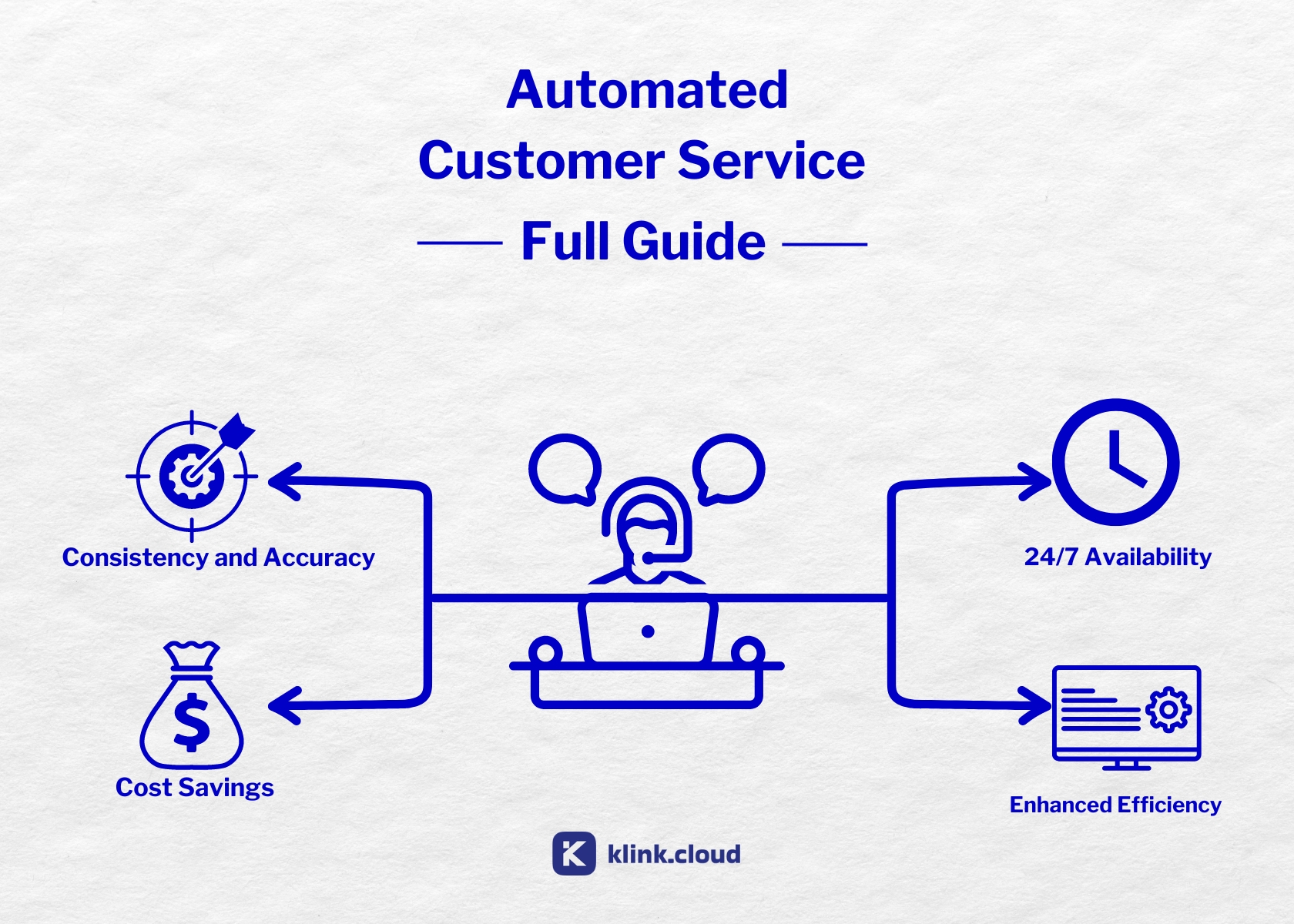
AI agents are transforming business operations, offering 24/7 customer support, faster response times, and cost savings. But which platform fits your needs? Here's a breakdown of four top contenders:
- klink.cloud: Best for small to mid-sized businesses. Offers a user-friendly, omnichannel solution with CRM integrations and affordable pricing. Limited customization for complex workflows.
- IBM Watson Assistant: Ideal for regulated industries like healthcare and finance. Strong natural language understanding and compliance features, but higher costs and longer setup times.
- Google Dialogflow CX: Great for managing complex, multilingual conversations. Works well in the Google Cloud ecosystem but has a steep learning curve and can get expensive at scale.
- Microsoft Azure AI Bot: Perfect for enterprises using Microsoft tools. Scalable with robust analytics, but setup can be complex, and costs require careful management.
Quick Comparison
| Platform | Best For | Key Strengths | Challenges | Pricing Model |
|---|---|---|---|---|
| klink.cloud | Small to mid-sized teams | Easy setup, unified inbox, affordable tiers | Limited outbound calls in free plan; less flexible for advanced needs | Per user/month |
| IBM Watson Assistant | Regulated industries | Strong security, accurate intent recognition | High costs, requires expertise | Monthly active users (MAUs) |
| Google Dialogflow CX | Complex, multilingual use | Handles detailed conversations, Google Cloud integrations | Steep learning curve, costly at scale | Usage-based |
| Microsoft Azure AI Bot | Enterprises using Microsoft tools | Tight Microsoft integrations, flexible deployment | Complex setup, layered costs | Usage-based |
Each platform has strengths depending on your goals, team expertise, and budget. Start with a pilot to measure metrics like customer satisfaction, automation rates, and cost per resolution.
I Tested Every AI Automation Agent To Find The Best One (not what you think)
1. klink.cloud
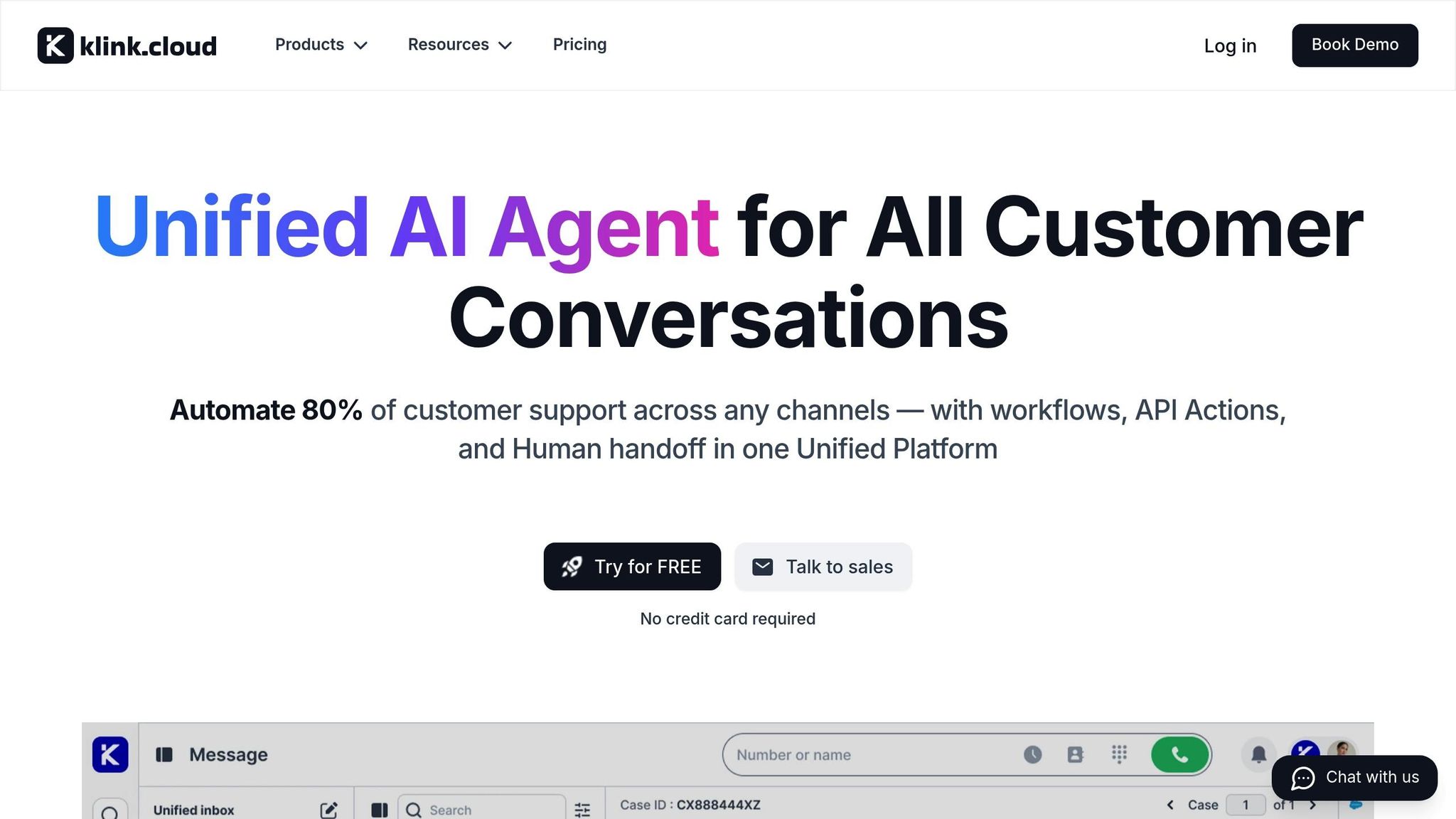
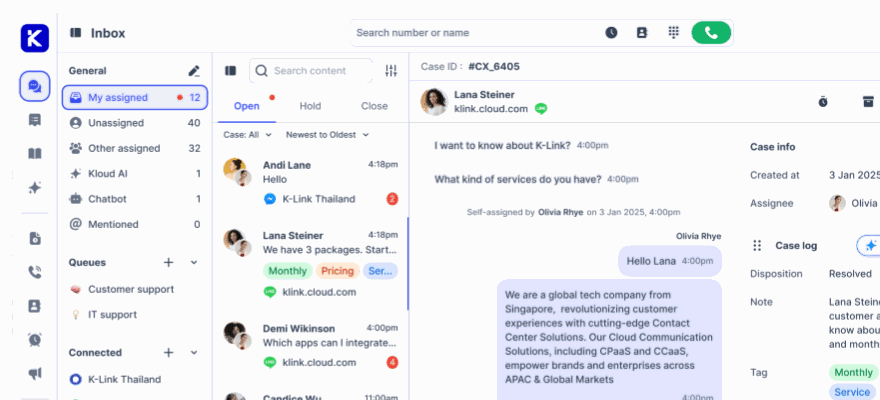
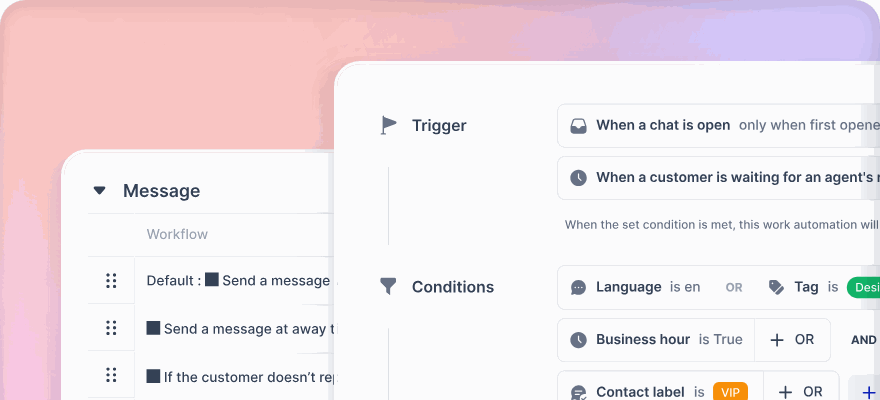
klink.cloud brings together customer experience management and automated workflows, streamlining tasks like updating orders, scheduling appointments, and resolving support tickets. It works across multiple channels, including web chat, WhatsApp, email, SMS, and more.
Its no-code/low-code design empowers CX and operations teams to create conversation flows and build AI agents without needing extensive engineering resources. This flexibility is especially helpful for U.S. businesses that need fast deployment and the ability to adapt based on customer feedback.
Capabilities
klink.cloud's AI agents combine advanced natural language understanding with structured business rules, ensuring control over sensitive processes while managing open-ended inquiries. The platform is designed to handle high-volume, straightforward tasks - like checking order statuses, resetting passwords, answering FAQs, scheduling appointments, and basic troubleshooting - allowing human agents to focus on more complex issues.
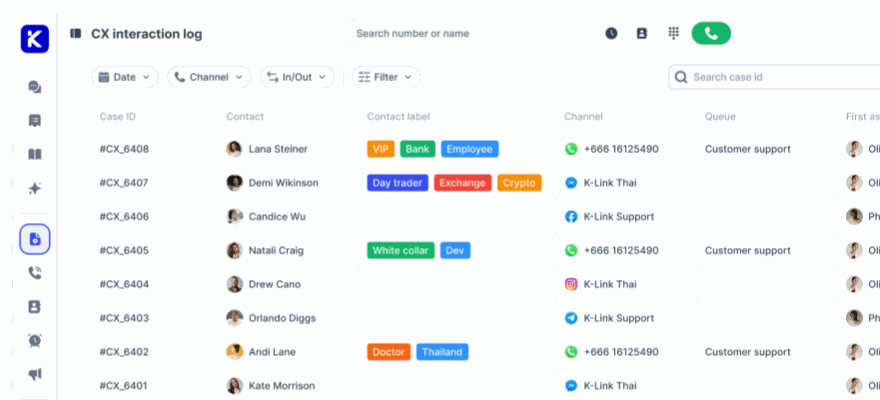
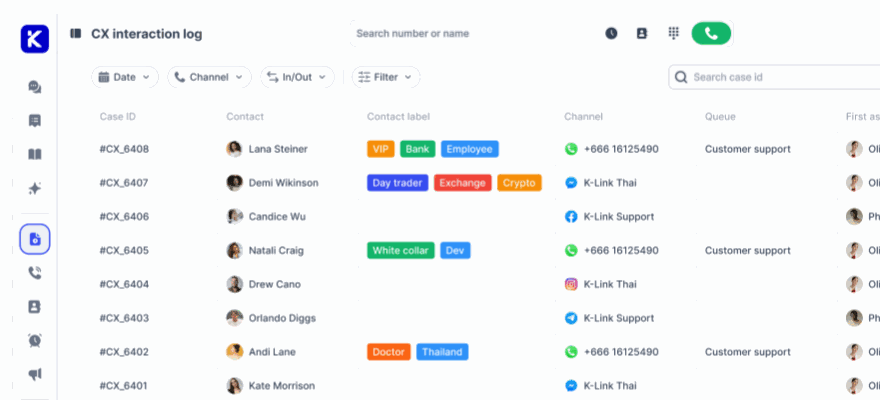
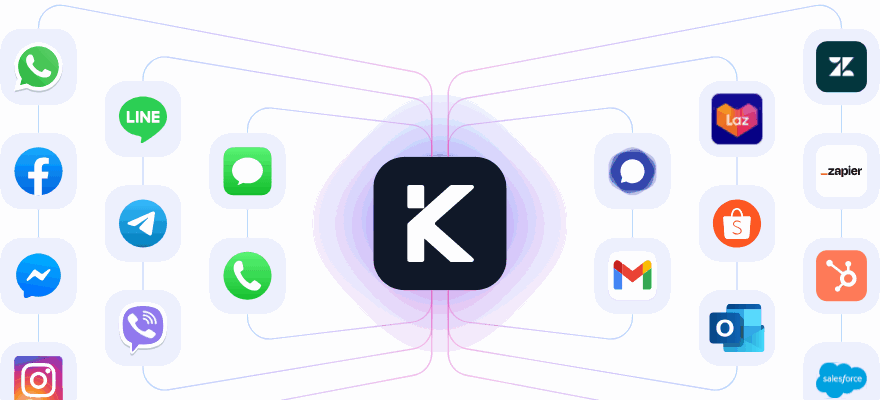
Its omnichannel setup consolidates customer interactions into a single inbox, whether they come through live chat, Facebook Messenger, Instagram DM, Telegram, LINE, Gmail, or phone. The AI agent retains context across channels, so a conversation started on your website can seamlessly continue over SMS or email without the need for customers to repeat themselves.
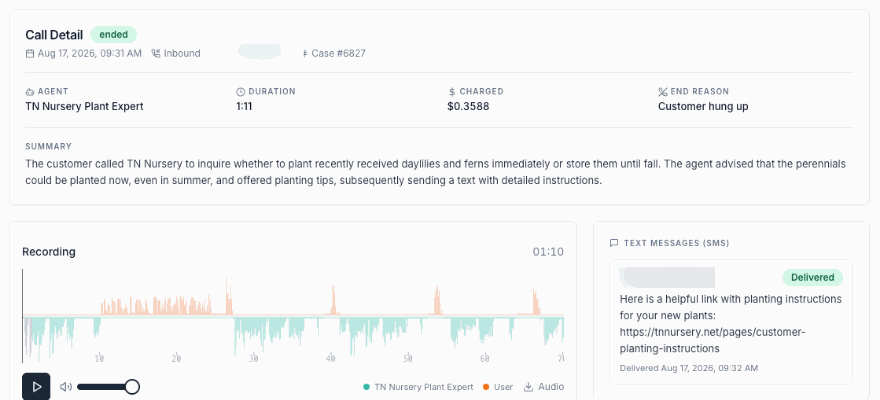
klink.cloud also offers advanced telephony features, including virtual phone numbers worldwide and the ability to connect existing SIP trunks via its BYOC (Bring Your Own Carrier) feature. It includes IVR, intelligent call routing, and call recording, all integrated into its analytics dashboard.
Multilingual support enables businesses to serve diverse audiences from a single knowledge base, a critical feature given the linguistic diversity in the U.S. Security features like data encryption and region-specific hosting ensure compliance with regulations in industries such as healthcare and finance.
These features integrate seamlessly with other tools, extending the platform's functionality.
CX Performance Metrics
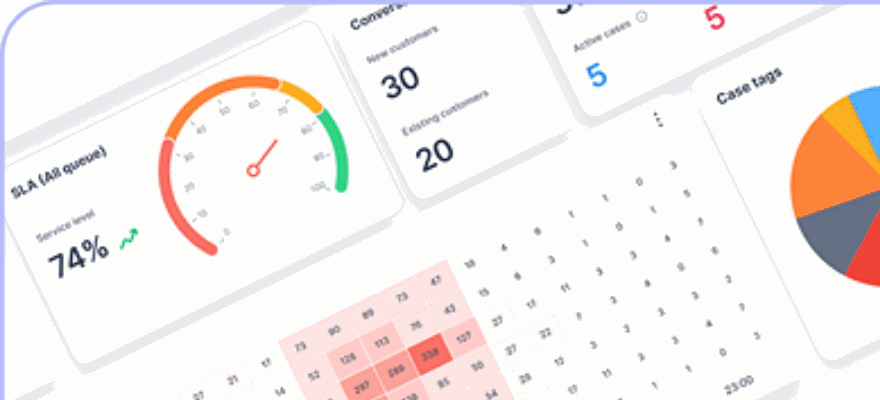
klink.cloud’s analytics dashboard tracks key metrics to help U.S. businesses measure the impact of AI solutions and refine operations. Automated Resolution Rate (ARR) is a key metric, with mature deployments often automating 30% to 60% of interactions. First Contact Resolution (FCR) measures how often the AI resolves issues during the first interaction, with top-performing systems achieving rates above 70%. Additionally, Average Handling Time (AHT) is typically reduced by 20–40% compared to human-only interactions, leading to significant cost savings.
Metrics like Customer Satisfaction (CSAT) and Customer Effort Score (CES) provide additional insights into how automation affects the customer experience. Conversation analytics help identify areas for improvement by flagging issues like repeated queries, abandoned conversations, or negative sentiment.
By segmenting metrics, businesses can pinpoint what’s working well and what needs attention. For instance, if one use case shows high FCR and CSAT while another has frequent escalations to live agents, these insights can guide targeted adjustments.
Real-time dashboards also display operational data, including ticket volume, deflection rates (comparing AI-handled interactions to those requiring human intervention), and cost per resolved conversation in USD. This data helps quantify ROI and supports decisions to expand AI coverage.
Integration Options
klink.cloud integrates smoothly with tools many businesses already use. It connects - natively or via API - with major CRM systems like Salesforce, HubSpot, Zendesk, and Freshdesk. These integrations allow the AI to access customer purchase histories, support ticket records, and account details, enabling more personalized interactions.
When the AI can’t fully resolve an issue, it automatically creates or updates a case in your CRM or helpdesk, including the full conversation transcript and relevant customer data. This ensures human agents have all the context they need to handle the issue effectively.
For e-commerce, integrations with platforms like Shopify allow the AI to check order statuses, process returns, and answer product-related questions using real-time inventory and shipping data. Regardless of whether customers connect through your website, WhatsApp, or Facebook Messenger, the experience remains consistent and accurate.
The platform’s telephony options include cloud-based virtual numbers and BYOC for businesses with existing carriers. Features like IVR and intelligent call routing direct callers to the right resource - whether that’s the AI agent, a human specialist, or a self-service option. Call recordings, notes, and tags sync with your CRM for unified reporting.
"We moved from Zendesk, and it's the best decision we've made. The migration was smooth, and the Unified Inbox is so much easier to use than Zendesk tickets." - Sam Newton, Senior Account Executive
For enterprises with unique backend systems, klink.cloud offers webhook APIs and custom integrations, providing the flexibility needed to accommodate regulated industries or legacy infrastructures.
Pricing
klink.cloud offers four pricing tiers, billed monthly per user in USD:
- Free plan ($0): Includes a Unified Team Inbox, up to 100 CRM contacts, limited outbound calling, and access to messaging channels like Facebook Messenger, Instagram DM, Telegram, and live chat. This plan is ideal for individuals or small teams testing the platform.
- Starter plan ($23/user/month): Adds up to 10,000 CRM contacts, one virtual phone number, full outbound and inbound calling, SMS, call recordings, and custom case tracking. Perfect for small teams managing sales and support.
- Growth plan ($69/user/month): Removes CRM contact limits, provides unlimited call recordings, and unlocks workflow automations, IVR, rules-based routing, multi-level SLA management, and real-time performance dashboards. This plan suits teams handling high volumes where automation can significantly reduce costs.
- Enterprise pricing: Custom pricing builds on the Growth plan with features like Salesforce and HubSpot integrations, e-commerce connections (Shopee, Lazada, Shopify), SSO authentication, webhook APIs, custom onboarding, guaranteed SLAs, and dedicated account support. For larger businesses, pricing often focuses on cost per resolved conversation, factoring in savings from reduced AHT and lower support staff requirements.
A free trial, requiring no credit card, lets you explore the platform’s AI capabilities, integrations, and analytics before committing, ensuring you can see measurable operational improvements from the start.
2. IBM Watson Assistant
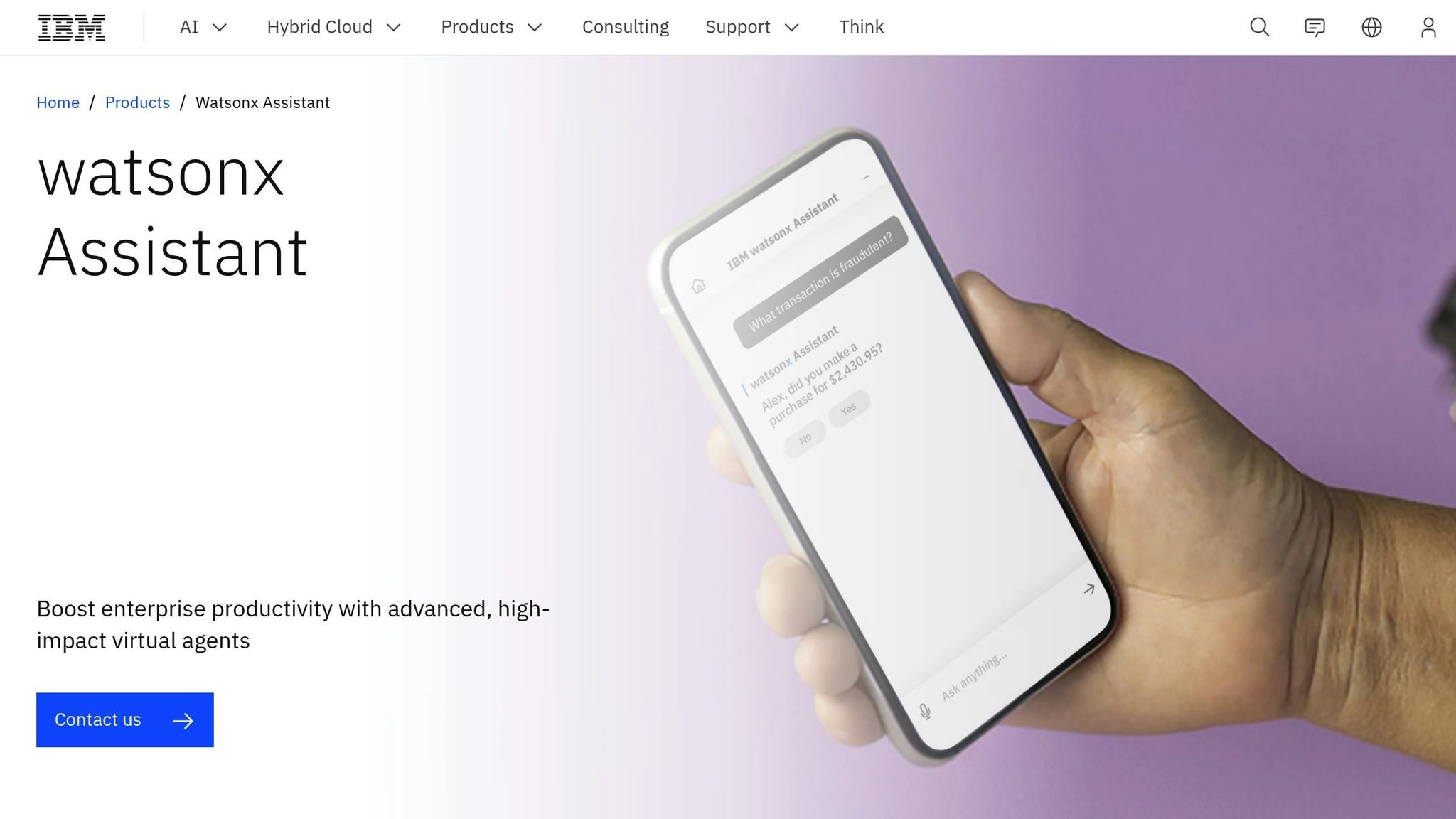
IBM Watson Assistant is a powerful conversational AI platform designed with enterprise needs in mind. Built on IBM’s extensive research in artificial intelligence and natural language processing (NLP), it caters to organizations that prioritize robust security and compliance. This makes it especially attractive to large corporations, financial institutions, and healthcare providers in the United States.
By leveraging machine learning models, Watson Assistant can understand user intent and provide responses across various channels. It’s a solution for businesses looking to automate customer service, IT support, and internal operations while maintaining strict data governance and security standards.
Capabilities
Watson Assistant offers a range of features that set it apart:
The platform’s NLP engine processes natural language to identify user intent and extract relevant details. It supports both voice and text interactions, enabling deployment on websites, mobile apps, messaging platforms, and phone systems.
Its visual dialog builder allows businesses to map conversation flows using a node-based interface. This tool lets users define how the AI should respond based on specific conditions, variables, and inputs. This level of control is crucial for handling sensitive processes, such as financial transactions or regulatory tasks.
With the Actions feature, teams can create conversation flows without requiring technical expertise. By simply defining the desired outcome, the system manages the natural language understanding and dialog setup. This simplifies bot creation for non-developers, reducing the need for extensive technical support.
When the AI isn’t sure about a user’s intent, it uses disambiguation to ask clarifying questions. For example, if someone says, “I need help with my account,” the system might ask whether they’re referring to billing, password resets, or account settings.
Context retention ensures the AI remembers details throughout a conversation and even across sessions. For instance, a customer who starts a chat on your website and later calls your support line can enjoy continuity, provided the system is integrated with your CRM and identity management tools.
Watson Assistant supports over 13 languages, including English, Spanish, French, German, Portuguese, Japanese, Korean, and Arabic. However, since each language model is trained separately, performance may vary based on the complexity of your use case. Businesses serving multilingual markets should thoroughly test each language to ensure consistent performance.
Security is a priority, with features like data encryption (both at rest and in transit), role-based access controls, and audit logging. IBM also offers deployment options in specific regions to meet data residency requirements. For healthcare providers, the platform can support HIPAA compliance, though this often requires the enterprise plan and additional configurations.
CX Performance Metrics
Watson Assistant provides analytics tools to help businesses monitor and improve customer interactions. The dashboard tracks key metrics such as conversation volume, containment rate (how often the AI resolves issues without human intervention), and average conversation length. It also evaluates confidence scores for intent recognition, highlighting areas where the AI might need improvement.
The Analyze tab reveals trends over time, including frequently triggered intents, points where users abandon conversations, and topics that cause confusion. This data helps teams refine training models and enhance the AI’s performance.
An intent confidence threshold allows businesses to determine when the AI should escalate to a human agent. A higher threshold ensures the AI only responds when it’s confident, reducing errors but increasing escalations. Conversely, a lower threshold enables the AI to handle more cases but can lead to mistakes. Striking the right balance depends on your specific needs and requires ongoing testing.
To measure user satisfaction, businesses can configure optional post-conversation surveys. Unlike some platforms that automatically calculate customer satisfaction (CSAT) scores, Watson Assistant requires integration with analytics tools to generate detailed reports.
One drawback is the lack of industry benchmarks for metrics like First Contact Resolution or Average Handling Time within the platform. Businesses must establish their own baselines to track progress, which can make it harder to gauge competitive performance without external research.
Integration Options
Watson Assistant integrates seamlessly with IBM’s ecosystem, including IBM Cloud services, Watson Discovery (for advanced search), and Watson Speech to Text / Text to Speech for voice capabilities. Organizations already using IBM infrastructure may find these integrations relatively straightforward.
For CRM systems, Watson Assistant offers pre-built connectors for tools like Salesforce Service Cloud, Zendesk, and Genesys. These integrations allow the AI to access customer data, create support tickets, and update records in real time. However, additional configuration may be needed for less common CRMs or heavily customized setups.
The platform also supports webhooks for connecting to external APIs and backend systems. For example, if the AI needs to check inventory or process payments, it can call your APIs to retrieve or update data. While this adds flexibility, it requires development resources to build and maintain these connections.
Watson Assistant can be deployed on popular messaging platforms like Facebook Messenger, Slack, WhatsApp, and SMS via Twilio. Web chat integration involves embedding a JavaScript widget, while phone integration requires telephony connections through IBM’s partnerships or your own SIP trunk.
However, many integrations involve technical setup. Businesses often need developers to configure webhooks, map data fields, and manage error handling. This can extend implementation timelines for organizations without dedicated IT teams.
Pricing
Watson Assistant uses a tiered pricing model based on monthly active users (MAUs) - unique users who interact with the AI within a month.
- The Lite plan is free, offering up to 1,000 MAUs, 10,000 API calls, and access to basic features. It’s ideal for small-scale testing but lacks advanced tools like disambiguation and webhooks.
- The Plus plan starts at around $140 per month for 1,000 MAUs, with additional users costing about $14 per 100 MAUs. This plan includes phone and SMS integration, webhooks, and higher API limits, making it suitable for growing businesses.
- The Enterprise plan offers custom pricing based on specific needs, such as higher MAU volumes, enhanced security, and premium support. It also includes access to IBM’s professional services for setup and optimization.
Additional costs may include Watson Discovery (starting at $500 per month), Watson Speech services (priced per minute of audio), and custom development work. These extras can significantly increase the total cost, especially for complex implementations.
Compared to per-seat pricing models, Watson Assistant’s MAU-based structure can be cost-effective for businesses with high conversation volumes but fewer unique users. However, for organizations with many users who interact less frequently, this model might be less advantageous. Accurate cost estimation requires careful analysis of your monthly active user count and integration expenses.
3. Google Dialogflow CX
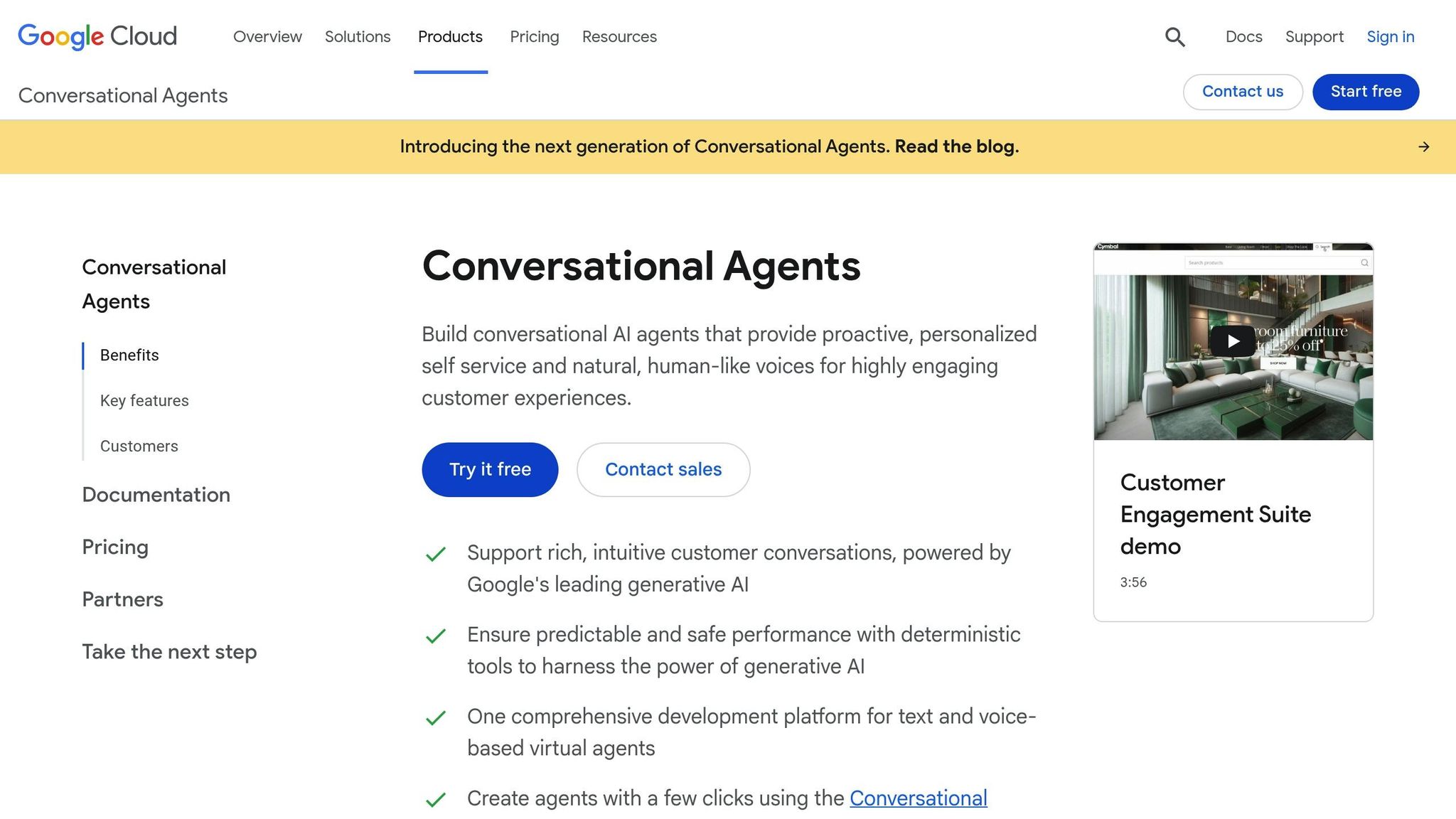
Google Dialogflow CX, hosted on Google Cloud, is designed to handle complex, multi-turn conversations, making it a powerful tool for creating context-aware customer interactions.
This platform shines in managing detailed conversation flows and supports both text and voice communication. That said, specifics about its performance metrics, integrations with CRM systems or omnichannel platforms, and pricing details aren't included here. For the most accurate and detailed information, it's best to consult Google Cloud's official documentation.
Up next, we’ll take a closer look at Microsoft Azure AI Bot's capabilities.
sbb-itb-204ca50
4. Microsoft Azure AI Bot
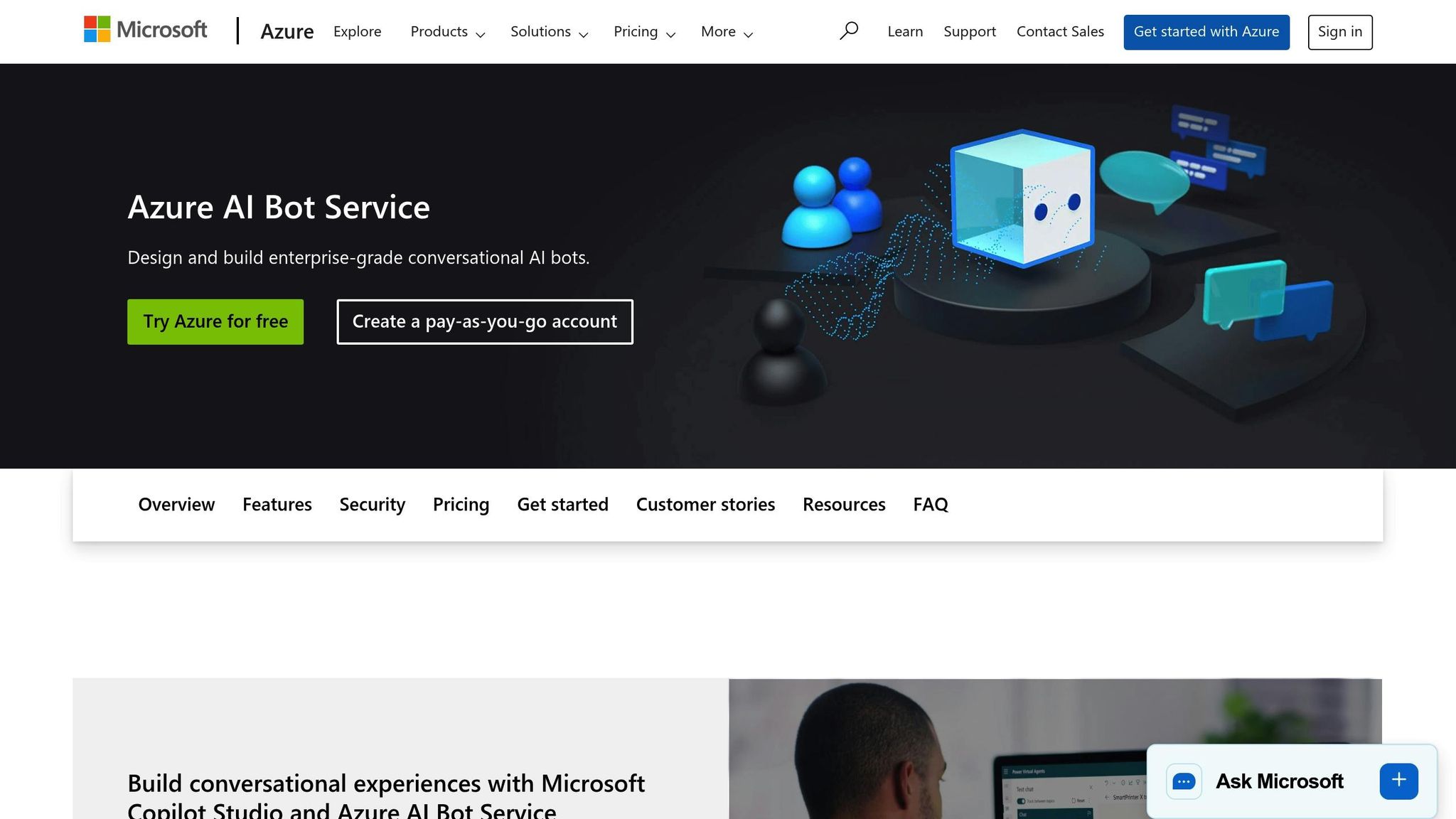
Microsoft Azure AI Bot, available through Azure AI Bot Service, offers businesses enterprise-level conversational AI with robust security, compliance, and seamless integration into Microsoft’s ecosystem. By combining Azure OpenAI Service, Azure AI Language, and the Bot Framework, it enables the creation of intelligent agents that work across platforms like web, mobile, Microsoft Teams, Slack, Facebook Messenger, and custom channels.
For U.S. businesses already using Microsoft tools like Dynamics 365, Microsoft 365, and Teams, Azure AI Bot provides a distinct advantage with its deep integration into the Microsoft environment, emphasizing enterprise-grade security and U.S.-based data residency.
Capabilities
Powered by Azure OpenAI and AI Language services, this bot delivers natural, context-aware responses while accurately identifying customer intents and entities. Its speech-to-text, text-to-speech, and translation features make it suitable for voice channels and multilingual interactions. Using the Bot Framework Composer, businesses can map key intents - like FAQs, order tracking, or billing inquiries - into dialog flows, securely connecting them to back-office systems via Azure Functions or Logic Apps.
Azure AI Bot also supports proactive messaging, enabling businesses to trigger interactions based on actions like order updates, system alerts, or abandoned carts. This functionality is particularly useful for automating customer service and sales workflows, enhancing operational efficiency and improving the overall customer experience.
Deployment options are flexible. Bots can run serverlessly using Azure Functions, be hosted in containerized environments through Azure Kubernetes Service or App Service, or even operate on-premises via Azure Arc for organizations with strict compliance or latency requirements.
CX Performance Metrics
Azure-powered virtual agents within Dynamics 365 can significantly reduce operational costs and improve efficiency. They can deflect up to 40% of routine contacts, lower call-center costs by 25–30%, and improve first-contact resolution rates while reducing case resolution times by up to 20%.
To track performance, Azure AI Bot integrates with Azure Monitor, Application Insights, and Power BI dashboards. These tools measure key metrics like automation rates (conversations resolved without human intervention), customer satisfaction influenced by AI, natural language understanding success rates, average response times, and customer effort scores. Businesses can analyze chat logs and post-chat surveys to identify trends by intent and channel, while setting alerts for potential issues such as error spikes or latency increases.
Integration Options
Seamless integration is critical for maximizing the bot's potential. Azure AI Bot integrates natively with Microsoft Dynamics 365, making it an excellent choice for businesses already using Microsoft’s CRM tools. For other CRMs, integration is possible through REST APIs, webhooks, or middleware tools like Azure Logic Apps and Power Automate. These integrations enable functions like authenticated user lookups, ticket creation, order retrieval, and real-time syncing of conversation transcripts.
The platform also connects to contact center software and omnichannel platforms via Azure Bot Service channel connectors and APIs. Bots can handle triage, resolve issues, or escalate interactions to human agents while preserving full context. If escalation occurs - whether through Dynamics 365 Omnichannel or Microsoft Teams - the human agent receives the conversation history and an AI-generated summary.
For social and messaging platforms, Azure provides connectors for services like Facebook Messenger. Custom adapters can be used when direct connectors aren’t available. Integration with Azure Communication Services further expands functionality to include voice, SMS, and chat, delivering a unified experience across all channels.
Businesses can also enhance bot accuracy by leveraging Azure OpenAI with Retrieval-Augmented Generation (RAG) on enterprise data stored in SharePoint, Dataverse, or blob storage. This ensures that answers are precise while keeping sensitive U.S. business data within Azure's compliance framework.
Pricing
Azure AI Bot Service uses a usage-based pricing model instead of traditional per-seat costs. Charges depend on the Azure resources consumed, including compute resources (via App Service, Functions, or container hosting), Azure OpenAI or AI Language usage, storage for conversation logs, and data transfer bandwidth. All charges are billed in USD.
Azure OpenAI Service is priced per 1,000 tokens, with higher costs for GPT-4 compared to GPT-3.5. Similarly, Azure AI Language and speech services are charged per 1,000 text records or per audio minute, while Azure Communication Services is billed per message, per minute, or per participant, with specific U.S. rates for PSTN calling and SMS.
To estimate monthly costs, businesses can forecast conversation volumes, average messages per conversation, and the number of AI calls per message, then apply Microsoft’s published unit prices. Adding a buffer for growth and peak usage is recommended. Despite the usage-based model, many organizations find overall support costs decrease due to lower reliance on live agents and increased self-service capabilities.
When analyzing ROI, comparing the cost per resolved conversation against fully loaded agent costs is key. Experts suggest designing bots with clear, polite, and concise language tailored to American English, offering easy options to connect with live agents, and explicitly informing users when they’re interacting with a bot. Regular evaluations using CSAT and customer effort (CES) surveys, alongside localized elements like U.S. time zones, date formats (MM/DD/YYYY), and number formats, help maintain a high-quality customer experience.
These metrics and performance insights provide a solid foundation for comparing the strengths and challenges of different platforms.
Advantages and Disadvantages
Choosing the right AI platform means balancing its strengths and limitations against your business needs. In this comparison, we’ll dive into the pros and cons of four platforms - klink.cloud, IBM Watson Assistant, Google Dialogflow CX, and Microsoft Azure AI Bot - focusing on their impact on metrics like CSAT (Customer Satisfaction), FCR (First Contact Resolution), and cost per resolution.
klink.cloud
For small and mid-sized U.S. businesses, klink.cloud offers a user-friendly, unified omnichannel solution. It consolidates communication channels like voice, SMS, WhatsApp, email, and social media into a single interface, which helps improve FCR and reduce AHT (Average Handling Time) by eliminating the need to juggle multiple tools. It also integrates seamlessly with popular CRMs like Salesforce and HubSpot, cutting down on setup time and boosting ARR (Automated Resolution Rate). However, the Free plan’s limited outbound call access can be a bottleneck for businesses handling high volumes of proactive outreach. Additionally, for companies needing highly customized AI models or complex workflows, klink.cloud may feel less flexible compared to larger platforms.
IBM Watson Assistant
IBM Watson Assistant shines in its natural language understanding (NLU), enabling more accurate intent recognition and improving AI-driven CSAT and CES (Customer Effort Score). Its robust security features make it a strong contender for regulated industries like healthcare and finance, where data protection is critical. Watson can automate up to 80% of routine inquiries, significantly reducing the workload on live agents. However, its advanced capabilities come with higher costs, which can inflate cost per resolution if automation isn’t optimized. Setting up and maintaining Watson often requires specialized expertise or IBM partners, making it less accessible for smaller teams without dedicated AI resources.
Google Dialogflow CX
Google Dialogflow CX is known for its visual conversation design and smooth integration within the Google Cloud ecosystem, including tools like Contact Center AI and analytics. This makes it easier for businesses to track metrics like ARR, CSAT, and AHT across their operations. Its state-machine approach enhances reliability in complex interactions, and native multilingual support is a significant advantage for U.S. companies serving diverse communities. That said, its visual flow builder can be overwhelming for non-technical teams, particularly when managing large conversation flows. Additionally, Dialogflow CX’s usage-based pricing can become costly at high interaction volumes, and some businesses may need extra Google Cloud services to unlock full functionality, adding complexity.
Microsoft Azure AI Bot
Azure AI Bot stands out for its scalability and tight integration with Microsoft 365, Dynamics 365, and Azure Cognitive Services, making it a natural fit for enterprises already using Microsoft tools. It can handle millions of conversations monthly while offering robust analytics to track response times, deflection rates, and cost per resolution. Flexible deployment options (cloud, hybrid, or on-premises) make it appealing for large-scale, secure implementations. However, setting up Azure AI Bot can be complex, often requiring expertise in Azure resources, identity management, and DevOps. Cost management can also be tricky, as separate billing for bot usage, cognitive services, and infrastructure adds layers of tracking. For businesses outside the Microsoft ecosystem, integration can require significant effort.
Summary Table
| AI Agent | Pros | Cons |
|---|---|---|
| klink.cloud | Unified interface improves FCR and reduces AHT; easy CRM integrations; simple pricing | Limited outbound call access in Free plan; less flexibility for advanced customizations |
| IBM Watson Assistant | Strong NLU; enterprise-grade security; automates up to 80% of routine tasks | High costs; requires specialized skills for setup; longer implementation time |
| Google Dialogflow CX | Reliable for complex conversations; multilingual support; part of Google Cloud ecosystem | Steep learning curve; expensive at high volumes; may need additional Google Cloud tools |
| Microsoft Azure AI Bot | Scalable; integrates with Microsoft tools; flexible deployment options | Complex setup; challenging cost management; heavy integration for non-Microsoft users |
Key Takeaways
Each platform has its strengths depending on your business size, technical expertise, and technology stack. For small to mid-sized businesses, klink.cloud offers simplicity and predictable pricing. Large enterprises, especially those using Microsoft tools, may find Azure AI Bot’s complexity worthwhile for its deep integrations. IBM Watson Assistant is ideal for regulated industries needing top-tier NLU, while Google Dialogflow CX suits organizations already invested in Google Cloud, despite its steeper learning curve.
To find the right fit, consider running pilot projects with your top choices and measure metrics like CSAT, deflection rate, ARR, and ROI. Match the platform to your team’s skills - low-code tools are great for business-led teams, while API-heavy platforms work better for tech-driven teams. Ultimately, the best platform is the one that delivers measurable improvements in customer experience and operational efficiency within your budget and technical limits.
Conclusion
When selecting an AI agent, it's essential to align your choice with your business priorities, technical capabilities, and overall growth strategy. Each platform is designed with specific business needs in mind, so the right fit depends on where you are now and where you aim to go.
For small to mid-sized businesses looking for simplicity and cost predictability, klink.cloud offers straightforward communication tools with accessible pricing for smaller teams. Its Free plan is a great way to test core features, though upgrading becomes necessary when outbound calling becomes a focus. This makes it a practical choice for businesses prioritizing ease of use and affordability.
For enterprises deeply integrated into Microsoft’s ecosystem, Azure AI Bot is worth considering. It works seamlessly with Microsoft tools, making it ideal for scaling large customer service operations, provided you have the DevOps expertise to support such implementations.
Organizations in highly regulated industries like healthcare or finance may benefit from IBM Watson Assistant. Its advanced natural language understanding and strict compliance features make it a strong contender for businesses where accurate intent recognition and adherence to regulatory standards are critical. However, be prepared for a longer setup process and the need for specialized support.
Businesses leveraging Google Cloud or needing robust multilingual capabilities might find Dialogflow CX appealing. It excels at managing complex, context-aware interactions, though non-technical teams may face a steeper learning curve. Additionally, costs can rise with higher interaction volumes, so it’s important to plan accordingly.
To ensure the best results, consider running a 30- to 60-day pilot program. Track key metrics like CSAT (Customer Satisfaction), deflection rates, and cost per resolution to measure the impact on your customer experience. Matching the platform’s technical demands to your team’s skill set is crucial - sometimes, a low-code solution that your customer service team can manage independently may deliver a better return on investment than a more complex system requiring specialized expertise. Don’t forget to factor in total costs, including training and ongoing maintenance.
Ultimately, choose an AI agent that enhances efficiency and customer satisfaction while staying within your budget. Look for platforms that integrate seamlessly with your existing tools, align with your growth plans, and offer clear, predictable pricing. The best choice will always be the one that fits your business priorities and operational strengths.
FAQs
What should I look for when selecting an AI agent for my business?
When you're deciding on an AI agent for your business, there are a few important things to keep in mind. Start with ease of setup - you want a solution that's straightforward to implement without requiring extensive technical expertise. Next, look at its automation capabilities and how well it integrates with the tools you already rely on, like CRM systems or omnichannel platforms. Seamless integration can save time and prevent workflow disruptions.
Another critical factor is the platform's intelligence and how effectively it can adapt to your specific needs. Make sure it can scale alongside your business as it grows, so you're not stuck searching for a replacement down the line.
Don't overlook the user experience - it should be intuitive for your team to manage and beneficial for your customers. Finally, ensure the pricing fits your budget while delivering a strong return on investment. The right AI agent can simplify operations, improve customer interactions, and help you achieve your goals more efficiently.
How can I determine if an AI agent like klink.cloud is a cost-effective solution for my business?
When weighing the cost-effectiveness of adopting an AI solution like klink.cloud, it's essential to examine a few critical aspects. Start by looking at its features, performance, and pricing in the context of your business objectives. Think about how seamlessly it can integrate with your current systems, such as CRM platforms or omnichannel tools, and consider its ability to enhance customer experiences while simplifying your operations.
This article dives into these considerations, offering practical insights to guide you toward a decision that aligns with your unique needs and budget.
What are the main advantages of using a no-code or low-code AI platform for managing customer experiences?
No-code and low-code AI platforms are changing the game for businesses by enabling non-technical teams to take charge of customer experience management. With these tools, teams can create, modify, and fine-tune workflows without writing a single line of code. The result? Faster implementation of solutions, easier customization of processes, and smoother scaling of operations.
Some standout advantages include less reliance on developers, quicker deployment of automation tools, and a stronger ability to tailor customer interactions. These platforms also simplify support tasks and boost engagement, helping businesses save time and resources while delivering more effective customer experiences.