
IVR voice generator
Hear a voice, type what the caller hears, download a file your phone system will actually play. 24 languages, 125 voices, no sign up.
Pick a voice
Press play on any of them. Every sample is a real recording at 8 kHz, which is what a caller on a normal phone line hears, so the voice you choose is the voice you get.
Type what the caller hears
One line, one file. Press generate and it downloads, with no email and nothing kept.
Or load a whole menu:
Files are named the way you name them here, and arrive in a zip when there is more than one.
These files play the menu. klink.cloud answers the call.
Recording the greeting is the easy part. What costs a team its evenings is everything after the caller presses one.
An IVR without a PBX project
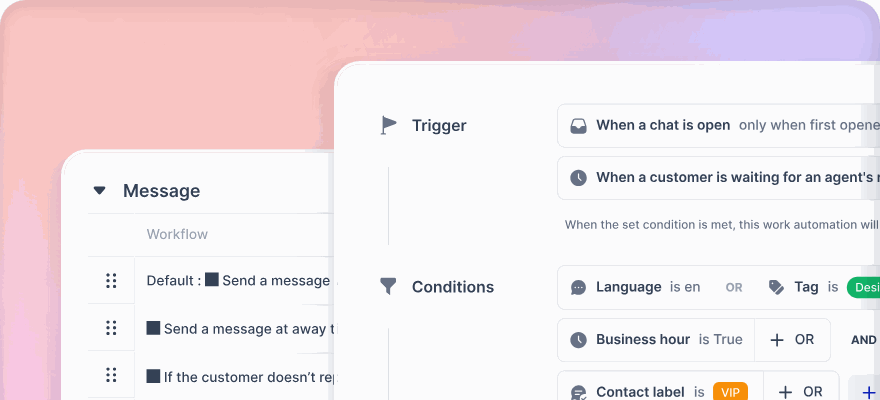
IVR, skills based routing, queue callbacks and business hours are configured in the same place as your chat rules, not in a separate phone system that only one person knows how to edit. Upload the prompts you just made and the menu is live.
One inbox for every channel
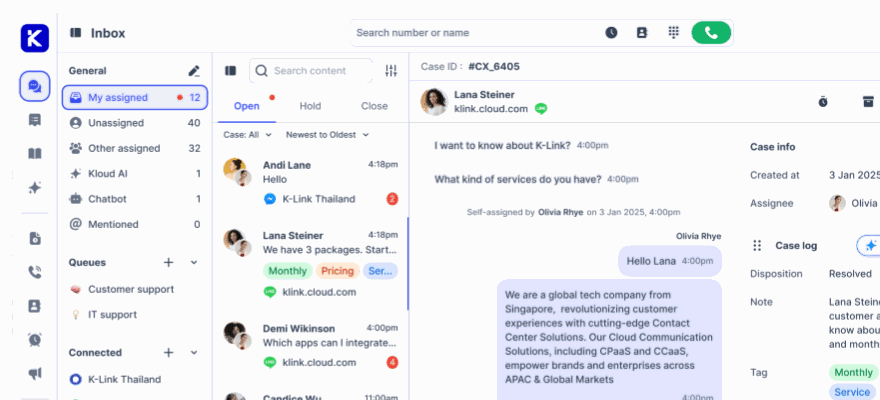
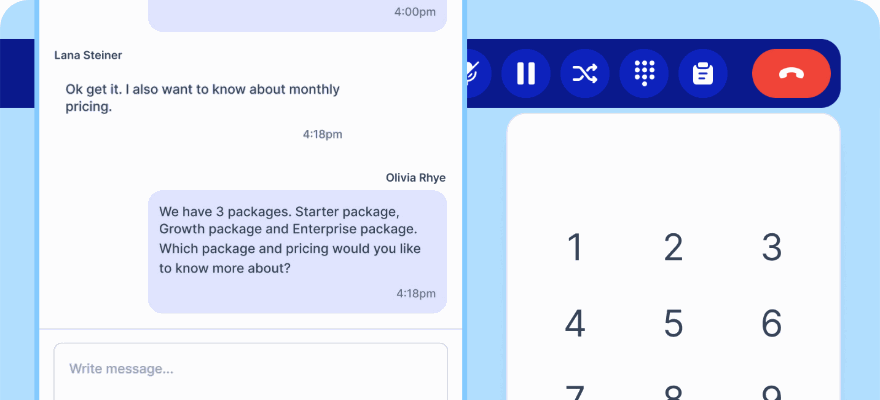
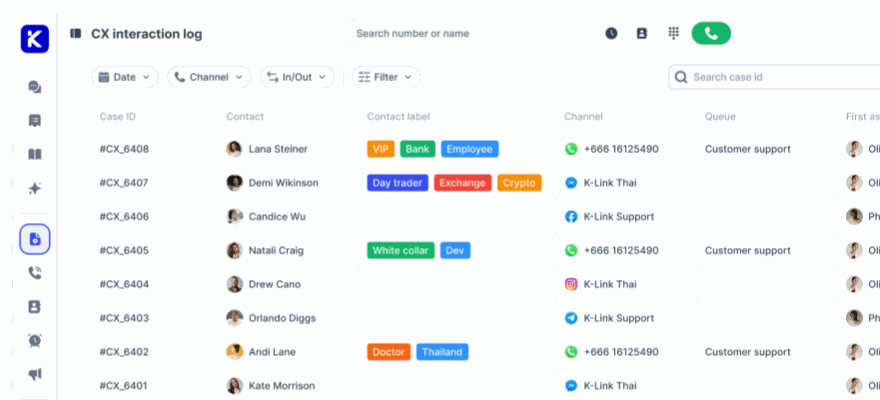
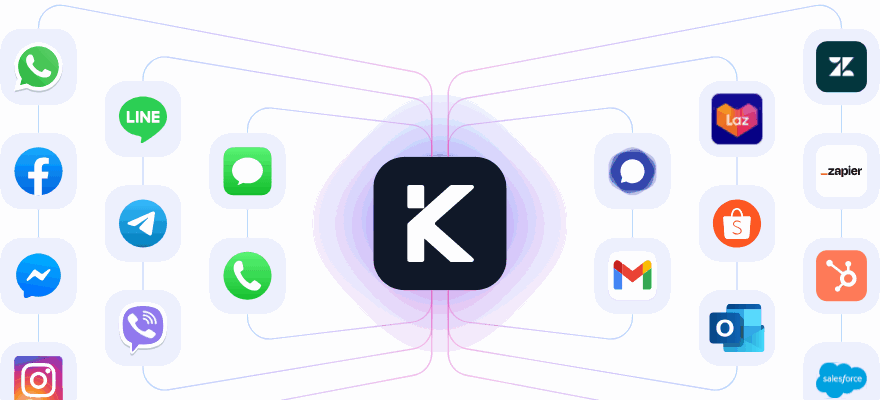
Voice calls, live chat, email, social media and messaging apps arrive in one workspace, so whoever picks up the phone can already see the WhatsApp message from yesterday instead of asking the caller to explain it twice.
Kai answers, and knows when not to
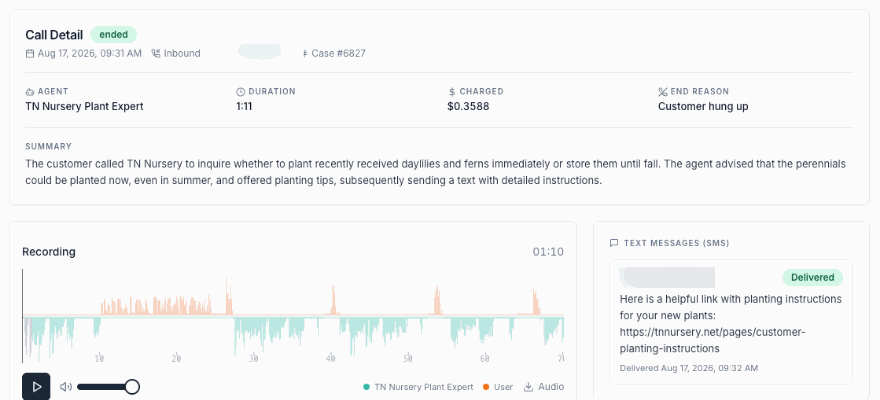
The AI agent handles routine conversations end to end and hands the rest to a person with the context attached, so fewer callers reach a menu at all.
No credit card required. Cancel anytime.
Six things that decide whether a menu works
A synthetic voice removes the recording studio from the job. It does not remove the writing, and the writing is what callers press zero over.
- Put the department before the digit. A caller cannot press one until they know what one is, so "for sales, press one" is followed far more reliably than "press one for sales".
- Keep a menu to four options. A caller holds about four in their head; the fifth sends them to zero, which is the option you did not want them to use.
- Write digits as words. "Press one" and "nine in the morning" are read the way you expect; "press 1" and "9am" are where a synthetic voice most often surprises you.
- Record each prompt as its own file. A single long recording cannot be reordered, retimed or partly rewritten, and every menu gets rewritten.
- Say the wait, not the apology. "The next agent will be with you in about four minutes" holds a caller longer than a minute of sorry.
- Name the files after the node that plays them, not after the words in them. In six months the dialplan is what you will be reading.
Common questions
Will these files work on my phone system?
Choose the mu-law option and they will play on Asterisk, FreePBX, Issabel, 3CX, Avaya, Cisco and anything else that speaks G.711, which is nearly everything. That format is 8 kHz mono mu-law in a WAV container, which is what a SIP PBX stores prompts as internally, so nothing has to convert it on the way in.
Where do I upload the file once I have it?
In FreePBX, under System Recordings, after which it is selectable on any IVR node. On plain Asterisk, drop it into /var/lib/asterisk/sounds/custom and call it from the dialplan by name without the extension, as Playback(custom/greeting). In 3CX and most hosted systems, into a prompt set or against an individual digital receptionist. On klink.cloud, against the IVR node that plays it.
Why do the sample voices sound like a phone call?
Because they are generated at 8 kHz, which is what a narrowband phone call is. Most voice generators audition at 44.1 kHz, which flatters the voice and then disappoints on the first test call. Auditioning at the rate the caller will hear means the voice you pick is the voice you get.
Which format should I pick?
Mu-law if you are uploading to a PBX and do not want to think about it. Linear PCM at 8 kHz if you plan to edit the file in Audacity afterwards. 16 kHz only if your calls are wideband end to end, which usually means an internal softphone deployment. MP3 for a browser, a video or a hold music bed, never for a PBX.
Is it actually free, and do I have to sign up?
It is free and there is no sign up, no email and no watermark on the audio. There is a daily limit per visitor so that one person cannot exhaust it for everybody, and it resets at midnight UTC. If you are producing prompts for a large estate and hit the limit, email support@klink.cloud and we will raise it.
Can I use the audio commercially?
klink.cloud keeps no copy of the files and claims no rights in them. The voices themselves are MiniMax speech models, and their terms are what govern the output, so anyone who needs a written licence position for a large deployment should read those terms or ask us and we will point you at the right one.
Which languages can it speak?
English, Thai, Bahasa Indonesia, Vietnamese, Chinese, Mandarin, Chinese, Cantonese, Japanese, Korean, Hindi, Spanish, Portuguese, French, German, Italian, Dutch, Polish, Romanian, Russian, Ukrainian, Turkish, Czech, Greek, Finnish, Arabic. Bahasa Melayu, Filipino, Tamil and Burmese are not offered. For the first three the speech models can pronounce the language but have no voice of their own, so the only way to serve them is to have a neighbouring voice read the script; we have generated those and are having them checked by native speakers before deciding, because a Malaysian caller can tell. For Burmese there is not even that option yet. Those are real gaps and we would rather say so than let you find out after recording a menu.
Do you keep what I type?
No. The text is sent to the speech service, the audio comes back, and it is streamed straight to you without being written to disk. What is recorded is that a generation happened, in which language and how many characters long, so we can see what the tool costs and which languages people need. That record cannot be tied back to a person: it is keyed on the same rotating daily hash the rest of the site uses instead of a cookie.
Can I use a cloned voice, or our own brand voice?
Not through this page. The generator can only reach the voices published in the library above, which is deliberate: an open voice field on a free tool is an invitation to generate audio in somebody else's voice. Brand voices and cloned voices are something we set up per account, so start a conversation with the team.
A voicebot that only reads a menu is an IVR
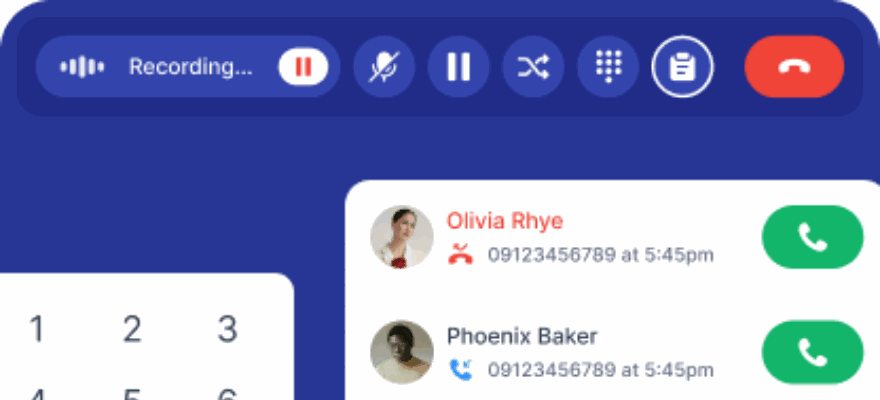
These prompts will serve a menu well. If the goal is that fewer callers need the menu at all, Kai answers the call, finishes the task and hands over the moment it should not decide alone.
No credit card required.