Help Desk with a Built-In Phone System: What to Look For
Short answer: A help desk with a built-in phone system treats every phone call as a case, just like an email or chat ticket. Calls ring inside the same workspace your agents already use, they are recorded and transcribed onto the customer's history, and they count against the same SLA and the same reports. The phone side should include local numbers or your own carrier, IVR and queue routing, callbacks for missed calls, and ideally an AI voice agent that can answer routine calls and hand over cleanly. klink.cloud, the omnichannel inbox and cloud contact center from KLINK, works this way, with Kai as the AI agent for chat and voice, and it is billed per resolved conversation with unlimited users.
Most help desks were built around email tickets, with voice added later as an integration. That is why many support teams still run two systems side by side. This guide explains what changes when the phone is part of the help desk itself, and what to check before you choose one.
What is a help desk with a built-in phone system?
It is a customer support platform where telephony is a native channel rather than a connected product. In practice that means:
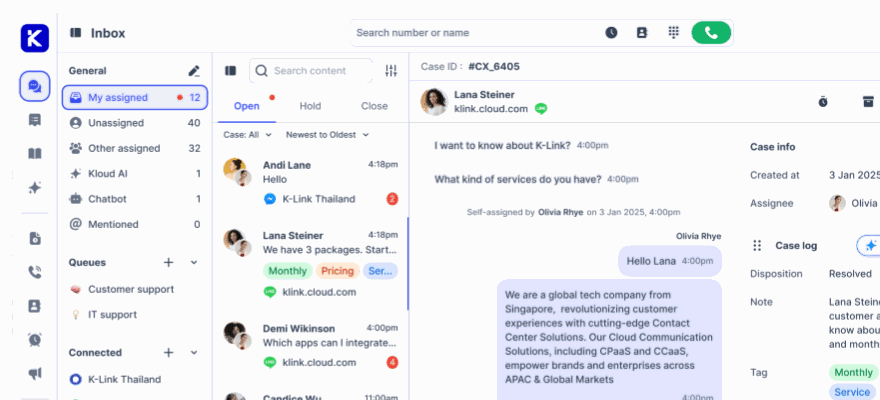
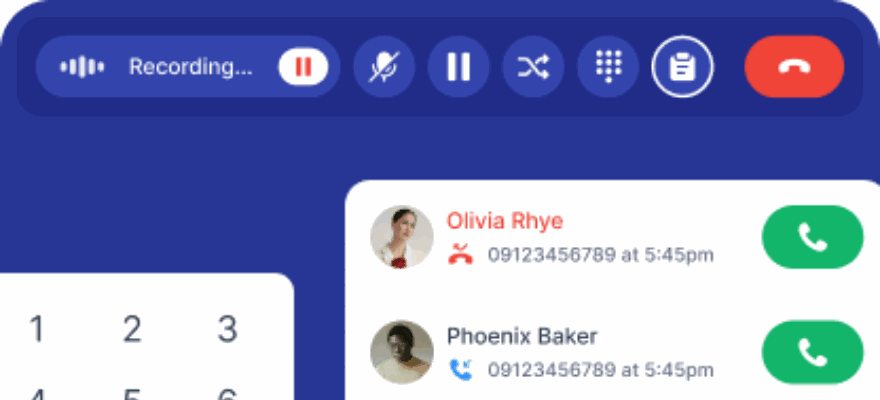
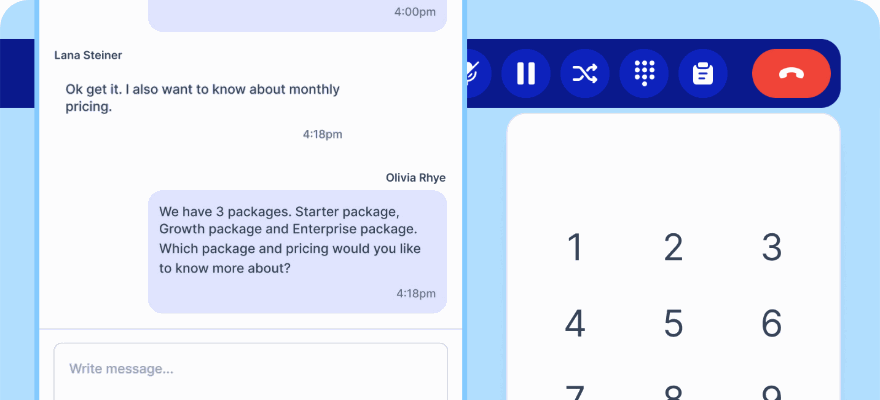
- Agents answer calls in the same screen where they handle tickets, email and chat, with the caller's history already open.
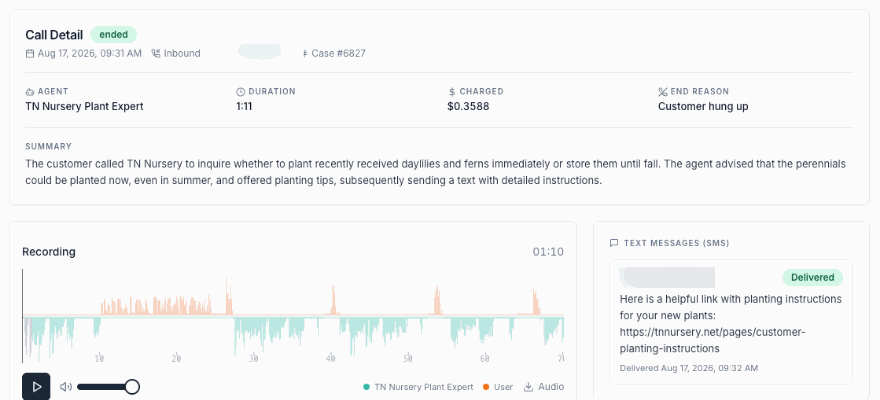
- A call creates or updates a case. The recording, transcript, disposition and notes attach to the customer record automatically.
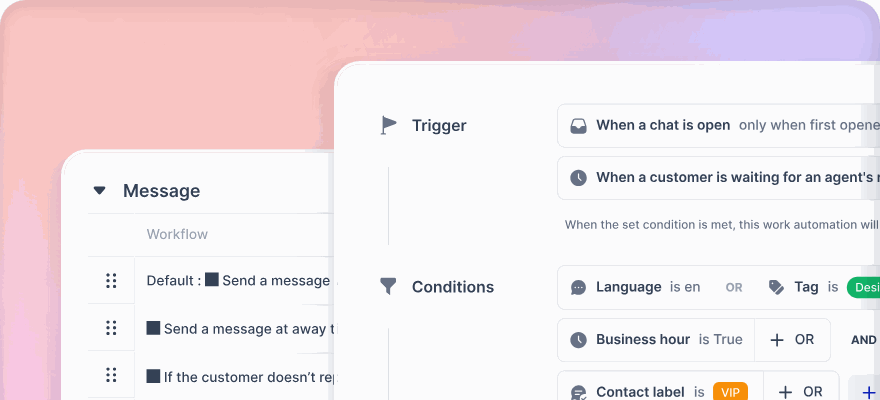
- One set of rules applies to every channel. Queues, business hours, routing and SLA targets are configured once, not once in the help desk and again in a phone console.
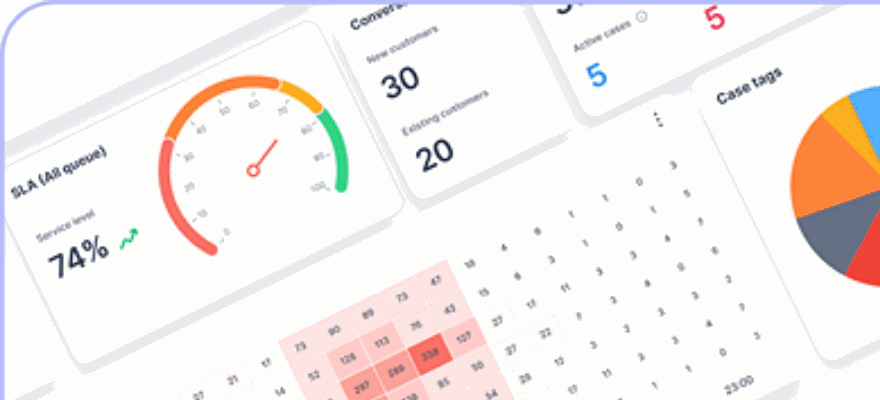
- Reporting covers voice and non-voice together, so you can see total contact volume and resolution time without merging spreadsheets.
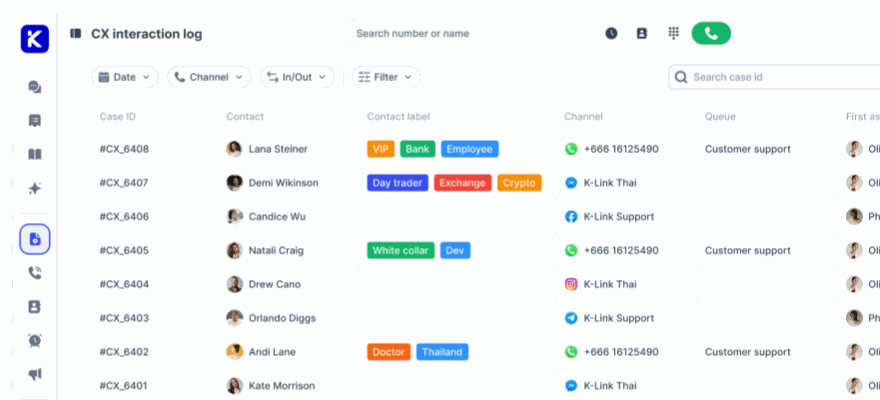
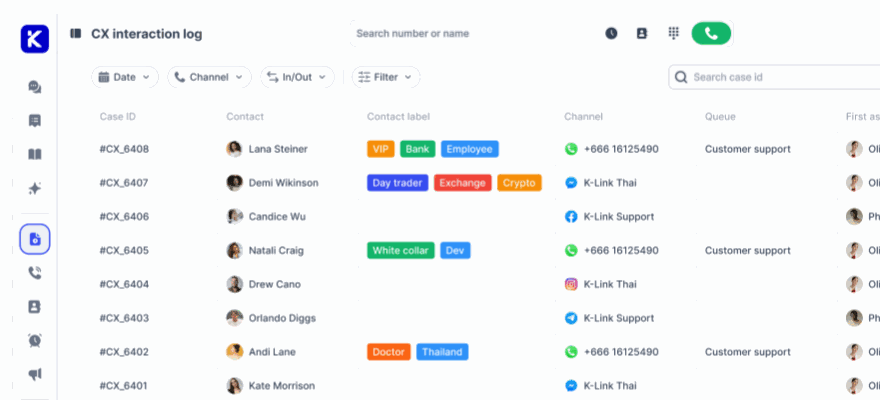
On the klink.cloud customer support help desk, a call is a case like any other, with the same SLA, the same reporting and the same customer history behind it.
Why not connect a separate phone system to your help desk?
Integrations can work, but they tend to break in the places that matter most to a support manager:
- Context. The agent who picks up the phone often cannot see that the same customer emailed yesterday or chatted this morning. The customer has to explain everything again.
- SLAs. Phone calls usually sit outside the ticket SLA, so the fastest, highest intent channel is the one you measure least.
- Reporting. Call data lives in one tool and ticket data in another. Answering a simple question such as "how many contacts did we get about refunds last week" means exporting from both.
- Cost and admin. Two vendors, two sets of licences and two admin consoles to keep in sync.
A built-in phone system removes those seams. The trade-off to check is depth: the phone features need to be good enough that you do not miss a dedicated call center tool.
What phone features should a help desk include?
Use this as a minimum list. Everything below is available on the klink.cloud cloud telephony side of the platform.
Numbers, or the carrier you already have
You should be able to get local numbers in the countries where your customers are, or keep your existing numbers. klink.cloud offers local caller ID across the US, Europe and APAC, and most numbers go live within 24 to 48 hours after a short activation form. If you already have a phone provider, Bring Your Own Carrier connects your existing numbers, PBX or SIP trunk, so nothing has to be ported. SIP, the standard most business voice traffic runs on, is defined in RFC 3261 if your IT team wants to check compatibility.
IVR, routing and queues
Look for IVR menus, skills and language based routing, inbound queue groups per team or region, and business hours, all set up in the same place as your chat rules. If routing needs a separate PBX project, the phone is not really built in.
Callbacks for missed calls
Calls that reach a queue and are never answered should not disappear into a report. klink.cloud turns abandoned calls into a shared Callbacks worklist that agents can claim, call back from the softphone and mark as resolved. Customers can also press a key in a queue or IVR to request a callback. The setup is described in the Callbacks guide.
Recording, transcription and call records
Every call should be recorded and transcribed onto the case, so a phone conversation is as searchable as a chat. For supervisors, check for call detail records per call leg (ring time, queue wait, talk time), an abandoned calls report, queue performance, agent call statistics and a live agent status board.
How should calls and tickets work together?
This is where built-in telephony earns its place. In a well designed help desk:
- A call is logged as a case with its recording, transcript and wrap-up form, and it appears on the contact's activity timeline next to their tickets and chats.
- SLA targets apply across voice and non-voice. On klink.cloud, first response and resolution targets are set per queue and can cover calls and messages alike.
- Follow-up work becomes a ticket without retyping. A conversation can turn into a ticket with status, priority, assignee and custom fields. A workflow can even create the ticket automatically when a conversation closes, with the subject and description drafted from the transcript.
- Agents work the queue their way, in a list or a kanban board with Open, Pending, Resolved and Closed columns.
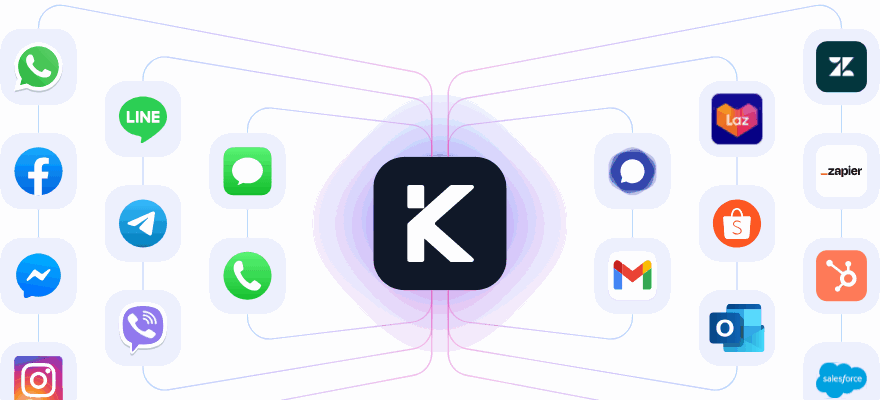
If you are moving from an existing help desk, check whether you have to migrate on day one. klink.cloud can connect Zendesk as a channel, so its tickets appear in the same inbox while you compare. The Zendesk comparison page covers that setup.
Can an AI agent answer the phone in a help desk?
Yes, and this is now the main reason teams look for a help desk with voice built in. A modern AI voice agent should do more than read a menu. It should finish simple tasks and hand over cleanly when it should not decide alone.
With Kai Voice, the AI agent inside klink.cloud can:
- Answer inbound service calls and handle the request end to end where it can.
- Look things up in your systems during the call through HTTP tools you define, for example to check an order or a shipment.
- Send a link by SMS instead of reading a URL aloud.
- Transfer to a person at a number or SIP address you choose, with a line before the handover.
- Place outbound calls for follow-ups and campaigns.
Every AI call is recorded, transcribed with timestamps and summarised in writing, and it becomes a case in the same queue as human-handled calls. That matters for quality control: you can review what the AI said with the same tools you use to review agents. The same Kai agent also answers chat channels, so customers get consistent answers whether they call or message.
How is a help desk with a phone system priced?
Pricing is often where the "built-in" promise falls apart. Common patterns are a per-agent seat licence for the help desk, a separate voice add-on per agent, per-minute call charges, and a further fee for AI. Costs then rise every time you add a team member, even part-time staff who only cover peaks.
klink.cloud uses outcome-based pricing instead. You pay per resolved conversation, every plan includes unlimited users, and Kai is included rather than sold as a separate AI licence. A resolved conversation counts once per customer session, however many messages or channels it involves. On the voice side, Bring Your Own Carrier is billed on concurrent call capacity rather than minutes, and your telco keeps billing call traffic as it does today. Current rates, including local currency options, are on the pricing page.
When you compare vendors, model the cost for your real team size including occasional and part-time agents, and ask which parts (voice, recording, AI, numbers) are separate line items.
What about caller ID, security and compliance?
Three checks are worth adding to any shortlist:
- Caller ID trust. In the US, the FCC requires voice providers to implement STIR/SHAKEN caller ID authentication, which affects how your outbound calls are labelled on customers' phones. Ask any vendor how numbers are provisioned and verified in each country you call.
- Information security. Look for a recognised certification such as ISO/IEC 27001. KLINK is ISO 27001 certified and the platform is hosted on AWS with single sign-on and access controls.
- Recording and retention. Call recording rules differ by country and industry. Recording, retention and permissions should be configurable, and regulated businesses may need private cloud or on-premise deployment, which klink.cloud offers on Enterprise plans.
A quick checklist before you choose
- Does a phone call create or update a case automatically, with the recording attached?
- Do calls share the same queues, business hours and SLA targets as tickets and chat?
- Can you keep your current numbers or carrier, and get local numbers where you need them?
- Are missed calls turned into a callback list rather than just a report?
- Can an AI voice agent take routine calls, act in your systems and hand over with the full context?
- Does the price rise with every new user, or with the work you actually resolve?
If the answer to most of these is yes, the phone is genuinely part of the help desk.
Frequently asked questions
What is a help desk with a built-in phone system?
It is a customer support platform where phone calls are a native channel. Calls are answered in the same workspace as tickets, email and chat, and each call is logged as a case with its recording, transcript and notes on the customer's history.
Can I keep my existing phone numbers?
With klink.cloud, yes. Bring Your Own Carrier connects your existing numbers, PBX or SIP trunk, so nothing has to be ported. You can also add new local numbers in the countries where your customers are.
Do phone calls and tickets share the same SLA?
They can. On klink.cloud, SLA targets for first response and resolution are set per queue and apply across voice and non-voice channels, so calls are measured the same way as tickets.
Can an AI agent answer support calls?
Yes. Kai Voice, the AI voice agent inside klink.cloud, answers inbound calls, looks up information in your systems during the call, sends links by SMS and transfers to a person when needed. Every call is recorded, transcribed and summarised.
Is it priced per agent seat?
Not on klink.cloud. Billing is per resolved conversation, every plan includes unlimited users, and Kai is included on every plan.