
Upload the list, press start
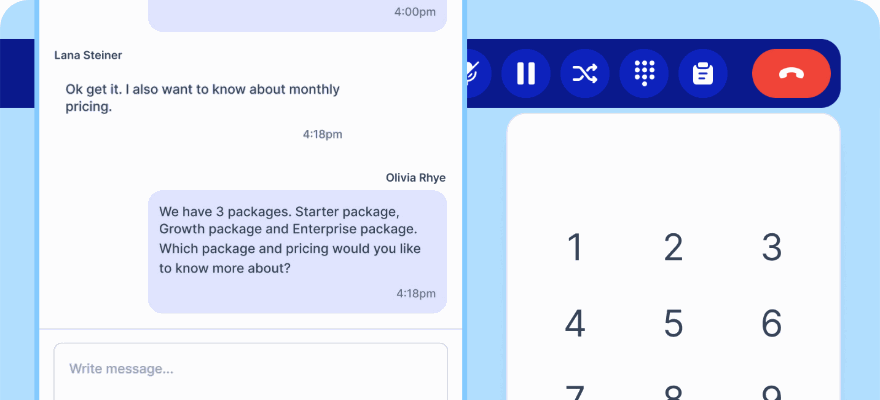
Call Campaign is the outbound dialer inside klink.cloud. You create a campaign, upload a CSV of leads, and the dialer claims the next one, rings it through your extension and opens the wrap up form when the call ends. The rep keeps the conversation. The list keeps itself.
No credit card required.
A list in a spreadsheet is not a campaign
The numbers are in one file, the outcomes are in another, and by Thursday nobody can say which leads were actually called. The dialling is not the hard part. Knowing what happened to every row is.
One lead at a time, through your own extension
The dialer claims the next queued lead, dials it, and marks it calling while it rings and on call once it is answered. Calls go out on the extension of the agent the campaign is assigned to, so nobody picks up to silence.
The outcome lands on the lead, not in a notebook
When the call ends the wrap up form opens. Complete it and the outcome, the disposition and the note are saved against that lead, and the dialer moves to the next one.
Answer rate while it is still running
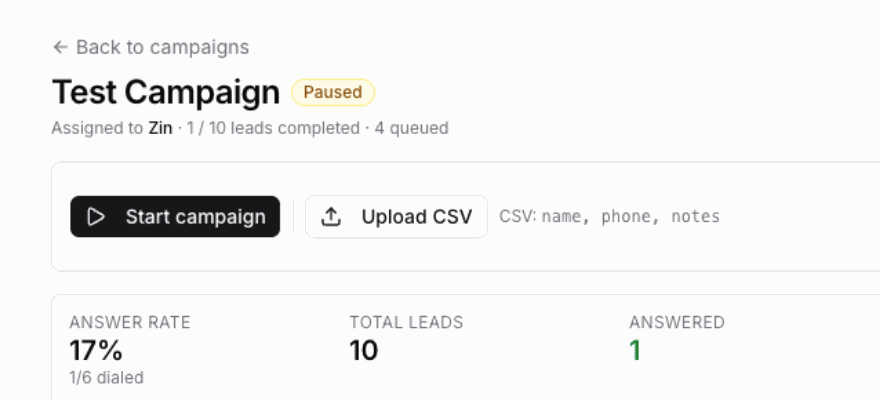
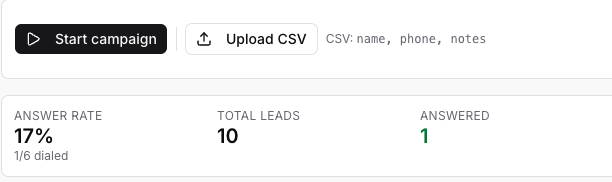
A stats strip across the top of the campaign shows answer rate, total leads, answered, no answer, failed and processed, so a list that is not working is visible in the first twenty calls.
From a CSV to a worked list, in four steps
A campaign is a name and an agent
Call Campaign sits under AI and Automation in the left menu. New campaign asks for a name, an optional description, and the agent who will run the dialer, which defaults to whoever is creating it.
- A name such as Q2 outbound follow ups, and an optional description
- An assigned agent, who is the one that starts and stops the run
- Needs the call log permission and a phone extension
- Nothing else to configure before the first upload

Your list, as the CSV you already have
Upload CSV takes the file as it is. A phone column is the only requirement; name and notes are optional, and headers are read without caring about case. On success the campaign tells you how many leads were added.
- A phone column is all that is required
- Name and notes are optional columns
- Headers are case insensitive
- A file with no header row is read as name, phone, notes
- Rows with no phone number are skipped rather than failing the upload

Start, pause, skip, stop
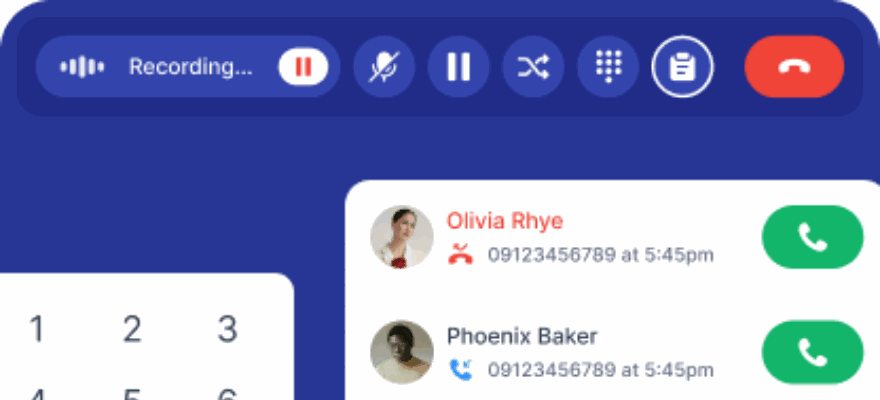
The control bar is five buttons and no ambiguity. Pause is the one worth knowing: it waits for the call in progress to finish rather than cutting a live conversation off mid sentence.
- Start begins dialling the first queued lead
- Pause takes effect after the current call finishes
- Resume continues from where it stopped
- Skip moves past the lead in front of you
- Stop ends the run
- Campaign complete, all leads processed, when the list runs out
Every lead carries what happened to it
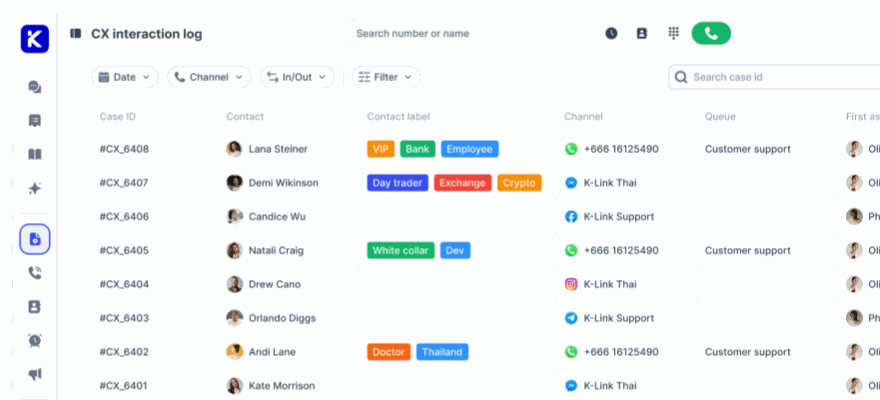
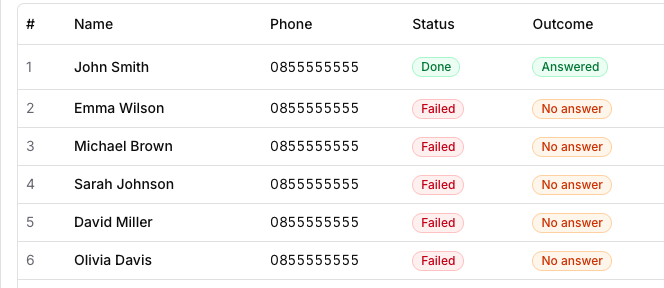
The leads table is the record of the run. Each row keeps its status, its outcome, how many attempts it took, the disposition and note the rep left, and a button that plays the recording of the call.
- Status and outcome on every lead
- Attempt count, so a lead tried twice says so
- Disposition and note from the wrap up form
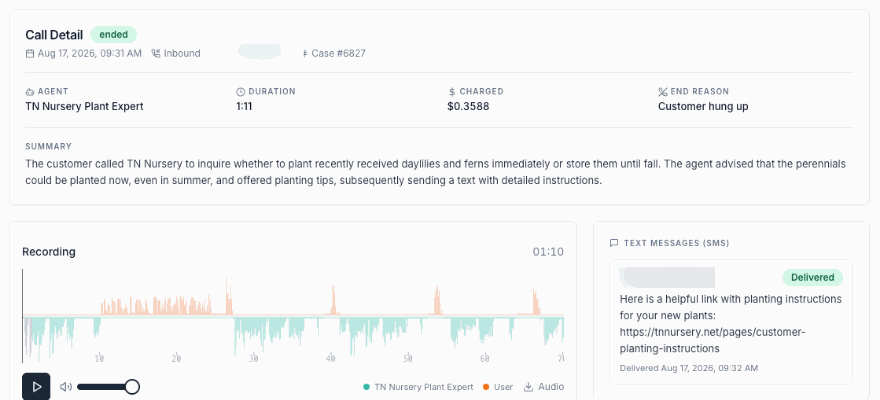
- Play the recording straight from the row
- Answer rate, answered, no answer, failed and processed across the campaign
The dialer, field by field
Call Campaign is deliberately small. This is the whole of it, so you can tell before a demo whether it fits how your team sells.
Where it lives
AI and Automation, then Call Campaign, in the left menu of the workspace your agents already use.
Campaign name
What the run is called in the list, such as Q2 outbound follow ups.
Description
Optional context for whoever picks the campaign up after you.
Assigned agent
The person who runs the dialer. It defaults to you, and the calls go out on that agent extension.
CSV upload
A phone column is required. Name and notes are optional, and a headerless file is read as name, phone, notes.
Skipped rows
A row with no phone number is skipped and the rest of the file still loads.
Lead status
Queued, calling while the phone rings, on call once it is answered, then processed.
Outcome
Answered, no answer or failed, recorded per lead rather than inferred from a total.
Attempts
How many times that lead has been dialled, so a second pass is visible in the table.
Disposition
The same wrap up dispositions the rest of the platform uses, so outbound outcomes report next to inbound cases.
Note
What the rep wrote at the end of the call, saved onto the lead.
Recording
Played back from the lead row, with no hunting through a separate recordings library.
Answer rate
Answered over dialled, updating while the campaign runs.
Campaign totals
Total leads, answered, no answer, failed and processed, across the run.
Extension check
When the softphone is not registered the page says so and gives you a button that opens the call tab.
Graceful pause
Pause waits for the call in progress to end, so a live conversation is never dropped by a button.
Run your first list this week Connect a number, upload a CSV, and the dialer starts at the first lead.
Common questions
Is this a predictive or a power dialer?
Neither. Call Campaign dials one lead at a time and waits for the wrap up form to be completed before it claims the next one. That is slower per hour than a predictive dialer, and it means nobody ever answers your call to silence, because the agent is already on the line.
Can a campaign be scheduled to run overnight?
Not in this version. There is no scheduler. The assigned agent starts, pauses, resumes and stops the run, and the calls go out on that agent extension, so a campaign runs when the person running it is working.
Can each campaign dial from a different caller ID?
Not in this version. There is no per campaign caller ID picker. Calls are placed through the extension of the agent the campaign is assigned to, so the caller ID is whatever that extension already presents.
Is there a call script on screen?
There is no script editor. The rep works from the contact record, the previous conversations on that contact, and the notes column from your CSV, which is where anything specific to one lead belongs.
What does it need before it will ring?
A telephony plan with an extension assigned to the agent, the call log permission on their role, and the call tab open so the extension is registered. If the extension is not connected the campaign page shows a banner and an Open call tab button instead of dialling.
What happens to a lead nobody reached?
It is marked no answer or failed, its attempt count goes up, and it sits under that status in the leads table and in the totals at the top of the campaign, so the unreached part of a list is a number you can look at rather than one you have to work out.
Stop dialling from a spreadsheet
Put the list, the call and the write up in one place, and let the rep keep the conversation.
No credit card required. Cancel anytime.