AI Actions That Get Things Done
Today’s contact centers are under more pressure than ever. Customers want answers instantly. Agents are juggling multiple channels. And operations teams are trying to keep everything running without burning out their staff.
This is where AI Actions step in—and change the game.
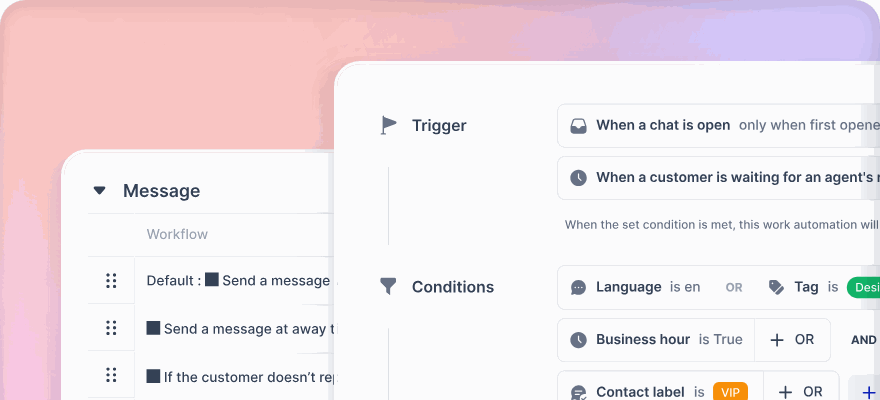
Unlike traditional automation that needs manual input or just sends reminders, AI Actions actually do the work. They trigger workflows, complete tasks, and make smart decisions in real time—just like a human agent would, but faster, more accurately, and around the clock.
With klink.cloud, AI Actions are built right into your contact center, giving you a reliable, intelligent, always-on digital assistant that makes things happen—without missing a beat.
What Are AI Actions?
Think of AI Actions as your system’s ability to act on its own.
They don’t just sit around waiting for someone to push a button. Instead, they detect what’s needed, decide what to do next, and carry it out—all in real time.
For example, AI Actions can:
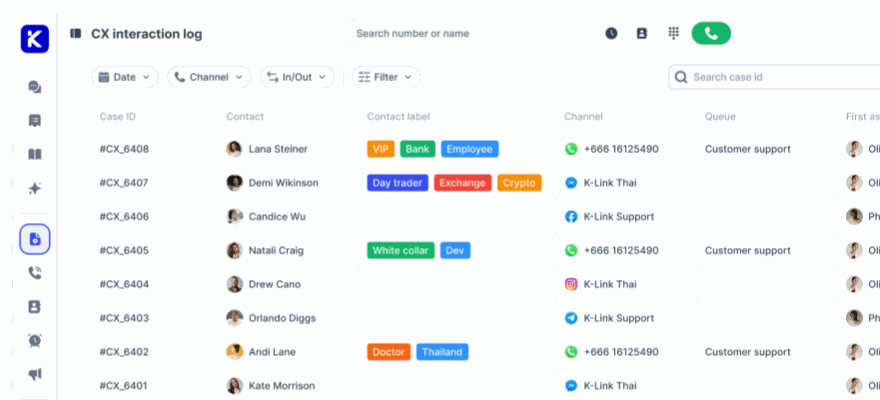
- Create and assign support tickets
- Route conversations to the right teams
- Send out personalized replies
- Escalate urgent issues
- Update customer records and backend systems
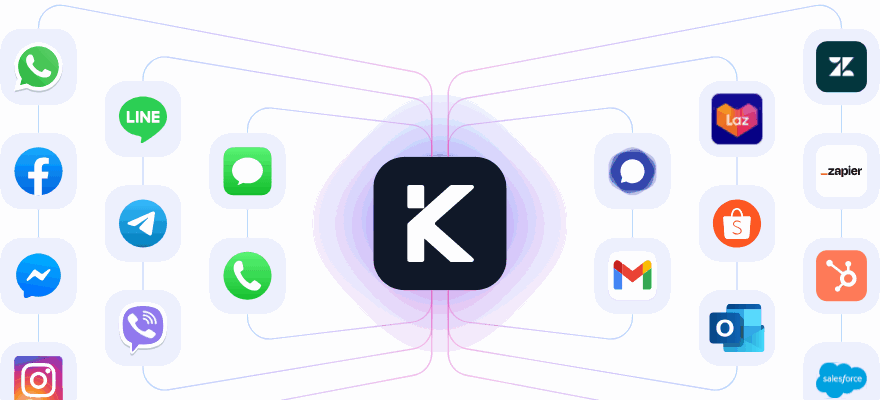
They work across chat, voice, email, social media, and in-app messaging—handling the busywork so your agents can focus on real conversations.
Why AI Actions Matter
Manual processes slow everything down. When agents are spending time tagging tickets, updating fields, copying data, and sending follow-ups, customer wait times increase—and the risk of errors goes up.
AI Actions remove that friction.
They streamline your operations by executing common tasks instantly, consistently, and intelligently. The result? Less stress for your team, and faster, more seamless service for your customers.
With AI Actions:
- Your support team works faster and smarter
- Your customers get instant, relevant responses
- Your operations become scalable without extra hiring
- Your entire contact center runs more efficiently
How AI Actions Work in klink.cloud
Let’s walk through what AI Actions look like in the real world with klink.cloud.
🎟️ Auto-Create and Assign Tickets
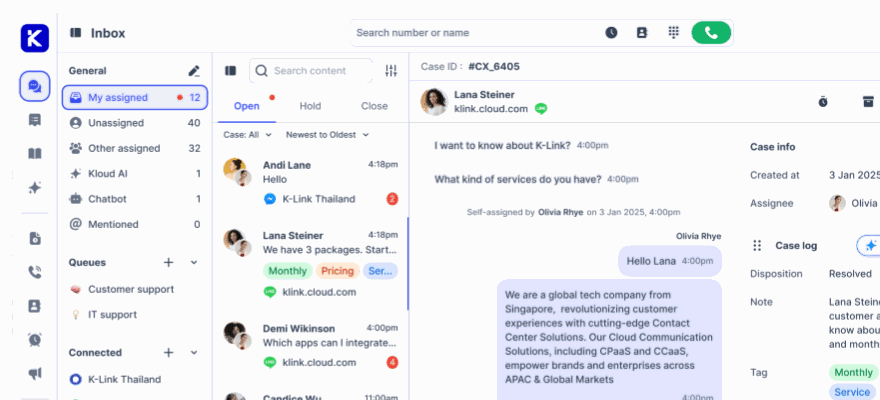
When a customer sends a message like “My order hasn’t arrived,” AI doesn’t wait. It creates a new ticket, pulls the customer’s order history from the CRM, tags it as “delivery,” and assigns it to the right team—automatically.
📬 Instant Replies and Follow-Ups
Once a case is resolved, AI can send a thank-you message, a survey, or even a proactive tip—like a related product or support article. Follow-ups are handled smoothly and on time, without anyone needing to remember.
📞 Real-Time Escalation
If a message includes urgent words like “cancel” or “angry,” or sentiment analysis detects frustration, AI flags the conversation, prioritizes it, notifies a supervisor, and routes it to a senior agent. Customers get the attention they need, before things escalate.
🔄 Back-End Updates
AI can update your CRM, billing system, or ticketing platform without agent intervention. For example, if a refund is processed, AI can automatically update the customer’s profile, close the ticket, and send a status email.
Real Scenarios Where AI Actions Shine
Scenario 1: Escalating a VIP Complaint
A long-time customer messages on WhatsApp, frustrated about a recent charge. AI picks up on the tone, recognizes the customer’s VIP status, and escalates the case directly to a senior support agent—while also alerting the CX lead and creating a priority task.
Scenario 2: Responding to a Common FAQ
A customer asks, “How do I change my password?” AI recognizes the question and replies instantly with a step-by-step help article, marks the query as resolved, and logs the interaction for reporting.
Scenario 3: Smart Routing to the Right Team
A message mentions “invoice error.” AI routes it straight to the finance team, adds the latest order details to the ticket, and informs the customer it’s being looked into—all without agent involvement.
Why Teams Love AI Actions
AI Actions aren’t just helpful—they’re game-changing. Here’s why support teams and managers love them:
- They save time. No more repetitive tasks or chasing updates.
- They improve response times. Customers get help faster, every time.
- They reduce mistakes. AI keeps the workflow tight and consistent.
- They scale with your business. Handle more volume without more staff.
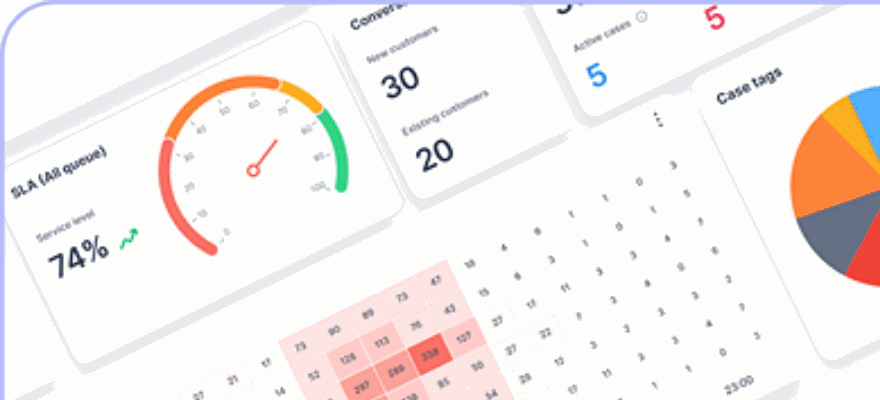
- They’re easy to track. Every action is recorded and visible in dashboards.
With less manual overhead, agents are happier and more focused. And customers? They get the quick, reliable support they expect.
Frequently Asked Questions
🤖 Can AI really complete tasks like a human?
Yes! In klink.cloud, AI doesn’t just suggest actions—it takes them. From ticket handling to data sync, it gets things done without needing a human to step in.
🛠 Can we customize what AI does?
Absolutely. You control the logic, rules, and workflows. AI Actions are fully configurable to match your process and business goals.
📈 How can I track what AI is doing?
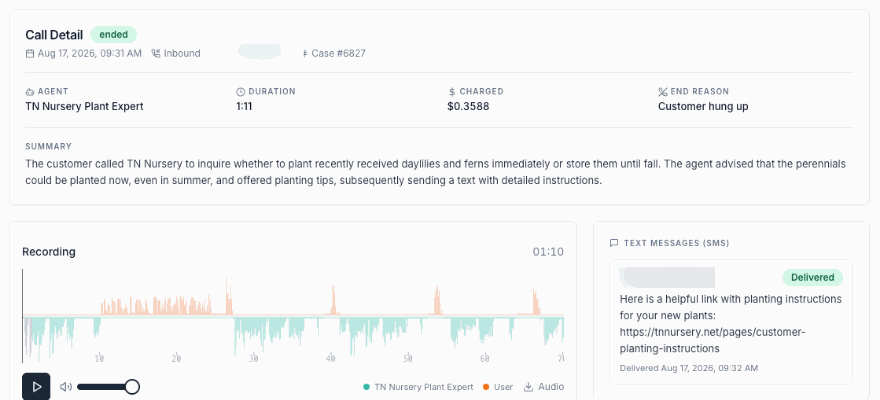
Everything AI does is tracked, from task completion times to escalation counts. You can monitor and adjust workflows anytime via our intuitive dashboards.
👥 Is this only for large enterprises?
Not at all. AI Actions are great for small and mid-sized teams too—especially if you want to improve speed and service without growing your team.
Final Thoughts: Let AI Do the Doing
Support teams have enough on their plate. Let AI handle the rest.
With AI Actions from klink.cloud, your contact center becomes faster, more consistent, and far more efficient. You’ll resolve issues quicker, reduce manual work, and make your entire CX operation run smoother—without losing the human touch.
Whether it’s creating tickets, sending follow-ups, routing conversations, or updating systems, AI Actions get it done.