WhatsApp Customer Service Platform in Malaysia: What to Look For
Short answer: A good WhatsApp customer service platform for a Malaysian business connects your number through the official WhatsApp Business API, puts every chat into a shared team inbox with assignment and SLAs, lets an AI agent answer routine questions in English and Bahasa Malaysia, and keeps WhatsApp in the same queue as your calls, email and other chat apps. It should also price in a way that does not punish you for adding staff or growing your contact list. klink.cloud, KLINK's omnichannel inbox and cloud contact center, does all of this, with Kai as the AI agent inside it and pricing available in MYR.
WhatsApp is where many Malaysian customers expect to reach a business, whether they are asking about stock, booking a service or chasing a delivery. Most teams start with one phone and a WhatsApp Business app. That works for a while, then breaks as soon as several people need to reply, a manager wants reports, or the person holding the phone goes on leave. This guide explains what to check before you choose a platform.
Why does a Malaysian business need a WhatsApp platform instead of the app?
The WhatsApp Business app is built for one device and a small number of linked devices. A customer service team needs more than that:
- Shared access without sharing a phone. Several agents should work the same number at once, each with their own login.
- Assignment and ownership. Every chat should belong to someone, so nothing sits unanswered because everyone assumed a colleague had it.
- History that stays with the business. When a staff member leaves, the conversations should stay in your system, not on their handset.
- Reporting. You can't improve response times you can't see.
A platform built on the official API solves these problems. As the klink.cloud WhatsApp page puts it, the aim is WhatsApp run by a team instead of a phone.
What is the WhatsApp Business API, and do you need it?
The WhatsApp Business API (now delivered mainly as Meta's WhatsApp Cloud API) is how software platforms connect to WhatsApp at business scale. It is what makes a shared inbox, automation and integrations possible.
For customer service in Malaysia, the API matters for four reasons:
- Verified business identity. Your business is verified with Meta rather than relying on a personal account borrowed for work.
- Official Business Account status. Once Meta approves it, your business name shows in the chat header instead of a phone number.
- Message templates. You can reach customers after the conversation window closes, using templates Meta has approved.
- Scale. Many agents and an AI agent can work the same number at the same time.
In klink.cloud you can connect through Meta directly, which is the recommended route, or through 360dialog. If you want to start before business verification is complete, there is also a mobile connection by QR code or verification code. The WhatsApp setup guide in the klink.cloud docs walks through each option.
Can we keep our existing WhatsApp number?
Usually, yes. An existing number can be moved onto the Business API, but it must first be freed from the WhatsApp app. That step deletes the account and chat history on that handset, so export anything you need before you start. After that, the number can be registered on the API and connected to your platform.
Plan the switch for a quiet period and tell your team in advance. Customers keep messaging the same number, so for them nothing changes except faster replies.
What WhatsApp rules affect customer service?
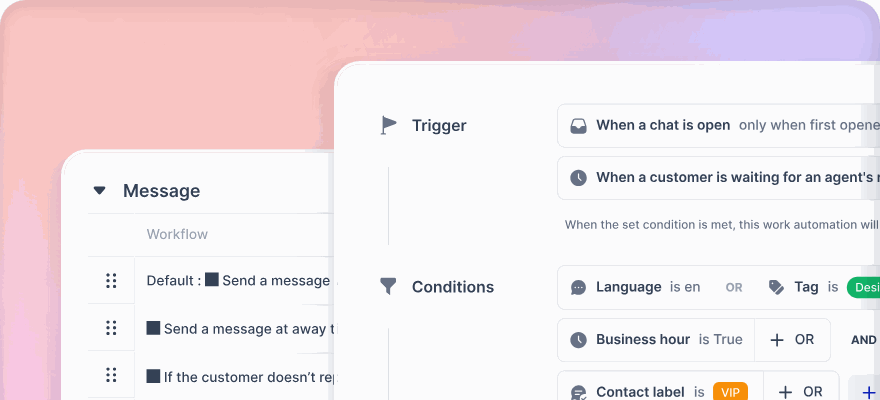
WhatsApp is strict about how businesses message customers, and a good platform handles these rules for your agents instead of leaving them to remember.
The 24-hour window. You can send free-form replies within 24 hours of the customer's last message. Outside that window, you can only send an approved message template. In klink.cloud, the composer knows when the window has closed, tells the agent and switches to templates, so a reply never fails silently.
Message charges. Meta charges for some business messages, and the categories and rates change from time to time. Check Meta's current WhatsApp pricing documentation rather than relying on an old price list, and ask any platform you evaluate how Meta charges are passed through.
Business policy. Meta's WhatsApp Business Policy sets out what you may send and how customers must opt in. Following it protects your number's quality rating and your account.
Personal data. Customer chats contain personal data. In Malaysia that brings the Personal Data Protection Act into scope, so check how a platform stores, retains and exports conversations. The Personal Data Protection Commissioner publishes official guidance.
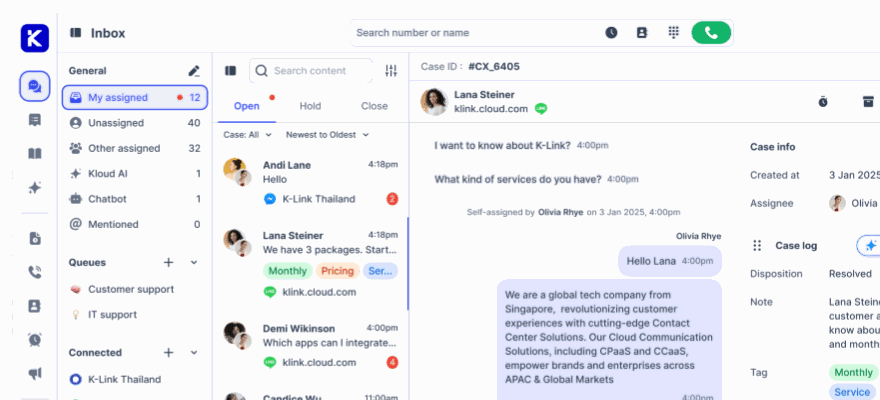
What should a shared WhatsApp team inbox include?
Once WhatsApp is connected, the day-to-day value comes from the inbox. Look for:
- Assignment and transfer, so a chat moves to the right person with its history attached.
- Internal notes and @mentions, so colleagues can help without the customer seeing the discussion.
- Queues and SLAs, so WhatsApp is measured on the same clock as every other channel.
- Attachments, because customers send photos of products, receipts and documents.
- Inline translation, useful in Malaysia where customers may write in English, Bahasa Malaysia or Chinese.
- CSAT surveys sent after a conversation is resolved.
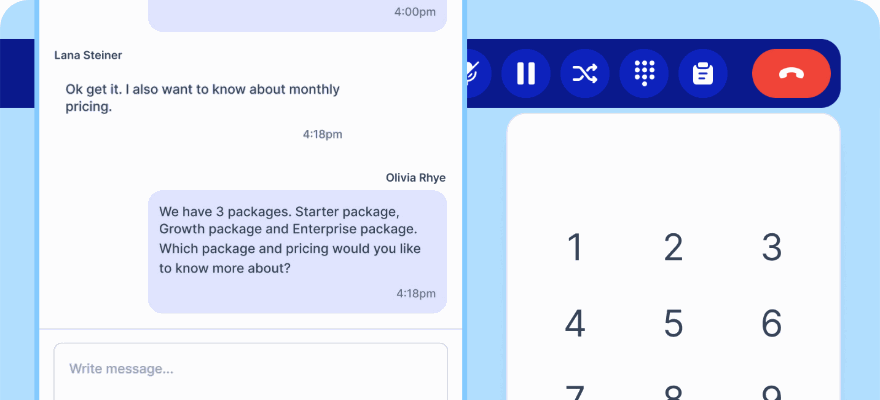
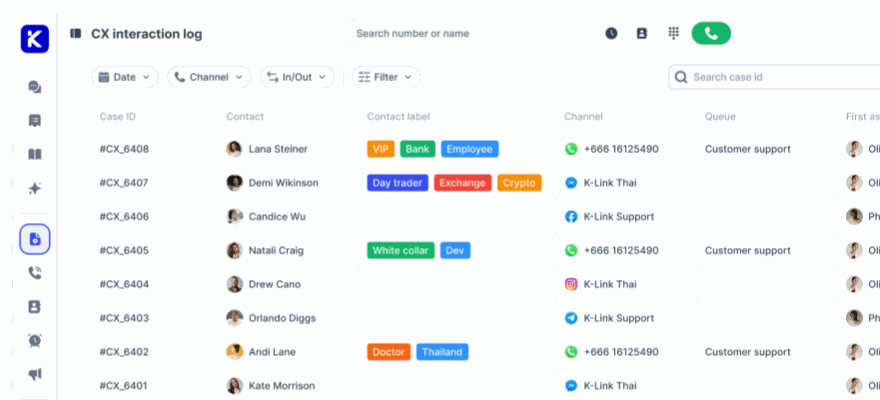
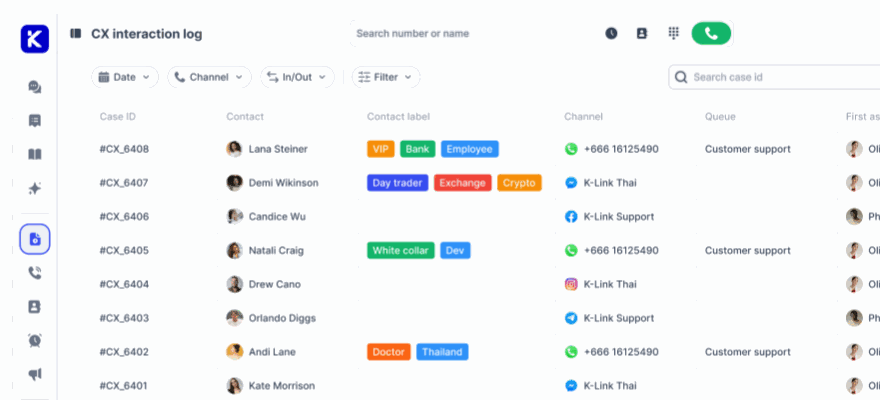
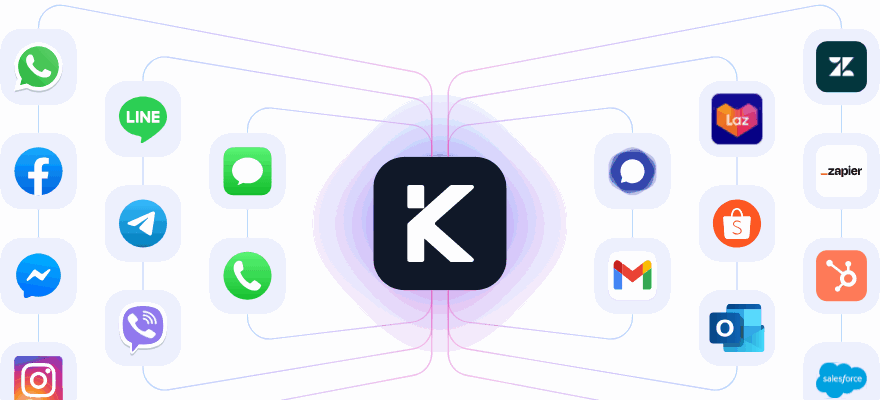
klink.cloud includes each of these on WhatsApp. Because it is an omnichannel inbox, the same tools apply to Facebook Messenger, Instagram, LINE, email, live chat and calls, so agents learn one way of working.
How does an AI agent help on WhatsApp?
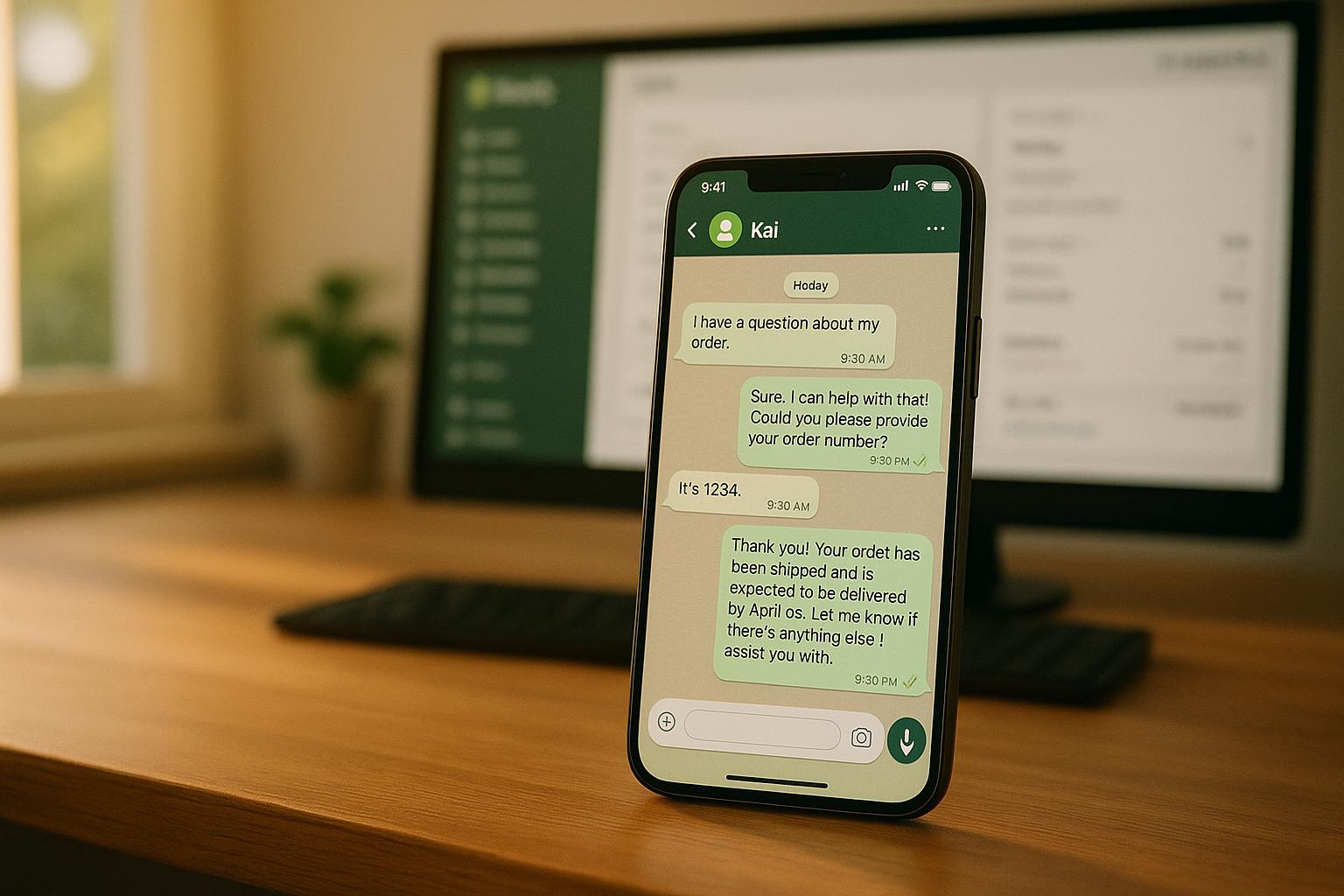
Many WhatsApp questions are the same few, asked many times: opening hours, prices, order status, how to book. An AI agent can answer these first, from your own content, and pass anything else to a person.
A useful WhatsApp AI agent should:
- answer from your approved knowledge base, such as FAQs, documents and website pages
- complete simple tasks, such as looking up an order or taking a booking, where your systems allow it
- reply in the customer's language
- hand over to a human with the full thread attached when it can't help or the customer asks
In klink.cloud, Kai is the AI agent inside the platform. It works on WhatsApp exactly as it does on other channels, trained on the same knowledge, and hands over with the conversation history. For more on choosing an AI agent for WhatsApp specifically, see our guide to the best AI agent for WhatsApp support.
Should WhatsApp sit in the same system as your phone calls?
For most service teams, yes. Customers don't stay on one channel. Someone might WhatsApp about a delivery, then call when it is late. If WhatsApp and the phone system are separate tools, the agent on the call can't see the chat, and the customer has to explain everything again.
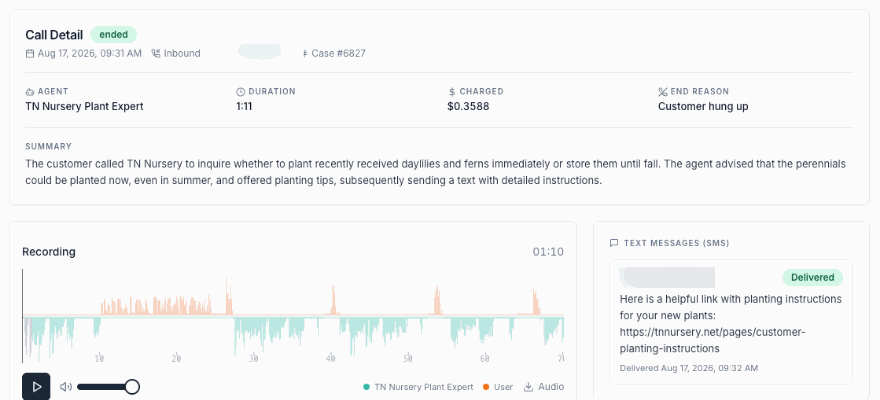
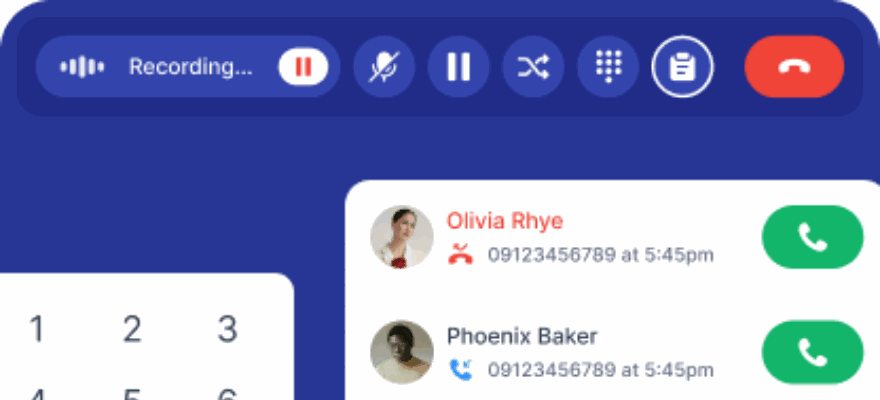
When calls and chats share one queue, every interaction sits on one timeline. klink.cloud includes a cloud contact center with inbound and outbound calling, recording and IVR, in the same workspace as WhatsApp. You can bring your own carrier or SIP trunk, or take new virtual numbers.
This is also where messaging-only tools differ from a full customer service platform. A tool built around WhatsApp marketing may connect calls through a separate VoIP integration, if at all. Our klink.cloud vs respond.io comparison shows how this plays out in practice.
How is WhatsApp customer service software priced in Malaysia?
Pricing models vary a lot, so compare them on your own numbers. Common approaches include:
- Per user seat, where cost rises every time you add an agent
- Per monthly active contact, where cost rises as your audience grows, even if many of those contacts never need support
- Per resolved conversation, where you pay for completed customer interactions
klink.cloud uses the third model. Billing is per resolved conversation, not per message, so a customer who sends twenty messages in one session counts once. Every plan includes unlimited users and Kai, with no separate AI licence. Pricing is shown in several currencies, including MYR. See the klink.cloud pricing page for current plans. Meta's own WhatsApp message charges are separate from any platform fee.
How do you choose the right platform?
Before you sign up, test each shortlisted platform against a short checklist:
- Does it connect through the official WhatsApp Business API, and can you migrate your existing number?
- Can several agents work the same number with assignment, notes and SLAs?
- Does it handle the 24-hour window and templates for your agents?
- Can an AI agent answer from your own content and hand over cleanly?
- Are calls, email and other chat apps in the same queue, or in separate tools?
- Does the pricing model fit how your team and contact list will grow?
- Can you export your conversation history and meet your data protection duties?
The quickest way to answer these is to connect one number and run your busiest queue for a week. klink.cloud lets you start free and connect WhatsApp through Meta, 360dialog or a QR code.
Frequently asked questions
What is the best WhatsApp customer service platform in Malaysia?
The best fit depends on team size and channels. Look for official WhatsApp Business API access, a shared inbox with assignment and SLAs, an AI agent that answers from your content, and calls in the same queue. klink.cloud covers all four, with Kai included on every plan and pricing in MYR.
Do I need the WhatsApp Business API for customer service?
If more than one or two people reply to customers, yes. The API supports a shared team inbox, verified business status, message templates and automation, which the WhatsApp Business app does not.
Can I use my current WhatsApp number on the Business API?
Usually, yes. The number must first be freed from the WhatsApp app, which deletes its account and history on that handset. It can then be registered on the Business API and connected to your platform.
What is the WhatsApp 24-hour window?
Businesses can send free-form replies within 24 hours of the customer's last message. After that, only approved message templates can be sent until the customer writes again.
Can an AI agent reply to WhatsApp messages automatically?
Yes. An AI agent such as Kai in klink.cloud can answer routine WhatsApp questions from your own knowledge base and hand the chat to a person, with the full thread, when it can't help.
How does klink.cloud charge for WhatsApp customer service?
klink.cloud bills per resolved conversation, not per message or per seat. Every plan includes unlimited users and the Kai AI agent, and pricing is available in MYR. Meta's WhatsApp message charges are separate.